Hana
English · Narration
Write a conversation that moves between English and Chinese, or any two languages. FullCastBook works out who says each line, voices every speaker differently and returns the whole exchange as one audio file.

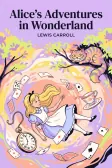
Lewis Carroll
Alice's Adventures in Wonderland
Alice asks the grinning Cheshire Cat for directions — and gets none.
The Cat only grinned when it saw Alice. It looked good-natured, she thought; still it had very long claws and a great many teeth, so she felt it ought to be treated with respect.
Step-by-step guide
No card to sign up, nothing to install.
Hear an example
Generated from the script below with the studio's own voices and settings, one voice per speaker, joined the way an export joins lines. No edits afterwards.
Lin · Emma · Voices: Gemini 3.8 Flash TTS
Bilingual Dialogue Audio
What you get, from manuscript to finished audiobook.
Script template
Replace the text in brackets with your own, paste it into the studio, and every speaker gets a voice.
Copy this, replace the brackets and paste it into the studio. One speaker name per line, each line in the language that speaker uses.
Part 1: [LESSON TITLE, e.g. At the tea shop]

NARRATOR: [One sentence setting the scene, in the students' first language.]

[NATIVE SPEAKER]: [Greeting in the target language.]
[LEARNER]: [Attempt at a reply in the target language.] [Short question in the first language, e.g. "Did I say that right?"]
[NATIVE SPEAKER]: (encouraging) [Confirm in the first language.] [Repeat the correct phrase in the target language.]
[LEARNER]: [Next request in the target language.]
[NATIVE SPEAKER]: [Question in the target language.] [Same question in the first language.]
[LEARNER]: [Answer in the target language.] How do I say "[KEY PHRASE]"?
[NATIVE SPEAKER]: (slowly, clearly) [KEY PHRASE in the target language.]
[LEARNER]: [KEY PHRASE, repeated.] [Follow-up question in the first language.]
[NATIVE SPEAKER]: [Answer in the target language.] [Same answer in the first language.]
[LEARNER]: [laugh] [Thank-you in the target language.]
[NATIVE SPEAKER]: [Reply in the target language.] [Compliment in the first language.]

NARRATOR: Now listen again and repeat each line after [NATIVE SPEAKER].

Part 2: [NEXT LESSON TITLE]

[NATIVE SPEAKER]: ...
"Part 1:" headings become separate chapters, so a ZIP export gives one MP3 per lesson. Parentheses hold delivery notes; delete any you don't need.
Use cases
Where authors and storytellers put it to work.
In practice


Demo performances. In the studio you cast from standard and premium voice lists.
English · Narration
English · Narration
English · Narration
English · Narration
English · Explainer
English · Narration
English · Narration
English · Narration
English · Creator
English · Narration
In depth
Bilingual dialogue audio is a conversation where the speakers use more than one language: a learner asking in English and a tea shop owner answering in Chinese, a parent and a child who switch mid-story, two colleagues who mix languages without thinking. To be useful, the recording has to keep two things clear at once: who is speaking, and which language they are speaking.
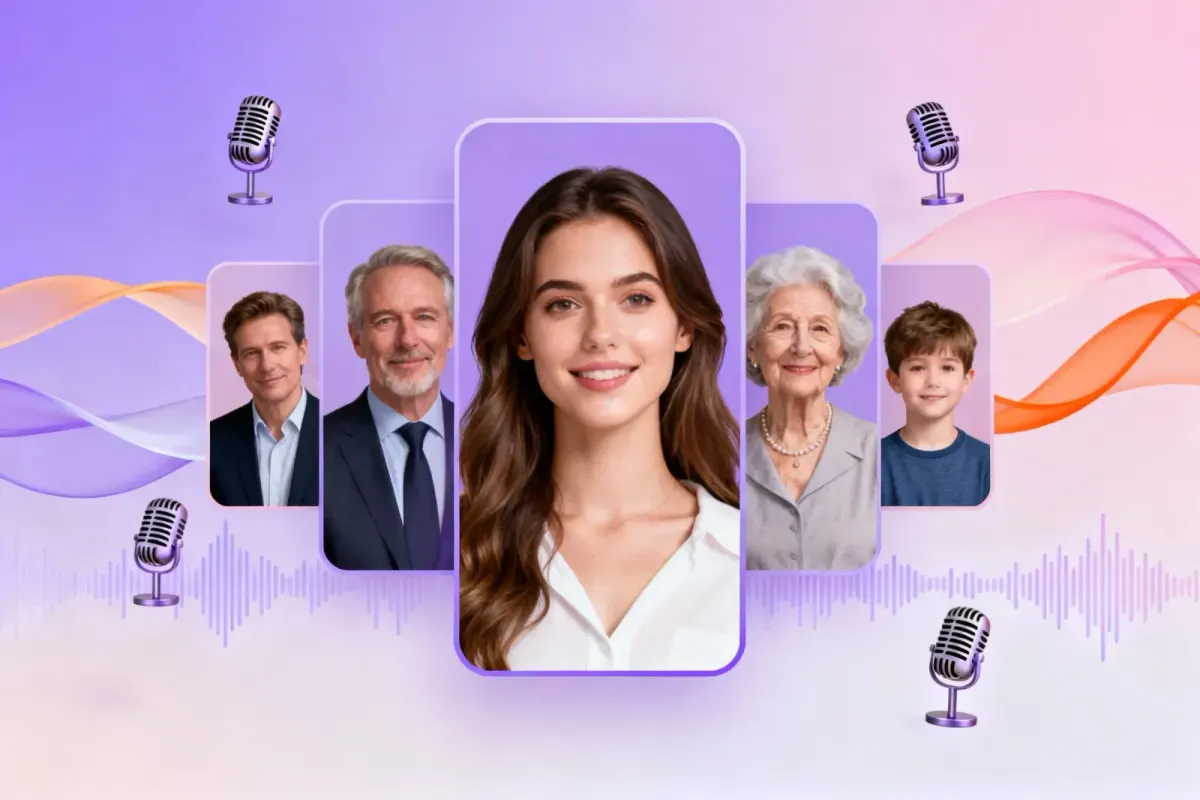
FullCastBook handles the first part the way it handles any script. It reads the text, assigns each line to a speaker and gives every speaker a different voice. The second part works because each line is generated on its own, so a line in English and a reply in Chinese are each read in their own language. You review the cast, adjust a line or two and download one file. For the general case of dialogue with several voices, see multi-voice text to speech.
Write the dialogue as a script: a speaker name, a colon, then the line. EMMA: Can I have a green tea? LIN: 当然可以,热的还是冰的? The names tell the studio who is talking, and the text itself tells the voice which language to read. You don't need to tag languages or split the file in two.
A speaker keeps the same voice whichever language they use. That matters for learning: when Lin says a phrase in Chinese and then repeats it in English, students hear one person explaining, not a second character arriving. If you want the translation to sound like someone else, a narrator or a teacher, give it its own speaker name and its own line.
Lines can also mix languages, the way a learner reaches for a word they know. Short switches, a single word or a set phrase, usually read naturally. Long sentences that change language twice or three times are where any voice is most likely to stumble, so keep switches at clause boundaries and listen to those lines first.
Real bilingual speech has patterns, and copying them makes the audio easier to follow. People switch for a quoted phrase ("How do I say 'less sugar'?"), for a word that has no good equivalent, or to repeat something for emphasis. They rarely switch in the middle of a name or a number. Write the switch where a speaker would take a breath.
For lessons, a reliable pattern is model, attempt, confirm. The native speaker says the phrase, the learner tries it, the native speaker repeats it correctly. Three short lines teach more than one long one, and each can be regenerated alone if the pronunciation slips. Keep each line to one or two sentences; short lines are easier to repeat after, and easier to fix.
Watch characters and words that can be read more than one way. Chinese polyphonic characters, abbreviations and names are where mistakes appear. If a voice misreads one, change the wording or spell a name the way it sounds, then regenerate that line. The pronunciation guide has more on respelling names.
Contrast does most of the work. Pair a younger voice with an older one, or a bright voice with a low, calm one, so students can tell the speakers apart even when they don't understand every word. If the scene has a narrator who gives instructions or translations, keep that voice calmer and more neutral than the characters.
The standard voices run on Gemini TTS, which reads many languages, and you can switch to the premium ElevenLabs voices if you prefer their sound. Voices are not tied to one language, so choose by character, not by flag. English works best today; for any other language, generate the first three or four lines and listen before you voice a whole unit. If you build full books for learners, see language learning audiobooks.
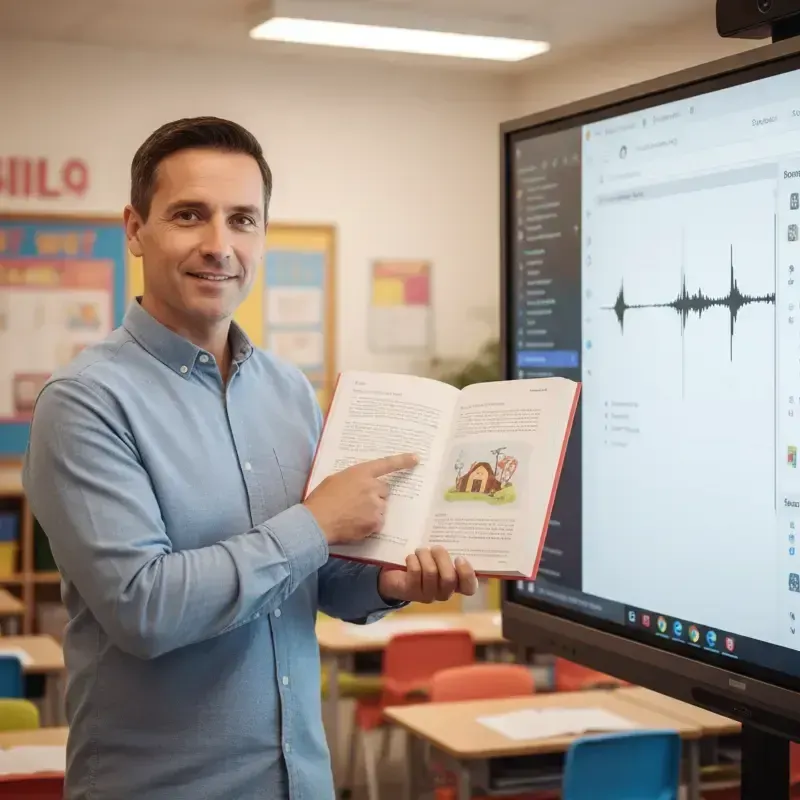
Teachers use bilingual dialogue audio for listening exercises: a short scene in the target language with a support line in the students' first language, played in class or sent home. A set of ten scenes can become one file per lesson if you put each under its own heading, such as Part 1: At the tea shop, and export the ZIP.
Families use it for stories where a grandparent speaks one language and a child answers in another, which is how many bilingual homes actually sound. Writers use it to hear code-switching characters read aloud before a book goes to print. Classroom read-alouds with a voice per character are covered in classroom read aloud.
AI voices are good but not a native-speaker check. Before you give a recording to students, have someone fluent listen to the lines in their language, especially tones, numbers and names. A wrong tone in a lesson teaches the wrong thing, so regenerate any line that sounds off; it costs only that line.
Creating audio runs on credits: signing up is free with no card, and you pay with credits, a plan or a one-time top-up, when you create. Credits are counted by the characters voiced, so a short dialogue costs little, and regenerating a line uses credits again; see pricing. Export one MP3, one MP3 per lesson in a ZIP, or an M4B with chapter markers. The studio makes audio only: no video, no subtitles and no separate file for each line.
Tips
Yes. Each line is generated on its own, so an English line and a Chinese reply in the same script are each read in their own language, and every speaker keeps their own voice throughout.
Yes, and short switches, like a single word or a set phrase, usually read naturally. Long sentences that change language several times are harder for any voice, so keep switches at natural pauses and listen to those lines first.
Yes. A speaker's voice stays the same when they switch languages, which helps learners follow who is talking. If you want translations in a different voice, give them their own speaker name.
Check them by ear before you share the file. Tones, polyphonic characters and names are where mistakes show; if a line is wrong, rephrase it and regenerate just that line.
The voices read many languages, and English works best today. For any other pair, generate a few lines and listen before you voice a whole lesson set. More in language learning audiobooks.
You can ask for it: write a direction such as [slowly, clearly, for a beginner] before the lines that need it. To drill a phrase, write it as its own short line so it can be repeated or regenerated alone.
No, there are no free credits. Signing up is free with no card, and you pay with credits, a plan or a one-time top-up, when you create; a short dialogue costs little. See pricing.
Keep exploring
 ToolMulti-Voice Text to SpeechPaste a dialogue, a script or a scene and hear every speaker in a different AI voice, then download one MP3.AudienceESL Listening Dialogue MakerTurn a written ESL dialogue into listening audio with a different voice for each speaker, for lessons and tests.
 AudienceLanguage Learning AudiobooksTurn graded readers you wrote, public-domain stories and class dialogues into audio with a voice per speaker.GuideAudiobook pronunciation guideGet every name right with AI voices: a name list, phonetic respelling, and one-line fixes.AudienceClassroom Read-Aloud AudioChapter-sized read-aloud files from texts you can use, with distinct voices so students follow the dialogue.
 GuideAI voice emotion tagsBracket notes and sound tags that work in long-form narration, which voices follow them, and when to stop.
Write the dialogue, cast the voices and download one MP3. Free to sign up; pay with credits when you create.