Jessica
English · Explainer
For scripted podcasts
Paste your episode script with a name before each line. FullCastBook works out which host says what, gives every host and guest a different AI voice and returns the episode as one audio file.

Lewis Carroll
Alice's Adventures in Wonderland
Alice asks the grinning Cheshire Cat for directions — and gets none.
The Cat only grinned when it saw Alice. It looked good-natured, she thought; still it had very long claws and a great many teeth, so she felt it ought to be treated with respect.
Step-by-step guide
No card to sign up, nothing to install.
Hear an example
Generated from the script below with the studio's own voices and settings, one voice per speaker, joined the way an export joins lines. No edits afterwards.
Maya · Dev · Voices: Gemini 3.8 Flash TTS
Podcast Script to Audio
What you get, from manuscript to finished audiobook.
Script template
Replace the text in brackets with your own, paste it into the studio, and every speaker gets a voice.
Copy this into the studio, replace every CAPITALISED placeholder, and rename HOST A, HOST B and GUEST to real first names. Each "Part" line becomes a chapter.
Part 1: Cold open

HOST A: [ONE LINE THAT HOOKS THE LISTENER: A QUESTION, A SURPRISING FACT, A TINY STORY.]
HOST B: [surprised] [A QUICK, HONEST REACTION.]
HOST A: [PAY IT OFF IN ONE SENTENCE, OR PROMISE TO EXPLAIN LATER.]

Part 2: Intro

HOST A: Welcome to [SHOW NAME], the show about [TOPIC]. I'm [HOST A NAME].
HOST B: And I'm [HOST B NAME]. Today we're talking about [EPISODE TOPIC].
HOST A: Joining us is [GUEST NAME], who [ONE-LINE BIO].
GUEST: Thanks for having me. [A SHORT, FRIENDLY HELLO.]

Part 3: Main segment

HOST B: Let's start with the basics. [FIRST QUESTION]?
GUEST: [ANSWER IN TWO OR THREE SHORT SENTENCES.]
HOST A: [cutting in] Wait, [THE FOLLOW-UP A LISTENER WOULD ASK]?
GUEST: [laugh] [ANSWER, WITH ONE CONCRETE EXAMPLE.]
HOST B: [A LIGHT REACTION, THEN THE NEXT QUESTION.]

Part 4: Wrap-up

HOST A: If you remember one thing from today, it's [KEY TAKEAWAY].
HOST B: You can find [GUEST NAME] at [WHERE TO FIND THEM, SPELLED OUT].
HOST A: Thanks for listening to [SHOW NAME]. See you next week.
HOST B: [warm] Bye, everyone.
Lowercase notes in square brackets, like [cutting in] or [laugh], are performed, not read. Anything left in square brackets is treated as a direction, so replace every placeholder before you generate.
Use cases
Where authors and storytellers put it to work.

In practice
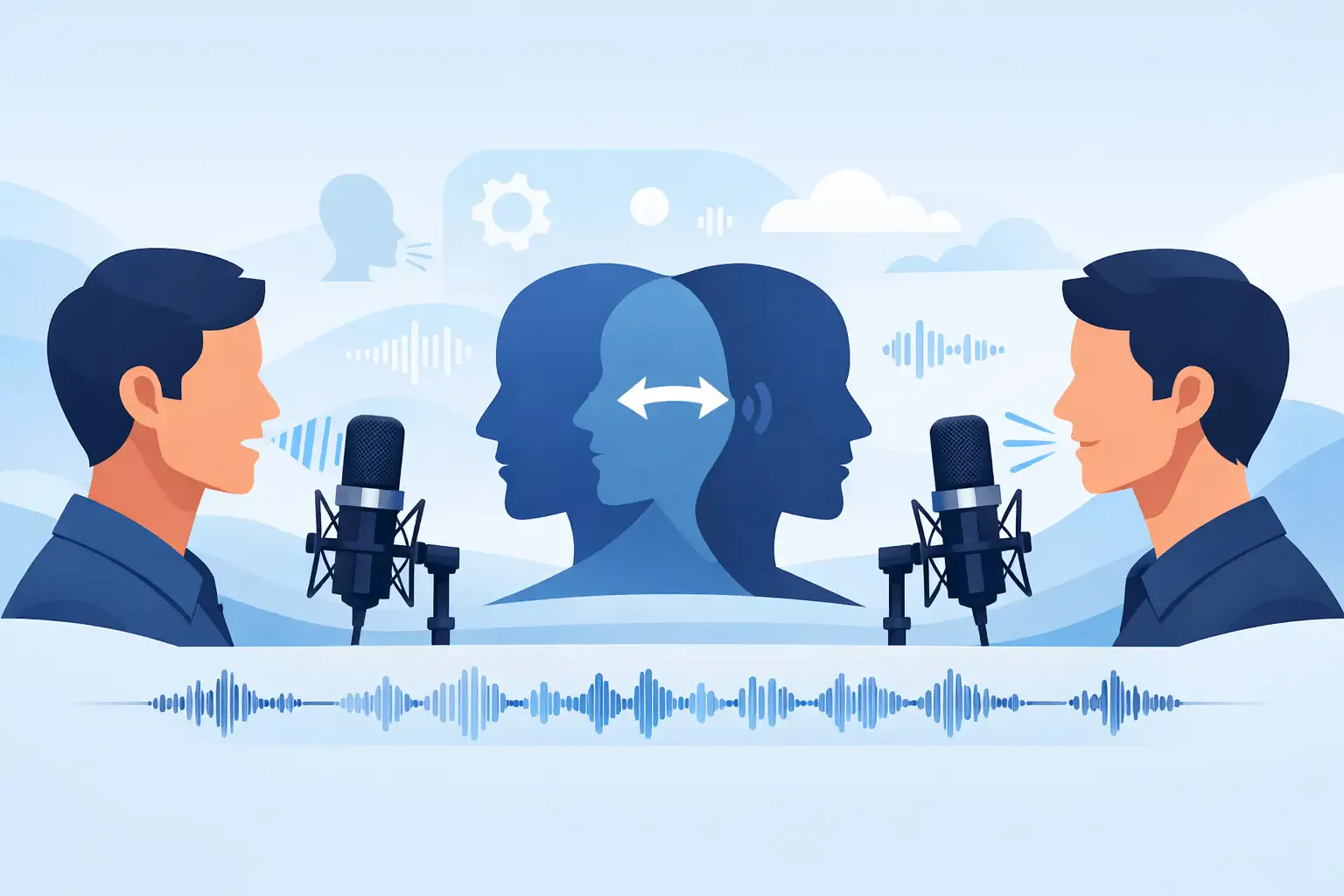
Demo performances. In the studio you cast from standard and premium voice lists.
English · Explainer
English · Creator
English · Creator
English · Narration
English · Narration
English · Narration
English · Narration
English · Narration
English · Narration
English · Narration
In depth
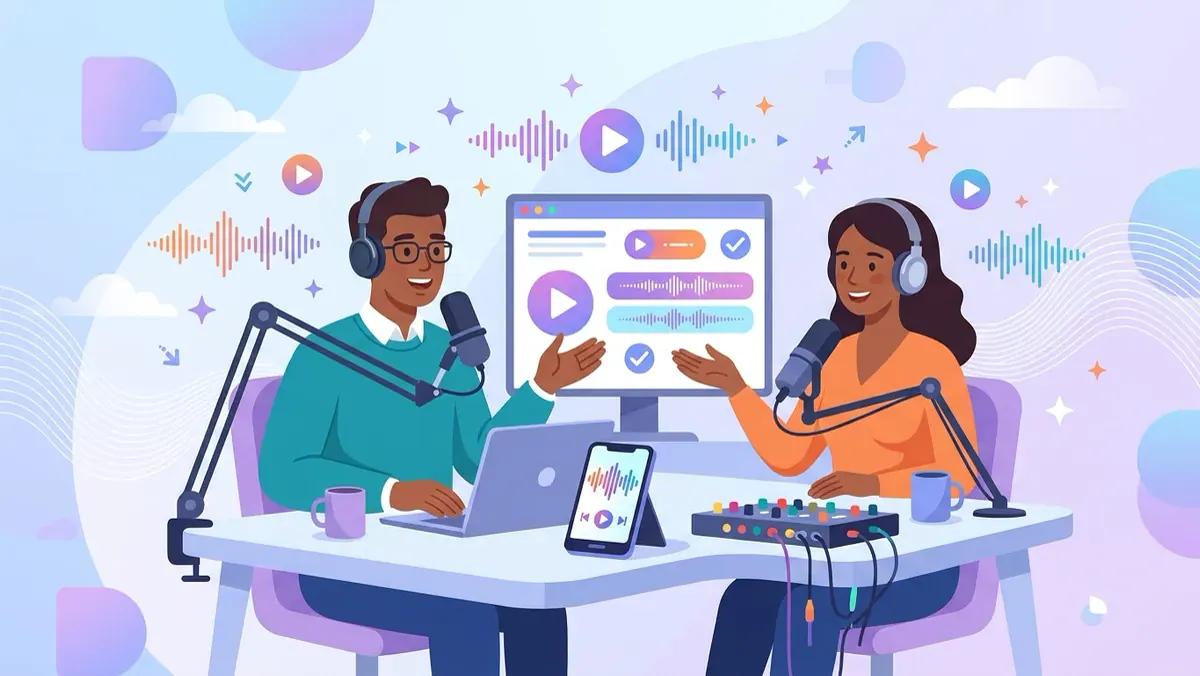
Turning a two-host podcast script into audio usually means two people, two microphones and an evening of retakes. If the episode is already written, there is a shorter path: give the script to FullCastBook, let it work out which host says each line, give each host a different AI voice and download the episode as one file.
It suits shows that are scripted anyway: explainer episodes, language-learning dialogues, newsletter recaps, company updates, fiction told as a talk show. It's not a way to record a live conversation, and it doesn't clone your own voice. The hosts are voices you pick from the catalog, and they read exactly what you wrote.
The studio reads the script before any audio is made and assigns every line to a speaker. The clearest signal is a name and a colon at the start of each line: "MAYA:" and "DEV:", or "Host 1:" and "Host 2:". Real first names work better than "Host A" because the same name tends to appear in the dialogue too, which helps when a line is ambiguous.
Add guests the same way. A panel of four is fine, as long as each panelist has their own label and you keep it identical across the script: "DR. LEE:" in one place and "LEE:" in another becomes two speakers. Anything without a label, such as a segment note, goes to a narrator, so delete those notes or give them to a host before you generate. Detection is a first pass; skim the cast list and fix any line in a click.
Scripted podcasts fail when they sound like an essay split in two. Write for the ear: short sentences, contractions, one idea per turn. Let hosts interrupt, agree, push back and ask the question a listener would ask. A turn of one to three sentences reads more naturally than a paragraph, and gives the other host room to react.
Reactions are where the conversation comes alive. Put a sound tag where it belongs, like [laugh] after a joke lands or [sigh] before a reluctant answer, and add a short delivery note to the lines that turn the mood: [teasing], [suddenly serious], [cutting in]. Use them sparingly; three well-placed notes in a segment do more than one on every line. Give the hosts different jobs, too: one who explains and one who asks, or one who is enthusiastic and one who is sceptical. Listeners follow a conversation more easily when the two people want slightly different things from it, and the voices you cast can lean into that contrast instead of fighting it. More on what these notes can do is in AI voice emotion tags.
Most episodes have a shape: a cold open, an intro, two or three segments and a wrap-up. Put a line such as "Part 2: Main segment" before each one and the studio treats it as a chapter. The single MP3 export then carries a chapter mark at every segment, and the ZIP export gives you one MP3 per segment if you'd rather assemble the episode yourself.
Lines are joined with short natural pauses, so the conversation flows without dead air. If a hand-off feels rushed, add a direction like [after a pause] to the next line. Before you publish, listen to the cold open and every transition, because that's where a wrong speaker or an odd emphasis is easiest to hear. To estimate how long a script will run, paste it into the words to minutes calculator.
FullCastBook voices the conversation; it doesn't produce the whole show. There are no music beds, no intro stings and no ad insertion. Download the MP3 or the segment ZIP, drop it into your audio editor, and add your theme music, sponsor reads and any loudness pass there. The export is mono and peak-levelled, so a final loudness check in your editor keeps it in line with your other episodes.
If the episode is a real interview you've already transcribed, you can re-voice it the same way with two labels, interviewer and guest. If the show grows into fiction with a narrator, scene changes and sound cues, the AI audio drama generator covers that format.
You own the files you export, and commercial use follows our terms. Podcast hosts accept MP3, but platforms change their rules on synthetic voices, so check your host's and each directory's current policy, and tell listeners the voices are AI in the show notes. It's honest, and it heads off the comments.
Voicing an episode uses credits, counted by the characters that get voiced; regenerating a line uses credits again. Signing up is free with no card, and you can hear the voice samples before you spend anything. See the plans to choose what fits a weekly show. For shorter dialogues and scenes outside podcasting, the same studio works as multiple voices text to speech.
Tips
Paste the script with each host's name before their lines, like "MAYA:" and "DEV:", and FullCastBook assigns every line to the right host. Pick a different voice for each host, generate, and download the episode as one MP3.
Yes. Two-host podcast script to audio is exactly what the studio does: every line is voiced by its host's AI voice and joined into one file. Nobody records anything, and you can regenerate single lines after edits.
No. FullCastBook has no voice cloning, so every host is a voice from the catalog. If you want to be on the show yourself, record your lines and mix them with the AI host's lines in your editor.
Yes. Every speaker the script names gets their own voice. Keep each label identical throughout the script and give the panelists clearly different voices so listeners can tell them apart.
Not inside FullCastBook; there are no music beds or sound effects. Vocal tags like [laugh] and [sigh] work, and you add theme music, stings and ad breaks in your audio editor after you download the MP3.
The export is a standard MP3 that podcast hosts accept, and the file is yours under our terms of service. Check your host's and each directory's current policy on AI-generated voices, and say in the show notes that the hosts are AI.
As long as your script. Split long episodes into segments with "Part" lines so each becomes a chapter. Credits are counted by the characters voiced; the words to minutes calculator estimates the running time.
No. Signing up is free with no card and the voice samples are free to hear, but generating the episode uses credits. See pricing for plans and one-time top-ups.
Keep exploring
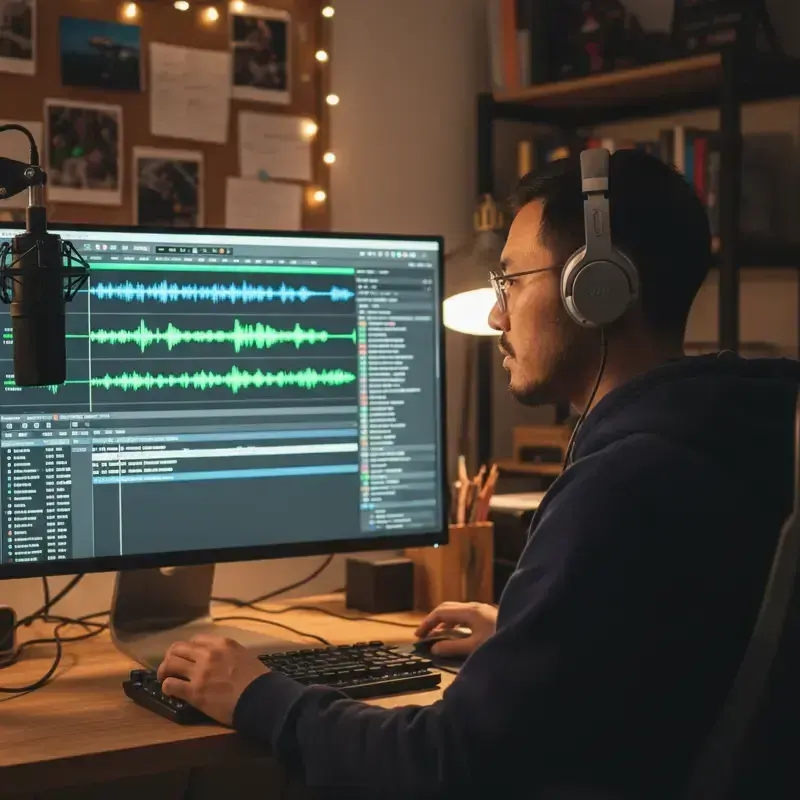 ToolMulti-Voice Text to SpeechPaste a dialogue, a script or a scene and hear every speaker in a different AI voice, then download one MP3.
 ToolInterview Transcript to AudioTurn a written Q&A or interview transcript into a two-voice recording: one voice for the interviewer, one for each guest.ToolAI Voice Actors for ScriptsCast a radio play, short film or skit with AI voice actors: a voice per character, directed lines, one MP3.
 GuideAI voice emotion tagsBracket notes and sound tags that work in long-form narration, which voices follow them, and when to stop.
 GenreAI Audio Drama GeneratorTurn a story or a script into a performed drama: a voice per role, directions in brackets, one file per episode.
 ToolRadio Ad Voice-OverTurn a two-voice radio or podcast ad script into a voice track, with a different AI voice for each character and the announcer.
Paste the episode, cast a voice for each host and download the MP3. Free to sign up; pay with credits when you create.