Warren
English · Narration
Scripts, stories and serials
Paste a story or a script and get a cast: a voice for every role, a narrator only where you want one, and performances you direct in brackets. Export each episode as MP3 or M4B.


Lewis Carroll
Alice's Adventures in Wonderland
Alice asks the grinning Cheshire Cat for directions — and gets none.
The Cat only grinned when it saw Alice. It looked good-natured, she thought; still it had very long claws and a great many teeth, so she felt it ought to be treated with respect.
Step-by-step guide
From script or story to finished episode files. Free to start, nothing to install.
AI Audio Drama Generator
What you get, from manuscript to finished audiobook.
Use cases
Where authors and storytellers put it to work.


Side by side
Same studio, different shape. Here is how the two formats usually differ.
| Audio drama | Audiobook | |
|---|---|---|
| Narrator | Light, or none at all | Reads everything between the dialogue |
| Where it starts | A script or a dialogue-heavy story | A finished book manuscript |
| Voices | One per role | One narrator, or one per character |
| Music and sound effects | Usually, added in your editor | Rarely |
| Typical release | Episodes in a podcast feed | A book in audiobook stores |
| Export from FullCastBook | One file per episode | M4B with chapter markers |
The AI audio drama generator and our audiobook studio are the same engine. The difference is in how you write the text and what you add afterwards.
A host for the cold open, leads with contrast and a villain who sounds like one. Demo performances; in the studio you cast from standard and premium voice lists.
English · Narration
English · Narration
English · Narration
English · Narration
English · Narration
English · Narration
English · Character
English · Character
English · Narration
English · Character
In depth
An AI audio drama generator turns written fiction into a play for the ear. Every character gets a voice of their own, scenes play out mostly in dialogue, and a narrator steps in only where the listener needs a map. It is the radio-drama tradition, made with AI voices instead of a booked cast.
FullCastBook runs on the same studio as our AI audiobook generator. Paste a script or a dialogue-heavy story, and it works out who speaks each line, offers a voice per role and lets you direct each performance in brackets. It doesn't mix: music beds and sound effects go on afterwards in your own editor, which keeps the dialogue track clean.
You can start from either end. Prose with dialogue in quotation marks is what speaker detection reads best, because dialogue tags such as “she said” and the flow of the conversation show who is talking. A script works too if each line starts with the speaker's name, but check the first scene: make sure names and scene headings aren't being read out as dialogue, and edit any line that is.
Treat each episode as a chapter. Give every episode a heading in the file you upload and it becomes its own chapter, with its own file at export. When season two comes, start the new project with the same cast. Used this way, the audio drama maker fits a weekly release schedule.
A radio script carries notes nobody should hear: scene headings, sound cues, “(beat)”. Decide what happens to each before you upload. A scene heading can become one short narrator line (“Night. The harbor.”) or vanish if the dialogue sets the scene. Sound cues such as “SFX: door slams” belong in your edit notes, not in the text, or the narrator may read them aloud.
Acting notes are the useful ones. Move each into brackets at the start of its line, so “(quietly)” becomes [quietly] and the voice performs the note instead of saying it. A radio drama generator only knows what is on the page, so the page has to carry the performance.
Drama lives on performance, so direction matters more here than in an audiobook. Write the delivery in plain English at the start of the line: [barely a whisper, terrified], [slow, savoring every word] or [shouting over the wind]. Then add sound tags where a real actor would react: [sigh] before a confession, [laugh] to undercut a threat, [breathe] before someone jumps.
Keep notes short and specific; a few words beat a paragraph. Play the scene back, regenerate the one or two lines that miss and leave the rest alone. To hear what one note changes, the home page plays the same line flat and directed.
Cast by function before you cast by sound. A host or announcer opens each episode and recaps the last one, so give that job a resonant, broadcast-style voice. A narrator, if you keep one, should be the calmest voice in the cast: an articulate, even voice stays out of the way, while a gritty, streetwise one turns the narrator into a hard-boiled character of their own.
Then cast the scene partners for contrast. Two leads who share most scenes should differ in pitch and energy so the listener never loses track. Give the villain the most distinctive voice you have, a cold, precise one for menace or a rough, heavy one for a brute; keep a deep, growling voice for a heavy who only needs a few lines; and give rivals and sidekicks who move the plot along lively character voices. The example performances above give a feel for each type; in the studio you pick the closest match from the standard and premium voice lists.
If your story is mostly scenes and conversation, it will probably work as audio drama. Cut the “he said” tags the voices now make redundant, keep the narrator to a line or two per scene and let the cast carry it. If the pleasure is in the prose itself, the descriptions, the inner voice, the long paragraphs, make it an audiobook instead.
There is a middle ground: a multi-voice audiobook keeps every word of the book but still gives each character a voice. Genre matters too. A big ensemble, like the casts in fantasy audiobook narration, suits either form, and an AI audio drama creator makes it cheap to try both on one chapter.
Audio drama usually reaches listeners as a podcast. Export one file per episode, add intro music and effects, and upload each episode to a podcast host, which publishes the feed that apps like Spotify and Apple Podcasts read. Keep the cast saved so the next season picks up with the same voices.
Before you publish, check each platform's rules for AI-generated audio and label the drama where they ask. The files are yours to use commercially under our terms. If you sell it as an audiobook instead, note that ACX, Audible's production platform, currently requires human narration unless otherwise authorized. To price a season first, try the audiobook cost calculator or see the plans.
Yes. An AI audio drama generator like FullCastBook gives each role its own voice, follows the directions you write in brackets and exports episodes as audio files. The writing, the casting choices and the final mix are still yours.
No. Prose with dialogue in quotation marks is what speaker detection reads best. If you work from a script, put one speaker per line and check the first scene, fixing any line that went to the wrong role.
Not inside FullCastBook: it produces the voice track. Export one file per episode and add music and effects in an audio editor such as Audacity or your usual DAW.
Each episode is one chapter, and a chapter comfortably holds a typical podcast-length episode. Credits are counted by the characters voiced, so the audiobook cost calculator shows what a given length costs.
Yes. The exported files are yours to publish under our terms. Each platform sets its own rules for AI-generated audio, so check them and label the drama where they ask.
Contrast matters more than polish. Give scene partners voices that differ in age, pitch or accent, and keep the most striking voices, like a menacing villain, for the parts that need them.
Yes. You get free credits on sign-up with no card, enough for a sample scene. A full season needs a paid plan; see the pricing page.
Keep exploring
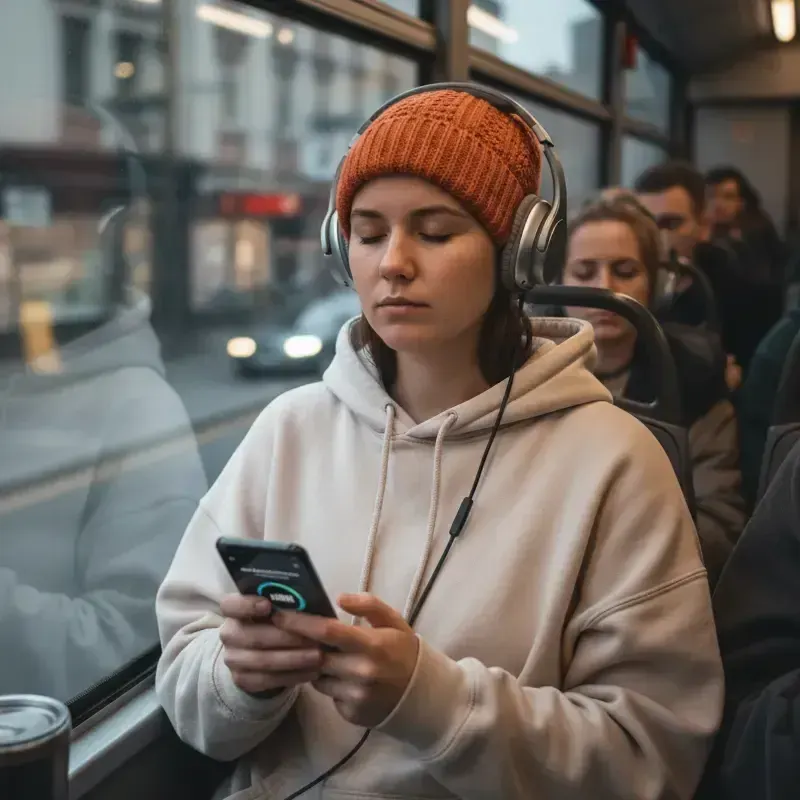 AudienceAI Table ReadA screenplay or stage play read by a cast: a voice per character, action read or skipped, files for notes.
 GuideAI voice emotion tagsBracket notes and sound tags that work in long-form narration, which voices follow them, and when to stop.
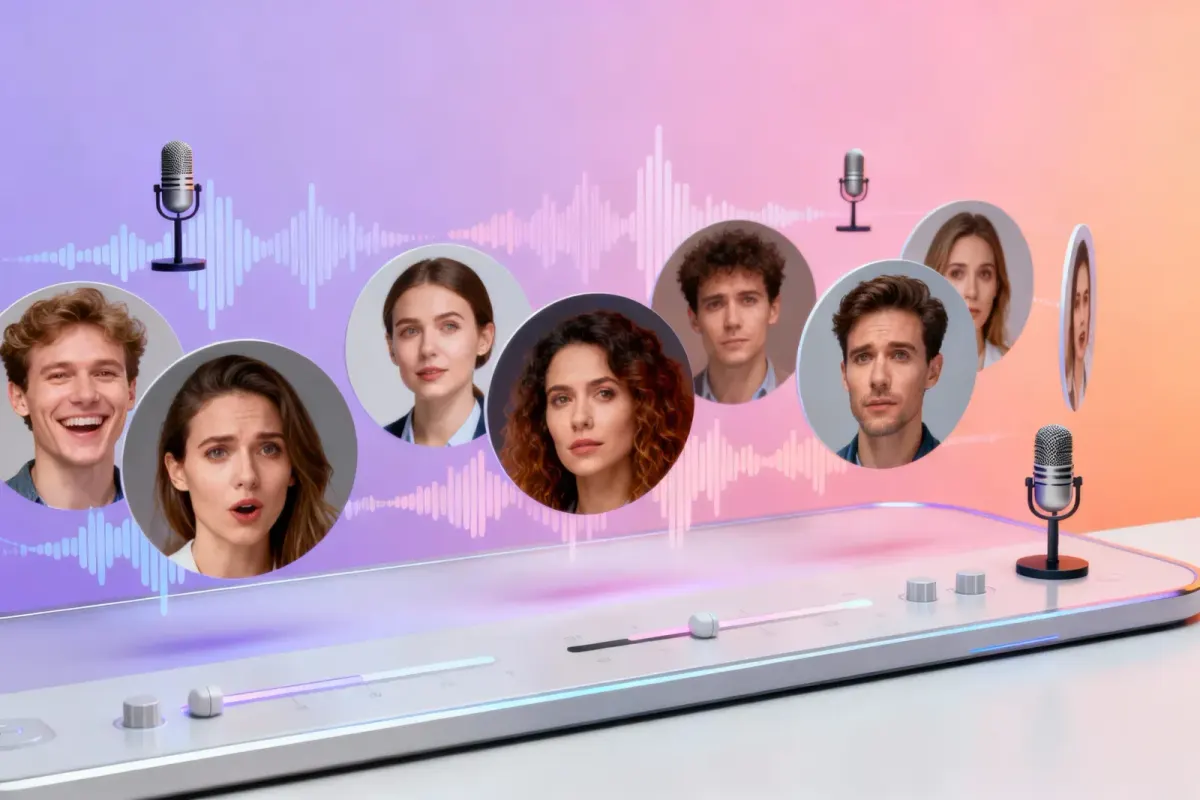 ComparisonWondercraft Alternative for AudiobooksWondercraft's timeline editor next to automatic character casting and M4B chapters for whole books.
 GenreHorror NarrationA narrator who never hurries, victims who sound afraid, and every whisper directed in brackets. For horror books and story channels.
 AudienceAI Voice for StorytellingA narrator plus a voice for every character, for story channels, fiction podcasts, classrooms and game nights.ToolMulti-Voice Text to SpeechPaste a dialogue, a script or a scene and hear every speaker in a different AI voice, then download one MP3.
Paste a scene into the AI audio drama generator, give every role a voice and direct the performance. Free to start, no card.
