Rosalind
English · Narration
AO3 download and posting rules checked October 2026
AO3 to audiobook in four steps: download the work as EPUB, upload it, cast every character and listen. Posting it as podfic is a separate step, and it needs the author's permission.
my-fic.epub
AO3
Reading your file…

Lewis Carroll
Alice's Adventures in Wonderland
Alice asks the grinning Cheshire Cat for directions — and gets none.
The Cat only grinned when it saw Alice. It looked good-natured, she thought; still it had very long claws and a great many teeth, so she felt it ought to be treated with respect.
Step-by-step guide
From the Download button to a full cast in four steps.
AO3 to Audiobook
Built around the EPUB AO3 already gives you.
Use cases
From your own works to podfic you have permission for.

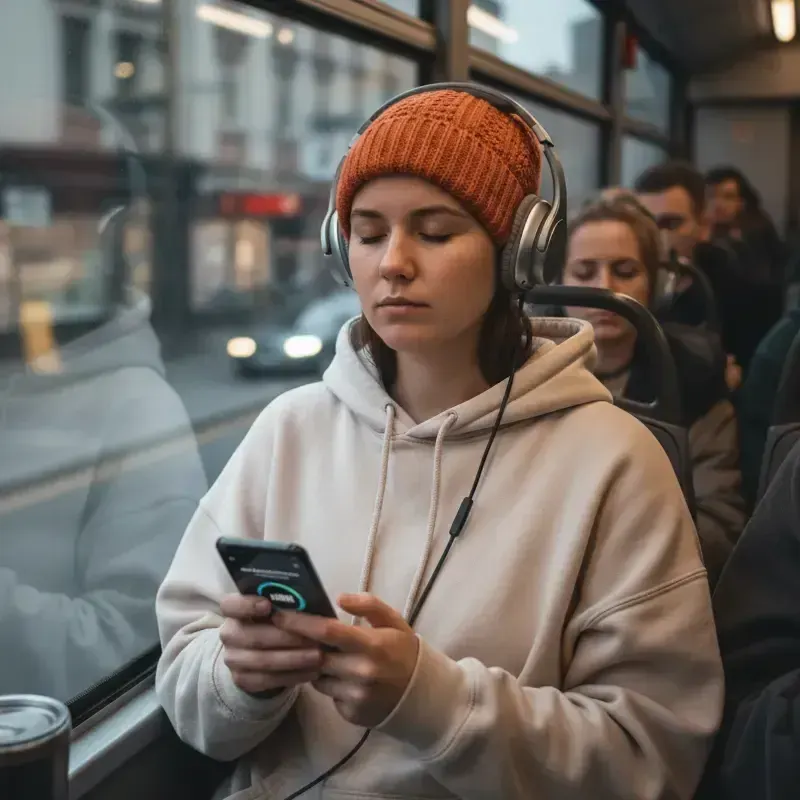

Demo performances. In the studio you cast from standard and premium voice lists.
English · Narration
English · Narration
English · Narration
English · Narration
English · Character
English · Narration
English · Narration
English · Narration
English · Narration
English · Character
In depth
AO3 to audiobook starts with a feature the Archive already has. Every work on AO3 has a Download button near the top of the page, with five formats: AZW3, EPUB, MOBI, PDF and HTML. Choose EPUB. It keeps the chapter breaks, and FullCastBook reads it directly: upload the file, check the cast it detects, pick a voice for every character and listen.
A download contains every chapter posted so far, and AO3 doesn't offer single-chapter downloads, so a work in progress needs downloading again when it updates. Works restricted to AO3 users only download while you're logged in, and embedded audio or images inside a work won't come along. PDF also works if you prefer it; AZW3, MOBI and HTML aren't upload formats here.
AO3 doesn't read works aloud itself. Its FAQ explains that downloads exist partly for accessibility: readers with vision challenges, migraines or dyslexia can open a work in an app that offers text-to-speech, and creators can't switch downloads off. So most AO3 text to speech today means a phone, browser or e-reader voice reading the whole work in one tone.
A voiced cast is different. FullCastBook assigns every line of dialogue to the character who speaks it, gives each character their own voice and keeps a narrator for the prose. Banter sounds like two people, a whispered line can be marked [whisper], and the result is a set of audio files with chapter markers, not a voice you have to keep running in a browser tab.
There are two very different things you can do here. One is listening privately: a downloaded work, voiced for your own ears, much as AO3 expects readers to use text-to-speech apps. Even then, respect the author. If their profile or notes ask readers not to put their work into AI tools, don't.
The other is sharing. Posting, uploading or sending audio of someone else's work makes it a podfic, and that needs the author's permission. Your own works are a different matter: they're yours to voice and post however you like, and many writers enjoy hearing their fic with a cast before the next chapter goes up.
AO3's Terms of Service FAQ is direct: a podfic of someone else's work can be posted only with permission from the copyright owner, usually the creator. A blanket permission statement in their profile or work notes counts if you meet its conditions; otherwise ask, and say plainly that the voices are AI, because some authors who welcome podfic don't want an AI version. A refusal or no answer means no. With a yes, label the work as AI-voiced in the summary and tags, credit the author, link the original and keep it non-commercial. The wider question of who holds a book's audio rights is covered in audiobook rights.
Long works are where a cast earns its keep. When a WIP updates, download the EPUB again, add it to the same project in FullCastBook and untick the chapters you already have; the characters you cast keep their voices. For a series of separate works, start each work from the same cast, so a returning character never changes voice between parts.
You can convert AO3 to audiobook on your phone, too: save the EPUB from the work's Download menu, then upload it from your phone's browser, or move it to a computer if that's easier. Exported MP3 and M4B files play offline in any audiobook or podcast app.
AO3 doesn't host audio files. Host the MP3 elsewhere and embed or link it: AO3's FAQ lists SoundCloud, audio.com, podfic.com and archive.org among the sites it accepts embeds from, and any MP3 with a direct link can go in an HTML audio tag. Under Associations, tick that the work is a remix, a translation, a podfic or inspired by another work, and enter the original's URL; an "Inspired by" link then appears in your notes.
Tag it as podfic and say in the summary that the voices are AI-generated. For the wider picture across fandoms and archives, see fanfiction to audiobook; for EPUBs in general, EPUB to audiobook. More finished samples are in the examples.
No. AO3 offers downloads in AZW3, EPUB, MOBI, PDF and HTML so readers can use their own apps, including text-to-speech, and fans post podfics as separate works. For a full cast, download the EPUB and upload it to FullCastBook.
Only with the author's permission. AO3's Terms of Service FAQ says podfics of someone else's work can be posted only with the copyright owner's permission. Tell the author it's AI-voiced, label it clearly, host the audio elsewhere and link the original as inspired-by.
To post or share audio of someone else's work, yes. For your own works, no. For private listening, respect the author's wishes: skip works whose authors ask readers not to use AI tools.
EPUB. It keeps the chapter breaks and uploads straight in. PDF works too; AZW3, MOBI and HTML aren't accepted for upload.
Yes. Export an MP3, an M4B with chapter markers or a ZIP with one file per chapter, and play it in any audiobook or podcast app without a connection.
AO3 downloads always contain every chapter posted so far. Download the EPUB again, add it to the same project and untick the chapters you already have; the cast carries over to the new ones.
Keep exploring
 AudienceFanfiction to AudiobookHear your fic with a different voice for every character, from a pasted chapter or a whole EPUB.
 GuideAudiobook rights, in plain languageWho holds audio rights, what public domain covers, fan works, YouTube, and a permission request you can copy.AudienceWattpad to AudiobookTurn your Wattpad story into full-cast audio, part by part, and share it with your readers.
 AudienceWeb Novel to AudiobookVoice your serial chapter by chapter, with the same full cast from chapter one to the latest release.
 FormatEPUB to AudiobookChapters from the EPUB's own table of contents, a voice for every character, and an M4B or MP3 at the end.ToolMulti-Voice AudiobookGive the narrator and every speaking character a distinct AI voice, detected straight from your manuscript.
AO3 to audiobook: download the EPUB, upload it and give every character a voice. Free to start.
