Winston
English · Narration
For family, teachers and volunteers
When the book, the letter or the club newsletter has no audio edition, make one: a clear narrator, distinct voices in dialogue, and files that play on simple players as well as phones.


Lewis Carroll
Alice's Adventures in Wonderland
Alice asks the grinning Cheshire Cat for directions — and gets none.
The Cat only grinned when it saw Alice. It looked good-natured, she thought; still it had very long claws and a great many teeth, so she felt it ought to be treated with respect.
Step-by-step guide
From a text with no audio edition to a file their player can handle.
Audiobooks for Visually Impaired
Clear narration, distinct voices and files that are simple to navigate.
Use cases
Usually someone close to the listener.
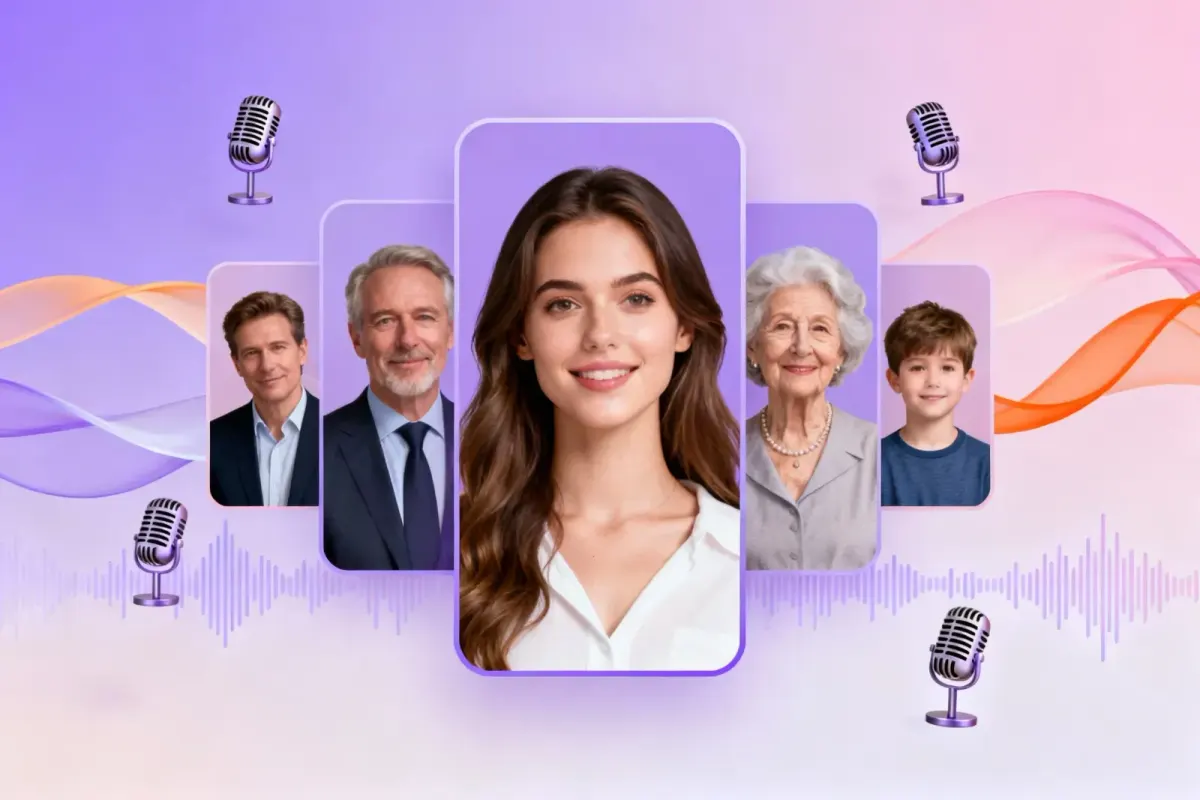
Demo performances of steady narration. In the studio you cast from the standard and premium voice lists.
English · Narration
English · Narration
English · Narration
English · Narration
English · Narration
In depth
Library services for blind and low-vision readers cover a huge range of published books. They can't cover everything a person might want to hear: a letter from a grandchild, the parish newsletter, a family history, a friend's self-published novel, the handout for next week's class. Audiobooks for visually impaired readers often have to be made by someone close to them, one text at a time.
FullCastBook makes that job quicker. Upload or paste the text, choose a clear narrator, and download audio files with chapters. It's an audio tool, not a medical or assistive device, and it doesn't replace talking-book libraries, screen readers or the advice of a vision specialist.
This page is written for the person making the file: a son or daughter, a teacher of the visually impaired, a volunteer reader. The listener's part should be as simple as pressing play. That shapes every choice below, from the file type to the chapter names, and it's why the studio steps are aimed at a sighted helper.
Text to speech for blind and low-vision users usually means a screen reader such as VoiceOver or NVDA, reading whatever is on screen at the moment it's needed. That's the right tool for everyday reading. A produced audiobook suits long listening instead: made once, split into chapters, and playable without a screen.
Check these before making anything: talking books for visually impaired readers are exactly what they exist to provide. In the United States, the National Library Service for the Blind and Print Disabled (NLS) at the Library of Congress is a free braille and audio book library for residents and citizens abroad who can't read regular print; books are mailed free or downloaded, including through the BARD Mobile app. Bookshare is free for qualifying US students, and adults can join for an annual fee. In the UK, RNIB's library lends Talking Books free to people with sight loss, on CD, USB or as downloads.
Many other countries have a national service too; a local public library can usually point the way. Information here was checked in October 2026 on each service's own pages; eligibility and formats can change.
Text that's already digital is easiest: a DRM-free EPUB, a Word document, a plain-text file, or a PDF you can select text in. Paste emails and short letters straight into the studio. A paper letter or a scanned PDF needs text recognition first, which FullCastBook doesn't do; use a scanning app that recognises text, then proofread it, because every recognition error will be read aloud.
Use texts you have the right to use: your own and your family's writing, public-domain books, DRM-free purchases, and documents shared with you. For a document-length job, PDF to MP3 covers the quick route.
Low vision audiobooks are easiest to use when you pick the file for the player, not the other way round. Audiobooks for elderly listeners in particular work best on a device they're already comfortable with: a CD player that reads MP3 discs, a radio with a USB port, a dedicated talking-book player. The ZIP export gives one MP3 per chapter, numbered 01, 02, 03 so they play in order, and each file is tagged with the book title, the chapter title and a track number. Copy them to a USB stick or burn a data CD, and check the player's manual for the formats it accepts.
For a listener who uses a phone, an M4B with chapter markers keeps the whole book in one file, and audiobook apps that show chapters let them jump straight to one. Either way, give chapters clear titles before you export: they become the file names and marker names a listener or a screen reader will meet. Most players can also slow the playback down, and questions about formats and credits are answered in the FAQ on the home page.
Sighted readers see quotation marks and paragraph breaks; a listener only hears them. When every speaking character has their own voice, the change of voice itself shows who is talking, which can make long conversations easier to follow. FullCastBook detects who speaks each line and casts the narrator and characters for you; you can change any voice or any line's speaker. For a novel with a big cast, the text to audiobook guide shows how chapters and speakers are set up. To hear the voices first, play the demo at the top of this page.
We want to be straight about this: we haven't yet tested the studio from start to finish with screen readers such as VoiceOver, NVDA or JAWS, so we can't promise that every step works without sight. Today the dependable route is for a sighted helper to make the files. The audio you export is ordinary MP3 or M4B, with no DRM added, and plays wherever those formats play.
If you're a screen reader user and try it anyway, we'd like to hear what worked and what didn't. Free credits on sign-up cover a short sample chapter; longer books need a plan, see pricing.
FAQ
Something not covered here? Email us at support@fullcastbook.com
Upload or paste the text, pick a clear, steady narrator, generate, and export the format their player handles: numbered MP3s for simple players, or an M4B with chapter markers for a phone app. First check whether a library service such as NLS or RNIB already has the book.
Usually the one they already use. Numbered chapter MP3s play in order on CD players that read MP3 discs, radios with a USB port and many dedicated players (check the manual); on a phone, an audiobook app with an M4B keeps the chapters together.
Yes, if the text is digital: paste it or upload the file. Scanned pages need text recognition first. To make the audio, the text is processed by the AI providers that power the voices; see the privacy policy.
No. Services such as NLS, Bookshare and RNIB lend large collections of published books, often free to eligible readers. FullCastBook is for the texts those collections don't have.
We haven't tested the studio end to end with screen readers yet, so we can't promise every step works without sight. For now a sighted helper is the dependable route; the exported MP3 and M4B files are standard and play anywhere those formats do.
Yes. Most audiobook and podcast apps, and many players, have a speed control. You can also add a note such as [slowly] before passages you want read with more space.
Keep exploring
 AudienceAudiobooks for DyslexiaTurn readings that have no audiobook into clear audio, with a distinct voice for each speaker and chapters you can jump to.
 FormatPDF to MP3Notes, reports and papers as MP3: natural AI voices, page numbers dropped, one file or one per chapter.ToolText to AudiobookPaste a story or upload a TXT file: narration and dialogue are split, every character gets a voice, MP3 or M4B out.AudienceAudiobooks for ADHDTurn readings into short chapter files with a clear narrator and a distinct voice for each speaker.
Make audiobooks for visually impaired listeners from the letters, documents and DRM-free books they want to hear. Try a sample chapter free.
