Jessica
English · Explainer
Radio plays, short films, skits
Paste a radio play, a short film or a YouTube skit. FullCastBook reads the script, casts every character with its own AI voice, lets you direct each line and returns the scene as audio.

Lewis Carroll
Alice's Adventures in Wonderland
Alice asks the grinning Cheshire Cat for directions — and gets none.
The Cat only grinned when it saw Alice. It looked good-natured, she thought; still it had very long claws and a great many teeth, so she felt it ought to be treated with respect.
Step-by-step guide
No card to sign up, nothing to install.
Hear an example
Generated from the script below with the studio's own voices and settings, one voice per speaker, joined the way an export joins lines. No edits afterwards.
Narrator · Gloria · Teddy · Voices: Gemini 3.8 Flash TTS
AI Voice Actors for Scripts
What you get, from manuscript to finished audiobook.
Script template
Replace the text in brackets with your own, paste it into the studio, and every speaker gets a voice.
Works for a radio play, a short film or a skit. Replace every CAPITALISED placeholder and the character names; each "Part" line becomes a chapter.
Part 1: [SCENE TITLE]

NARRATOR: [WHERE WE ARE AND WHEN, IN ONE OR TWO SHORT SENTENCES.]
CHARACTER A: [OPENING LINE THAT SHOWS WHAT THEY WANT.]
CHARACTER B: [nervous, too fast] [REPLY THAT SHOWS WHO THEY ARE.]
CHARACTER A: [deadpan] [SHORT COMEBACK.]
CHARACTER B: [THE EXCUSE, THE SECRET OR THE PROBLEM.]
CHARACTER A: [sigh] [REACTION.]

NARRATOR: [ONE LINE OF ACTION THE LISTENER NEEDS, OR DELETE FOR A SKIT.]

CHARACTER C: [cutting in] [NEW CHARACTER ENTERS WITH A LINE.]
CHARACTER B: [whispering] [ASIDE TO CHARACTER A.]
CHARACTER A: [after a long pause] [THE DECISION OR THE PUNCHLINE.]
CHARACTER C: [laugh] [BUTTON LINE.]

NARRATOR: [CLOSING LINE, OR CUT TO THE NEXT SCENE.]

Part 2: [NEXT SCENE TITLE]

NARRATOR: [NEW PLACE AND TIME.]
CHARACTER A: [LINE.]
CHARACTER B: [LINE.]
Lowercase notes in square brackets are performed, not read. Anything left in square brackets is treated as a direction, so replace every placeholder. Use the same spelling of each name throughout, or one character becomes two.
Use cases
Where authors and storytellers put it to work.
In practice

Demo performances. In the studio you cast from standard and premium voice lists.
English · Explainer
English · Creator
English · Creator
English · Character
English · Character
English · Narration
English · Narration
English · Narration
English · Narration
English · Narration
In depth
Casting a script used to mean finding actors, matching schedules and booking a room. AI voice actors for scripts skip that first hurdle: FullCastBook reads your radio play, short film or skit, gives every character a distinct voice, adds a narrator where the script has description, and plays the scene back the same day.
Be clear about what they are. AI voice actors read what you wrote, in the voice you picked, with the direction you gave. They don't improvise, suggest a better line or find a reading you didn't ask for. What they do well is perform a script consistently, as many times as you rewrite it, with every character sounding like themselves.
That makes them useful at two moments. Early on, they let you hear a draft and fix it before anyone else is involved: lines that are hard to say, scenes that run long, two characters who sound the same on the page. Later, for small productions, they can be the cast itself, as long as you're happy with a directed reading rather than an actor's interpretation.
Before any audio is made, an AI reads the whole script and assigns every line to a speaker. Standard layouts are the easy case: "GLORIA: Why is the T. rex humming?", a character name in capitals above the dialogue, or play format like "HAMLET." at the start of a speech. Prose works too, using dialogue tags such as "asked Teddy" and the back-and-forth of the scene.
Everything that isn't spoken by a character, such as scene headings, action and stage directions, goes to the narrator. A radio play usually wants some of that read aloud; a skit usually doesn't. Delete the narrator lines you don't want heard, and move acting notes like "(nervously)" into the line's direction so they're performed rather than read. Detection is a first pass, so skim any stretch where three characters talk without names and fix a line in one click.
Treat the voice list as an audition. Play the samples, then cast for contrast first: characters who share scenes should differ clearly in age, pitch or energy, so listeners never wonder who's talking. A firm, flat voice against a nervous, quick one does more for a comedy than two voices that are merely nice.
You choose from four models. Gemini 3.8 Flash TTS is the default, with Flash-Lite as a lighter option; ElevenLabs Turbo 2.5 and the more expressive ElevenLabs v3 add a second catalog of voices. Every voice comes from the catalog: there's no voice cloning and no designing a voice from a description, so you can't cast a real person or a celebrity sound-alike. For tips on building recognisable characters, see how to do character voices.
Direction is where an AI read becomes a performance. Put a short note in brackets before a line, like [deadpan], [whispering, terrified] or [too fast, covering a lie], and add vocal tags such as [laugh], [sigh] or [breathe] where they belong. Pauses take direction too: [after a long pause] gives a punchline its beat.
Direct the turning points, not every line. The moment a character gives in, the joke that has to land, the line that should barely be heard: those carry the scene. If a reading still misses, change the note and regenerate that one line. The full guide to notes and tags is in AI voice emotion tags.
Each format wants something slightly different. A radio play leans on the narrator and on voices that carry a scene without pictures, so cast the narrator calm and the characters vivid, and split long plays into parts so each scene or episode becomes a chapter. A short film script benefits from a dialogue-only pass to hear pacing before the shoot; the AI table read page covers screenplays in detail.
A YouTube skit is usually short and fast: trim the narration, keep lines punchy, and export one MP3 to lay under your visuals. If your channel uses AI voices, check the platform's current rules on disclosing synthetic content, and say so in the description when in doubt.
Exports are audio: one MP3 of the whole script, a ZIP with one MP3 per chapter, or an M4B with chapter markers for long plays. There are no per-line files, no video, no lip-sync and no music beds; add music and effects in your editor. You own the files you export, and commercial use follows our terms.
Casting and generating use credits, counted by the characters voiced, and regenerating a line uses credits again. Signing up is free with no card, and voice samples are free to hear before you cast. See the plans for what fits a short skit or a full play. For dialogues outside scripted drama, the same studio works as multiple voices text to speech.
Tips
AI voice actors are synthetic voices that perform a script's characters. In FullCastBook, the script is read, every character is cast with a distinct voice, and you direct each line with notes like [deadpan] or tags like [sigh].
Yes. Every character the script names gets their own voice, and description goes to a narrator. Check the cast list and reassign any line before you generate.
As many as the script names; each becomes a role with its own voice. Give characters who share scenes the most contrasting voices so listeners can follow them.
Yes. Write a note in brackets before the line, like [whispering, terrified] or [cutting in], and add tags such as [laugh] or [breathe]. If it still misses, change the note and regenerate just that line.
No. FullCastBook has no voice cloning and no voice design; you cast from the catalog of Gemini and ElevenLabs voices. Pick one close in age, tone and energy to what you imagine.
Yes. You own the files you export, and commercial use follows our terms of service. Check each platform's current rules on AI-generated voices and disclose them where required.
TXT, MD, DOCX, PDF and EPUB up to 60 MB, or pasted text. Final Draft .fdx isn't read, so export a PDF or plain text; Fountain is plain text, so rename it to .txt.
No. Signing up is free with no card and voice samples are free to hear, but casting and generating use credits. See pricing for plans and one-time top-ups.
Keep exploring
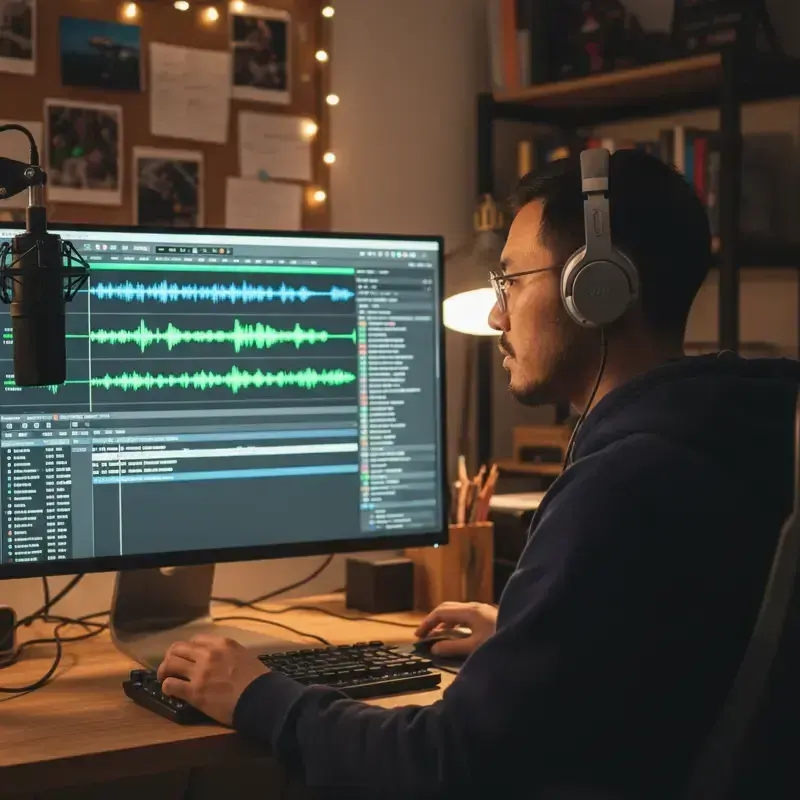 ToolMulti-Voice Text to SpeechPaste a dialogue, a script or a scene and hear every speaker in a different AI voice, then download one MP3.
 AudienceAI Table ReadA screenplay or stage play read by a cast: a voice per character, action read or skipped, files for notes.
 GenreAI Audio Drama GeneratorTurn a story or a script into a performed drama: a voice per role, directions in brackets, one file per episode.
 AudienceAI Voices for AnimaticsScratch dialogue for animatics, storyboards and pitch reels: a voice per character, exported to time your cut.
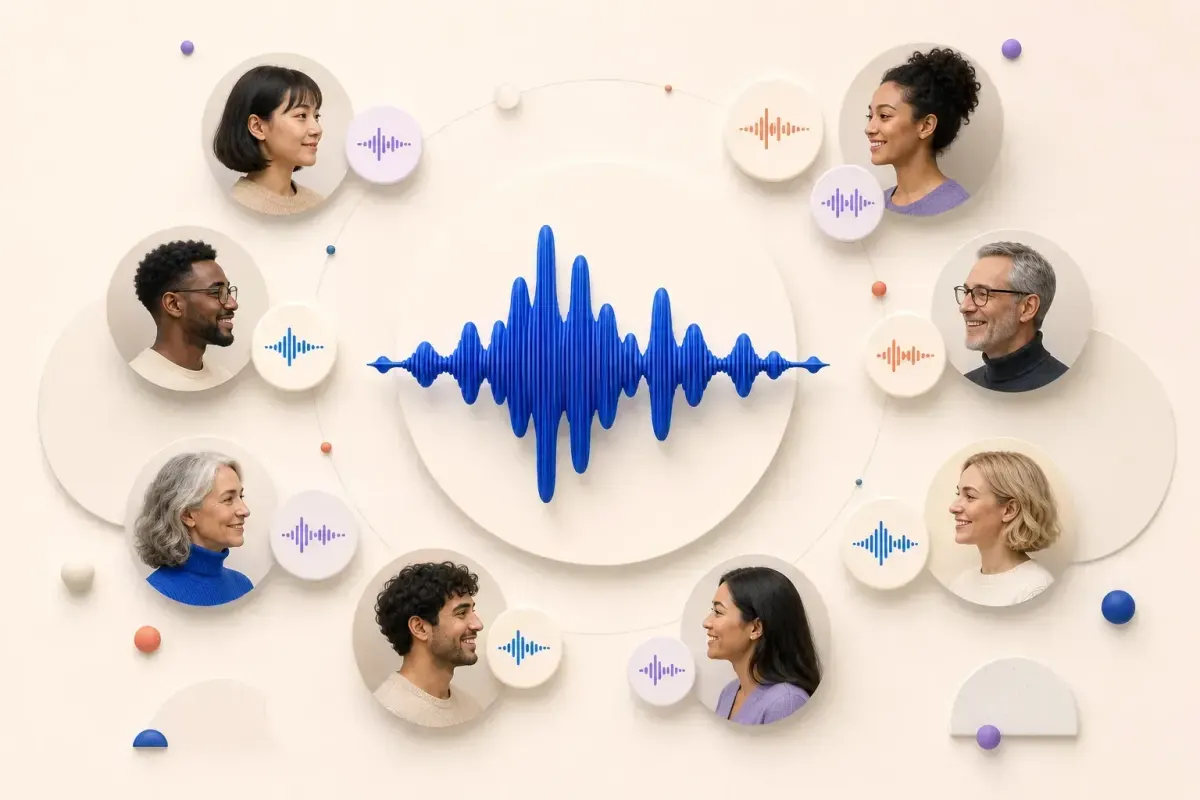 ToolTwo-Host Podcast Script to AudioPaste a two-host or panel script and hear each host in their own AI voice, then download the episode as an MP3.GuideHow to do character voicesFive levers narrators use, a character bible for consistency, and how it all maps to an AI cast.
Paste a radio play, short film or skit, cast every character and download the scene. Free to sign up; pay with credits when you create.