Avery
English · Character
For animators and storyboard artists
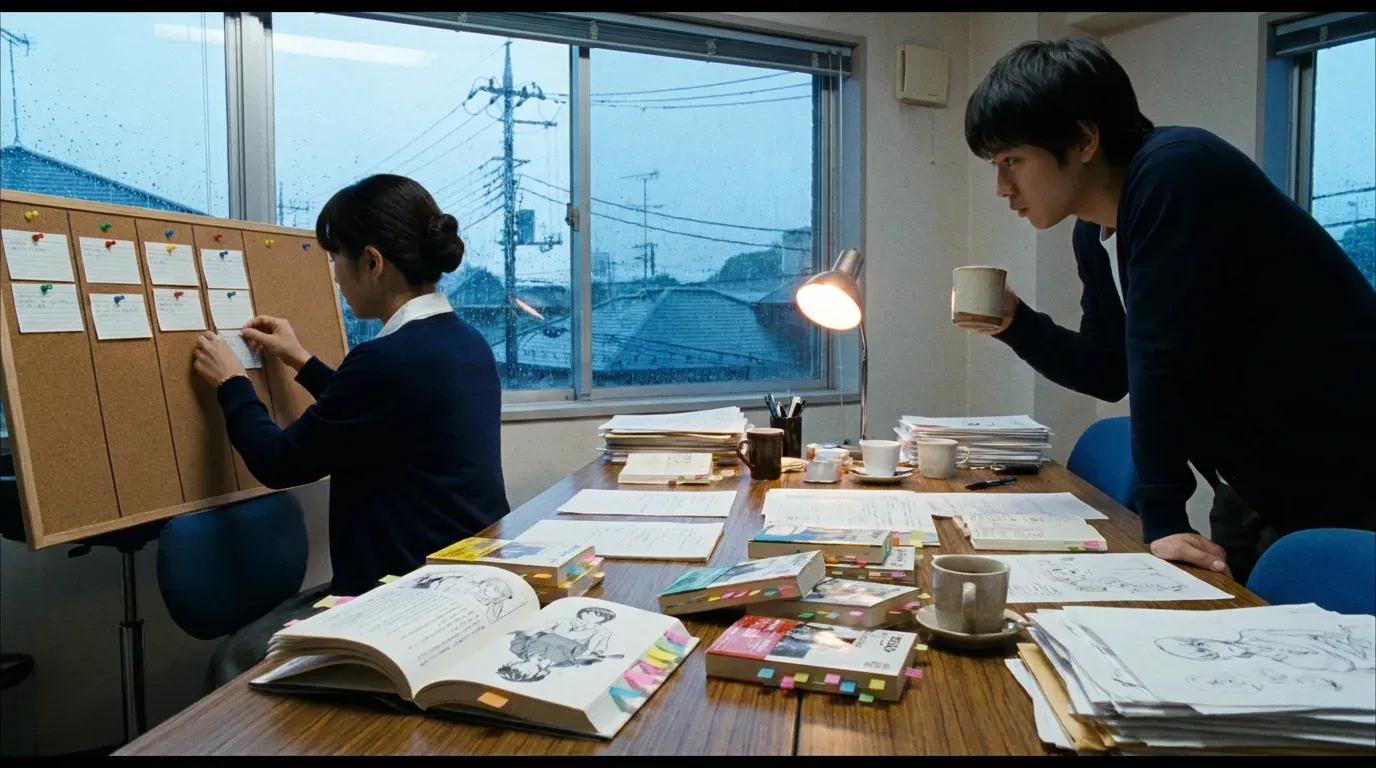
Paste the scene, and FullCastBook gives every character a temp voice so you can board to real dialogue timing today, then swap in your cast when they record.
Lewis Carroll
Alice's Adventures in Wonderland
Alice asks the grinning Cheshire Cat for directions — and gets none.
The Cat only grinned when it saw Alice. It looked good-natured, she thought; still it had very long claws and a great many teeth, so she felt it ought to be treated with respect.
Step-by-step guide
No card to sign up, nothing to install.
Hear an example
Generated from the script below with the studio's own voices and settings, one voice per speaker, joined the way an export joins lines. No edits afterwards.
Pip · Keeper · Voices: Gemini 3.8 Flash TTS
AI Voices for Animatics
What you get, from manuscript to finished audiobook.
Script template
Replace the text in brackets with your own, paste it into the studio, and every speaker gets a voice.
One Part per scene or shot group, so the ZIP export gives you one MP3 per Part. Replace every CAPITALISED placeholder and the character names.
Part 1: Scene [NUMBER], shots [FIRST] to [LAST]: [SCENE NAME]

(Shot [NUMBER]. [WIDE / MEDIUM / CLOSE]: [WHAT WE SEE].)
CHARACTER A: [out of breath] [FIRST LINE, SHORT AND URGENT.]
CHARACTER B: [half asleep] [REPLY THAT SHOWS WHO THEY ARE.]
CHARACTER A: [THE LINE THAT RAISES THE STAKES.]

(Shot [NUMBER]. Close on CHARACTER B.)
CHARACTER B: [after a long pause] [THE REACTION YOU WANT TO HOLD ON.]
CHARACTER A: [SHORT ANSWER.]
CHARACTER B: [brisk] [THE DECISION THAT MOVES THE SCENE.]

Part 2: Scene [NUMBER], shots [FIRST] to [LAST]: [SCENE NAME]

(Shot [NUMBER]. [WHAT WE SEE].)
CHARACTER C: [whispering] [LINE.]
CHARACTER A: [startled] [LINE.]
CHARACTER C: [LINE THAT ENDS ON A BUTTON OR A JOKE.]
CHARACTER A: [laugh] [TAG LINE OUT OF THE SCENE.]
Shot notes in parentheses arrive as narrator lines: delete them in the studio for a dialogue-only track, or keep them for a pitch reel where the action is read aloud. Lowercase notes in square brackets are performed; anything left in square brackets is treated as a direction, so replace every placeholder.
Use cases
Where authors and storytellers put it to work.
In practice

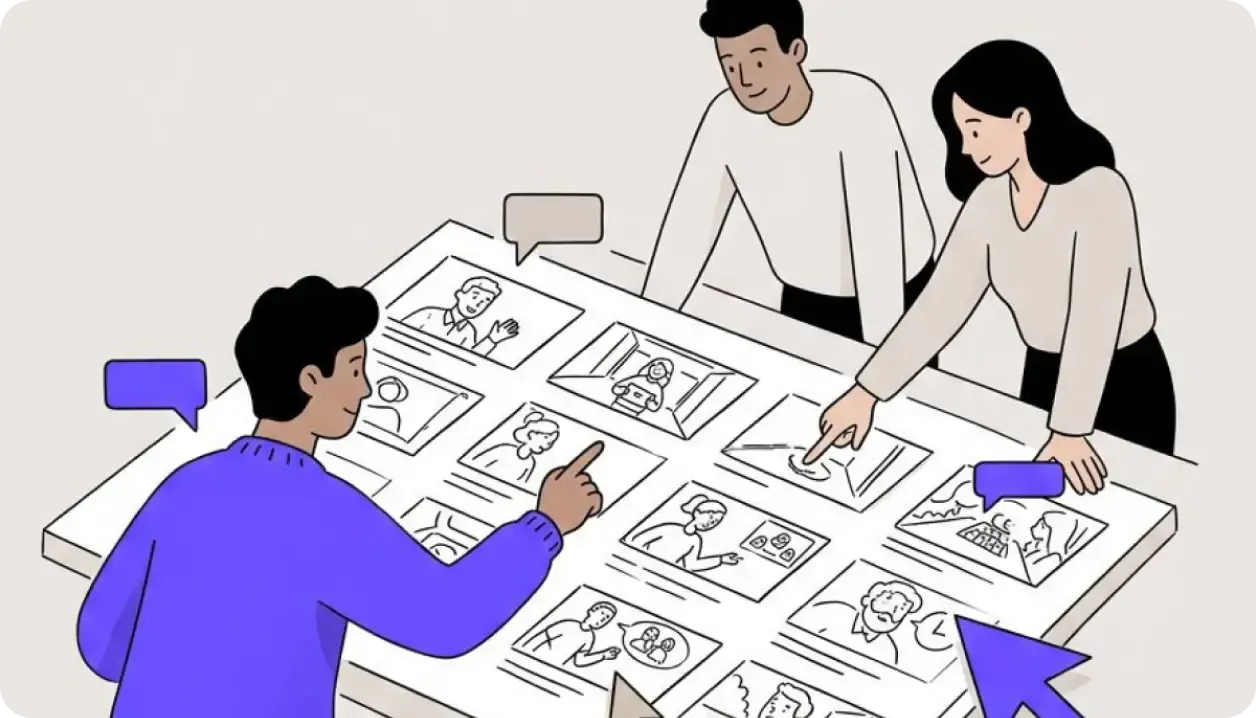
Demo performances. In the studio you cast from standard and premium voice lists.
English · Character
English · Character
English · Character
English · Creator
English · Narration
English · Narration
English · Narration
English · Narration
English · Narration
English · Narration
In depth
An animatic is where a story finds its timing, and timing comes from dialogue. Without voices, you guess how long a line takes, board a pause that's too short, and re-cut everything once the cast records. AI voices for animatics close that gap: FullCastBook reads your scene, gives each character a temp voice and hands you a dialogue track you can cut to the same day.
The point isn't a final performance. A scratch track exists to answer questions: does this scene run too long, does the joke need a beat, can the audience follow who is talking? Temp voices answer those well, and because everyone knows they're temporary, notes stay on story and staging instead of on the acting.
It's one of the most common questions on animation forums, and the usual answer is that dialogue comes before final animation, because the voice performance sets the timing. For a small team, that creates a chicken-and-egg problem: you want a timed board before you spend money on a session, and you want a session before you can time the board.
A scratch track breaks the loop. Rough out thumbnails, voice the script with AI, cut the animatic to it, and fix the story while it's cheap. When the real cast records, give them the animatic as a guide, then re-time the shots to their takes. Expect to re-time: an actor will find pauses and emphasis the temp track didn't.
Write each line with the character's name and a colon in front: "PIP: The light's out!" The studio reads those names as the cast and assigns every line. Put a line such as "Part 3: Scene 3, shots 14 to 19" before each scene or shot group; every Part becomes a chapter, and the ZIP export gives you one MP3 per chapter, so each scene drops onto the timeline as its own clip.
Shot descriptions and action written between lines go to a narrator. For a dialogue-only track, delete those narrator lines in the studio before you generate. For a pitch reel where you want the action read aloud, keep them and choose a calm narrator voice that sits under the characters.
Cast for silhouette, not perfection. On a board, the audience needs to tell characters apart instantly, so give them voices that differ in age, pitch and energy: a bright youthful voice for the kid, a gravelly older voice for the grump, a smooth even voice for the narrator. If two characters share a lot of scenes, make them the most different pair in the cast. Keep the same temp voice for a character across every scene and every board revision, too. Reviewers get used to a voice quickly, and a character who suddenly sounds different in sequence four reads as a story problem rather than a casting change. The studio keeps your cast with the project, so a new scene picks up the same voices.
Direction matters more than the voice itself, because it changes timing. A line marked [out of breath, rushing] runs faster than the same line read calmly, and [after a long pause] gives you the beat you meant to board. Add direction only where the acting changes the shot. For the full set of tags, see AI voice emotion tags.
It is audio only. There is no video, no lip-sync, no phoneme or mouth-chart data and no live voices. You also can't make a temp voice sound like the actor you plan to cast, because there's no voice cloning or voice design; you choose from the catalog voices. Music and sound effects are added in your editor.
There are no per-line files either. If you need each line as its own clip, give each line or shot its own Part and export the ZIP, or cut the scene MP3 in your audio editor: the short pauses between lines make silence detection easy. Most storyboard and editing apps accept MP3 on a dialogue track.
Keep the script and the cast in the studio as your reference. When a scene is rewritten after review, regenerate only the changed lines; regenerating uses credits again, so batch the fixes from one round of notes. Version your exports with the same number as your board, so nobody times shots to an old track.
Voicing uses credits, counted by the characters voiced, so a short animatic costs little; signing up is free with no card, and samples are free to hear. See the plans. If you'd rather hear the whole screenplay read before you board, start with an AI table read. For dialogue outside animation, multiple voices text to speech uses the same studio.
Tips
Yes. AI voices for animatics work well as a scratch track: paste the scene, each character gets a temp voice, and you export an MP3 to cut your board to. Replace it with the real cast when they record.
Dialogue usually comes first, because it sets the timing. An AI scratch track lets you time the animatic now and re-time shots to the real takes later.
Not directly; exports are per chapter, not per line. Give each line or shot its own "Part" and export the ZIP for one MP3 each, or split the scene MP3 in your audio editor using the pauses between lines.
No. FullCastBook makes audio only, with no video, lip-sync or mouth-shape data. Import the MP3 into your animation or editing app and animate to it there.
No. There's no voice cloning or voice design, so you pick from the catalog voices. Choose one close in age and energy to the part, which is all a scratch track needs.
You can. You own the files you export, and commercial use follows our terms of service. Check the rules of any festival or platform you submit to on AI-generated voices.
Yes, as PDF, DOCX, TXT or MD; Final Draft .fdx files aren't read, so export a PDF or plain text first. Fountain is plain text, so rename it to .txt.
Voicing uses credits, counted by the characters voiced, so a short scene costs little. Signing up is free with no card; see pricing for plans and top-ups.
Keep exploring
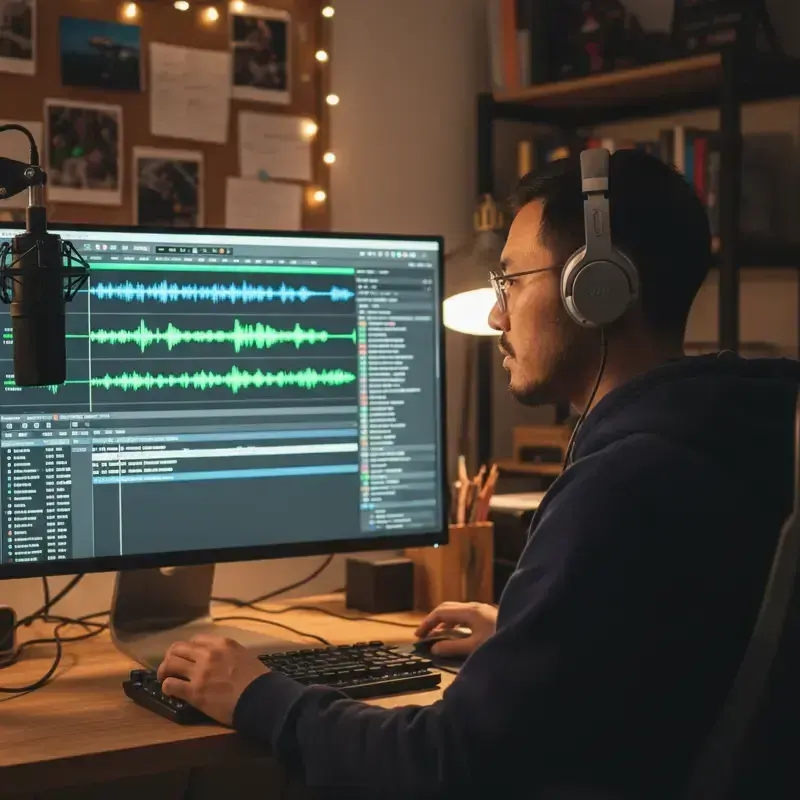 ToolMulti-Voice Text to SpeechPaste a dialogue, a script or a scene and hear every speaker in a different AI voice, then download one MP3.
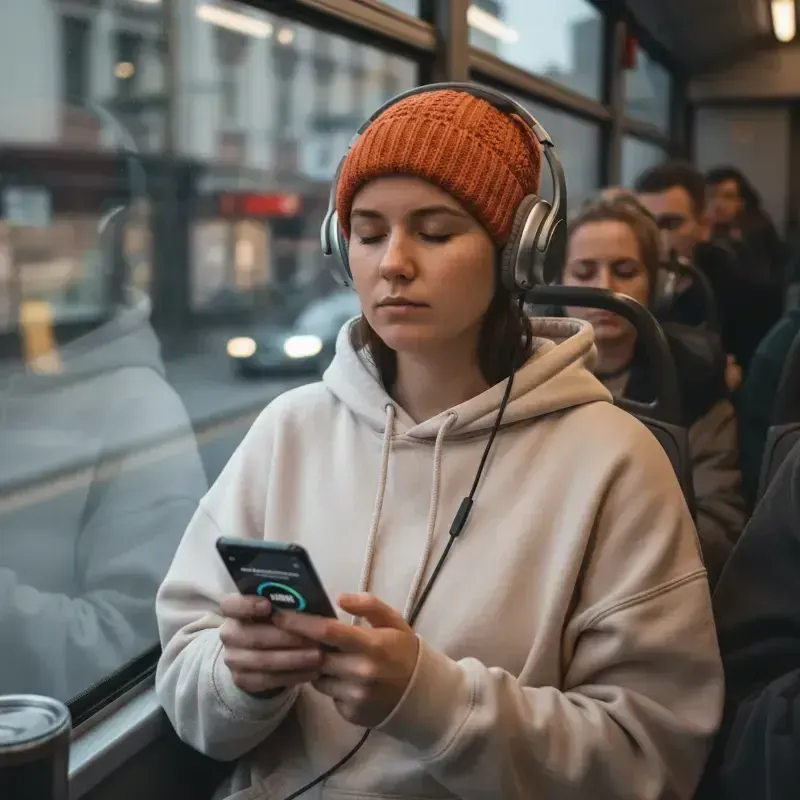 AudienceAI Table ReadA screenplay or stage play read by a cast: a voice per character, action read or skipped, files for notes.ToolAI Voice Actors for ScriptsCast a radio play, short film or skit with AI voice actors: a voice per character, directed lines, one MP3.GuideHow to do character voicesFive levers narrators use, a character bible for consistency, and how it all maps to an AI cast.
 GuideAI voice emotion tagsBracket notes and sound tags that work in long-form narration, which voices follow them, and when to stop.
 AudienceVisual Novel Voice ActingVoice your VN's dialogue with a different AI voice per character, for prototypes, demos and trailers.
Paste the scene, give each character a temp voice and export a scratch track. Free to sign up; pay with credits when you create.