Hades
English · Narration
For story channels, podcasters, teachers and game masters
Find an AI voice for storytelling that fits your tone, then give every character in the scene a voice of their own. Direct the delivery in brackets and export MP3 for your editor.
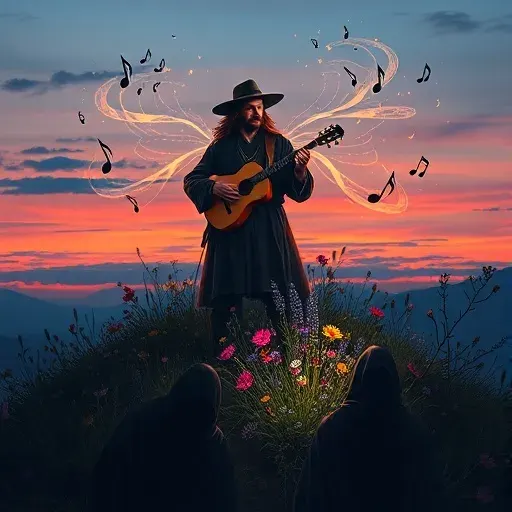

Lewis Carroll
Alice's Adventures in Wonderland
Alice asks the grinning Cheshire Cat for directions — and gets none.
The Cat only grinned when it saw Alice. It looked good-natured, she thought; still it had very long claws and a great many teeth, so she felt it ought to be treated with respect.
Step-by-step guide
From a pasted script to a narrated, full-cast track in four steps.
AI Voice for Storytelling
More than one narrator reading in one tone.
Use cases
Where authors and storytellers put it to work.

Example narrators and character voices for every mood. Demo performances; in the studio you cast from standard and premium voice lists.
English · Narration
English · Character
English · Character
English · Narration
English · Narration
English · Creator
English · Creator
English · Narration
English · Narration
English · Narration
In depth
The right AI voice for storytelling is the one listeners stop noticing. It sets the mood in the first line, keeps a steady pace through the slow parts, and never tires the ear over twenty minutes. Picking it is mostly about fit: a calm, warm voice for bedtime stories, a low, controlled one for horror, an energetic one for a fast-cut short.
FullCastBook gives you more than a narrator. Paste a story and every speaking character is detected and cast with a distinct voice, so dialogue sounds like people talking. You direct the delivery in brackets, regenerate any line that misses, and export audio for your editor. Audition voices on your own opening paragraph, not on a sample sentence; the voice that sells a hook isn't always the one you want for a whole episode.
Story channels live on consistency. Viewers come back for a voice they recognize, so treat your narrator like part of the brand and keep it the same from video to video. A storytelling voice generator helps here because the voice never has an off day, and a script fix is a regenerated line, not a re-recording session.
For short-form, front-load the hook and keep sentences short; read-aloud pace matters more than it does on the page. For longer videos, export one file per chapter so each section sits cleanly on your timeline.
On monetization: the audio you generate is yours to use commercially under our terms, but platforms set their own rules. YouTube's policies target mass-produced, repetitive videos, which it calls inauthentic content, rather than AI narration as such, so write original stories and check each platform's current rules. Posting a whole book rather than a short story? See making an audiobook for YouTube.
A single AI story narrator can carry prose, but dialogue is where one voice struggles: two characters arguing turn into one person changing pitch. FullCastBook works out who speaks every line and gives each character their own voice, while the narrator keeps the descriptive passages.
Give main characters voices that contrast in age, pitch or energy, and save the most striking voices for small parts. If a line goes to the wrong character, change its speaker before you generate. For more on mixing voices, see multi-voice text to speech.
Fiction podcasts need a cast that holds together over a season. Keep each season in one project and add every new episode script to it: returning characters are matched to the voices you already chose, and only new characters need casting.
Write scripts the way you'd write prose dialogue, with clear speaker tags, and detection does most of the casting for you. There's no music or sound design inside FullCastBook, so export the dialogue track and score it in your podcast editor.
Teachers use voiced stories for story time, for listening activities, and for reader's theatre, where each part of a student-written script gets its own voice so the class can hear the whole piece. Use your own materials, students' work with their permission, or public-domain texts.
Game masters use it for read-aloud scene text, recurring NPC voices and a "previously on" recap; voice your own homebrew freely, and ask the publisher before sharing audio of a published adventure. Recaps have their own walkthrough in D&D session recap audio, and bedtime stories theirs in children's audiobook narration.
Voices read what's on the page, so the page is where you direct. Put a note before a line, like [whisper, like sharing a secret] or [slowly, letting the silence hang], and add sound tags such as [laugh], [sigh] or [breathe] where a character needs a breath of life. A few notes at the turning points of a scene do more than marking every sentence.
When it sounds right, export one MP3, a ZIP of chapter files or an M4B, and finish in your video or podcast editor with music, effects and visuals. Credits are counted by the characters voiced; check a script's cost in the audiobook cost calculator, or hear finished full-cast stories in the examples.
The one that fits your story and stays easy to listen to for the whole runtime: warm and calm for bedtime, low and controlled for horror, brisk for shorts. Audition a few voices on your own opening paragraph and listen to a full scene before you choose.
Our terms let you use the audio you generate for any lawful purpose, including commercial use. Platforms set their own rules; YouTube's monetization policies target mass-produced, repetitive content rather than AI narration itself, so write original stories and check each platform's current policy.
Yes. Every speaking character is detected and gets a distinct voice, plus a narrator for the prose. You can change any character's voice or any line's speaker before you generate.
Yes. The studio's standard and premium lists include a range of narrator and character voices. The samples on this page are example performances; when you cast, listen for pace and warmth for bedtime, or a low, controlled delivery for horror. Bracketed direction such as [hushed] or [menacing] shapes the delivery further.
You get free credits when you sign up, with no card, enough to voice a short story or a short sample chapter. Longer projects need a paid plan; see pricing.
Yes. Game masters use it for read-aloud scene text, NPC voices and session recaps. Voice your own homebrew freely, and ask the publisher before sharing audio of a published adventure's text.
Keep exploring
 GuideMake an audiobook on YouTubeRights, the AI use setting, timestamps and monetization: what gets YouTube audiobooks removed, then the build.
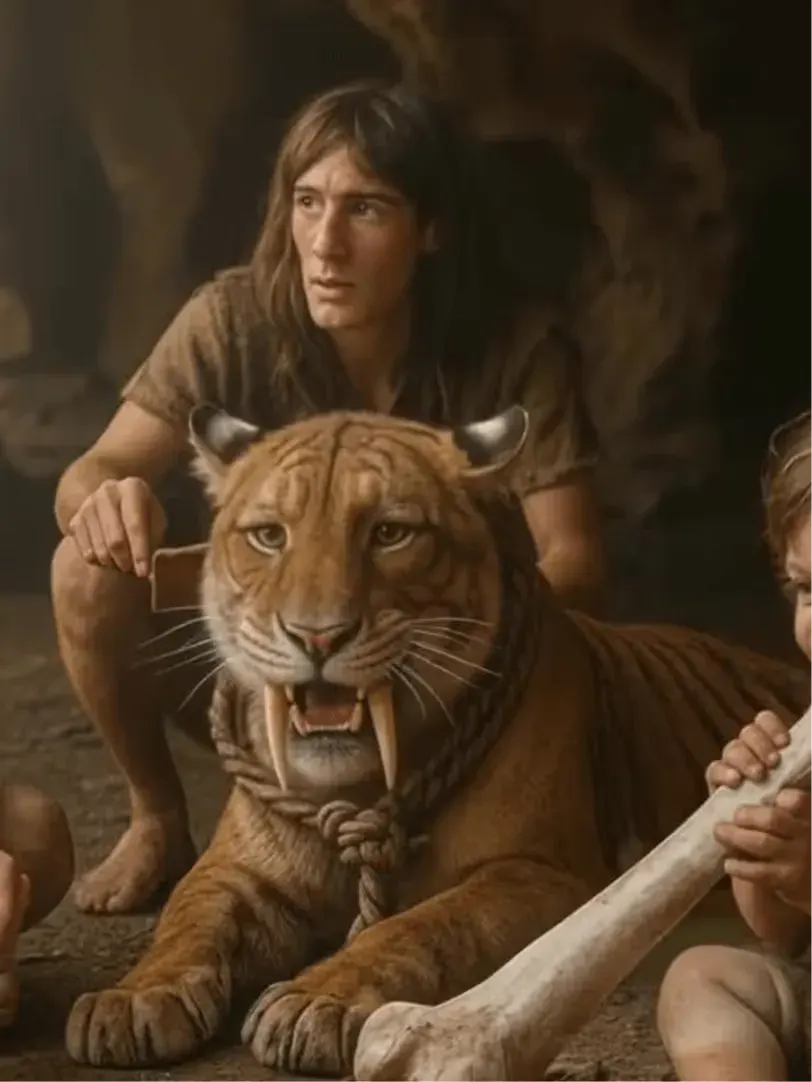 AudienceD&D Session Recap AudioOpen each session with a spoken "previously on": a narrator, NPCs in their own voices, one cast all campaign.
 GenreChildren's Audiobook NarrationA warm narrator, character voices kids can tell apart and a bedtime pace, for picture books, chapter books and your own stories.
 GenreAI Bedtime StoriesYour own stories, read aloud by a soft narrator with calm character voices, slow pacing and an MP3 to replay every night.
 GenreHorror NarrationA narrator who never hurries, victims who sound afraid, and every whisper directed in brackets. For horror books and story channels.
 GenreAI Audio Drama GeneratorTurn a story or a script into a performed drama: a voice per role, directions in brackets, one file per episode.
Paste a story, pick an AI voice for storytelling and give every character their own. Free to start.
