Jessica
English · Explainer
For radio, podcast and audio ads
Paste a dialogue spot: two characters and a tag line. FullCastBook gives each speaker a different AI voice, takes your direction line by line and hands back the voice track as an MP3, ready to mix.

Lewis Carroll
Alice's Adventures in Wonderland
Alice asks the grinning Cheshire Cat for directions — and gets none.
The Cat only grinned when it saw Alice. It looked good-natured, she thought; still it had very long claws and a great many teeth, so she felt it ought to be treated with respect.
Step-by-step guide
No card to sign up, nothing to install.
Hear an example
Generated from the script below with the studio's own voices and settings, one voice per speaker, joined the way an export joins lines. No edits afterwards.
Jess · Mark · Announcer · Voices: Gemini 3.8 Flash TTS
A fictional shop, written for this demo.
Radio Ad Voice-Over
What you get, from manuscript to finished audiobook.
Script template
Replace the text in brackets with your own, paste it into the studio, and every speaker gets a voice.
Copy this, replace the placeholders in square brackets, and paste it into the studio. Notes like [frustrated] and [laugh] are directions and tags; keep them. Each heading becomes its own MP3.
# [BRAND] :30 "[SPOT TITLE]"
[NAME A]: [frustrated] [The problem, said the way a real person would say it.]
[NAME B]: [A short reaction or question.]
[NAME A]: [One specific detail: a time, a place, a number.]
[NAME B]: [relaxed] Have you tried [BRAND]?
[NAME A]: [Doubt or objection, in a few words.]
[NAME B]: [The single benefit that answers it.]
[NAME A]: [laugh] [Payoff, or a callback to the first line.]
ANNOUNCER: [warm, confident] [BRAND]. [Where to find it, said simply.]
ANNOUNCER: [The offer, with its end date if it has one.]
ANNOUNCER: [One call to action: "Book at [WEBSITE]" or "Call [NUMBER]", said slowly.]

# [BRAND] :15 cutdown
[NAME A]: [The problem, shortest version.]
[NAME B]: [BRAND]. [The benefit in one line.]
ANNOUNCER: [BRAND]. [Call to action.]

# [BRAND] host-read
HOST: [casual, like telling a friend] [Why you personally care about this.]
HOST: [What it does, in one or two sentences.]
HOST: [The offer and how to get it, said twice.]
Aim for roughly 70 words of dialogue plus the tag in a :30. Write numbers and web addresses the way the announcer should say them.
Use cases
Where authors and storytellers put it to work.

In practice
Demo performances. In the studio you cast from standard and premium voice lists.
English · Explainer
English · Creator
English · Creator
English · Character
English · Character
English · Narration
English · Narration
English · Narration
English · Narration
English · Narration
In depth
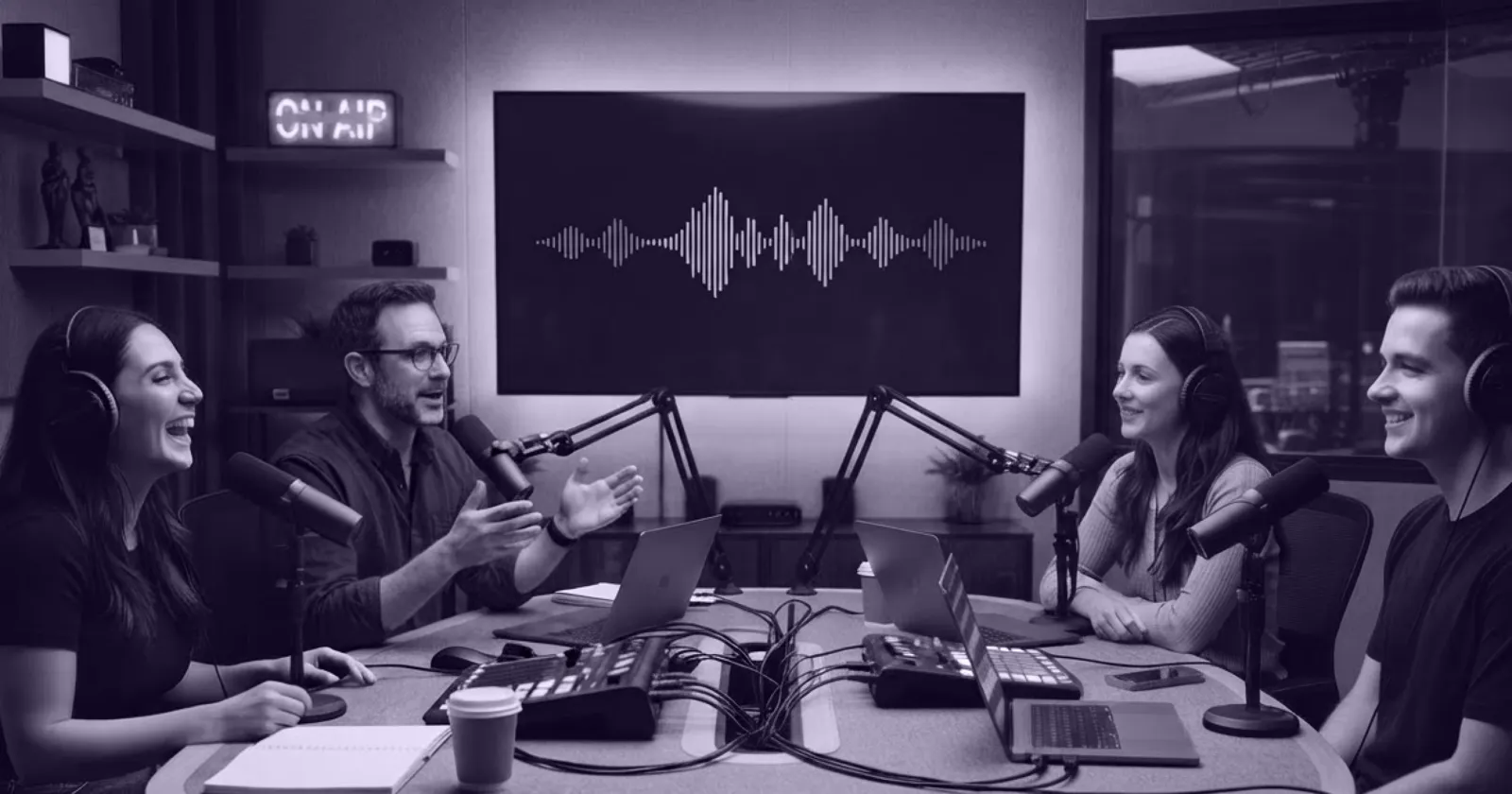
Radio ad voice-over usually means booking talent, sending a script, waiting for takes and paying again when the client changes the offer. For a single-voice read that's manageable. For a dialogue spot, with two characters and an announcer, it means two or three people, their schedules and their notes. That is exactly where an AI cast helps most: the spot is short, the lines are tightly written, and the script changes often.
FullCastBook takes the script, works out who says each line, gives every speaker a different AI voice and returns the whole spot as one voice track. You choose the voices, write direction for each line and regenerate only what needs fixing. It's built on the same studio as our multiple voices text to speech tool, used here for the thirty seconds where every word has to earn its place.
The classic two-voice format is the slice-of-life: two people in an everyday moment, a problem one of them has, and a solution the other mentions, followed by an announcer tag with the brand, the offer and the call to action. Copywriters will tell you it's the format amateurs try most and get right least. The usual failure is characters who talk like brochures: "Have you heard about the great deals at Quarry Lane Cycles?" No one says that to a friend.
Write the way people actually talk. Use contractions, short fragments, interruptions and reactions. Let the problem be specific (a flat tyre, the third one this month) and let the brand arrive as an answer, not a pitch. Keep the selling for the announcer, and limit the tag to one offer and one action. Say the brand at least twice in a :30, once in the dialogue and once in the tag, because a radio listener can't scroll back to check what they heard. Then direct the performance: a [sigh] on the complaint, a [laugh] on the joke, a dry [deadpan] for the friend who's heard it all before. More on these notes in AI voice emotion tags.
A common rule of thumb in radio copywriting is about 75 to 85 spoken words for a 30-second spot, roughly double that for a 60, and well under 40 for a 15. Dialogue runs longer than a straight read, because every handoff between voices adds a beat, and music or sound effects take time out of the word budget too. Start at the low end of the range for a two-voice spot.
Then trust the clock, not the count. Generate the spot, play it, and look at the length. If it runs long, cut words rather than asking for a faster read; a rushed tag is the first thing listeners tune out. Legal lines and terms can take a [quick but clear] note, but the phone number or web address should be said slowly, and ideally twice. Keep every version (:60, :30, :15) under its own heading in one project, and export a ZIP with one MP3 per version.
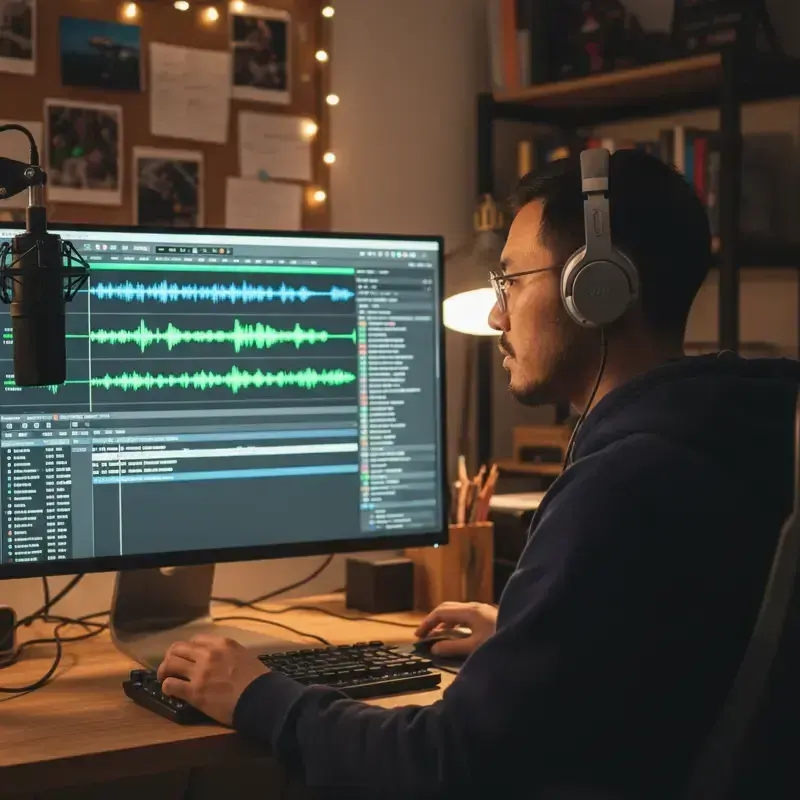
FullCastBook gives you the voices, not the mix. There's no music library, no sound-effect bed and no automatic ducking, so treat the download as a dry voice track: import the MP3 into your audio editor or DAW, lay it over the music you've licensed, add sound effects and set the levels. Exports are 192 kbps MP3. If a station or ad platform asks for WAV or a specific loudness, convert and master in your editor as you would any other voice recording. A podcast host-read works the same way: export the read and drop it at the ad break in your episode edit.
If you need lines as separate files to edit freely, give each line its own heading and export the ZIP, or cut the track apart in your editor; there are no per-line exports. For longer branded audio, such as a sponsored episode or a two-host segment, the same studio voices full scripts. You can also hear a whole script read before production with an AI table read.
As between you and us, you own the audio you export and may use it for any lawful purpose, including paid advertising, under our terms of service. Two things stay your responsibility. First, don't write ads that imitate a real person, a celebrity or a well-known voice, and don't imply someone endorses a product when they haven't; there's no voice cloning, and the terms prohibit impersonation. Second, check the broadcaster's and the platform's rules on AI-generated voices, and any disclosure rules where the ad runs, since they differ by country and by type of ad.
Signing up is free and needs no card, and voice samples are free to hear. Generating audio uses credits, counted by the characters voiced, so a 30-second spot costs little; regenerating a line uses credits again. Compare the plans for how many spots you make a month.
Tips
Yes. Paste the script with a name before each line, give each character and the announcer a different AI voice, and download the voice track as an MP3. Add music and effects in your audio editor.
A common guide is about 75 to 85 words for a straight read, and fewer for a dialogue spot, since each handoff adds a beat. Generate it and check the actual length, then trim.
No. FullCastBook makes the voices only, with vocal tags such as [laugh] and [sigh]. Mix music and sound effects in your audio editor or DAW.
You own the audio you export and can use it commercially under our terms of service. Check the station's or platform's rules on AI voices and any disclosure rules where the ad will run.
No. There's no voice cloning, and our terms prohibit imitating a real person without their consent. You cast from the standard and premium voice lists.
An MP3 at 192 kbps, or a ZIP with one MP3 per version. If a station needs WAV or a set loudness, convert and master it in your audio editor.
Yes. Put each version under its own heading and export a ZIP with one MP3 per version. The characters keep the same voices across all of them.
Signing up is free with no card, and voice samples are free to hear. Generating audio uses credits; a short spot costs little. See pricing.
Keep exploring
ToolMulti-Voice Text to SpeechPaste a dialogue, a script or a scene and hear every speaker in a different AI voice, then download one MP3. ToolTwo-Host Podcast Script to AudioPaste a two-host or panel script and hear each host in their own AI voice, then download the episode as an MP3.ToolAI Voice Actors for ScriptsCast a radio play, short film or skit with AI voice actors: a voice per character, directed lines, one MP3.
 GuideAI voice emotion tagsBracket notes and sound tags that work in long-form narration, which voices follow them, and when to stop.
 AudienceeLearning Scenario Voice-OverGive the customer, the employee and the coach in a training scenario their own AI voices, with one audio file per branch.
 GenreAI Audio Drama GeneratorTurn a story or a script into a performed drama: a voice per role, directions in brackets, one file per episode.
Paste the ad script, cast the voices and download the voice track. Free to sign up; creating uses credits.