Winston
English · Narration
This audiobook sample generator voices a short chapter with a narrator and a voice for every character, using the free credits you get on sign-up. Settle the cast, hear how the book sounds, then decide about the rest.
my-story.txt
Text
Reading your file…

Lewis Carroll
Alice's Adventures in Wonderland
Alice asks the grinning Cheshire Cat for directions — and gets none.
The Cat only grinned when it saw Alice. It looked good-natured, she thought; still it had very long claws and a great many teeth, so she felt it ought to be treated with respect.
Step-by-step guide
Free credits on sign-up: no card, nothing to install.
Audiobook Sample Chapter
What you get, from manuscript to finished audiobook.
Use cases
Where authors and storytellers put it to work.
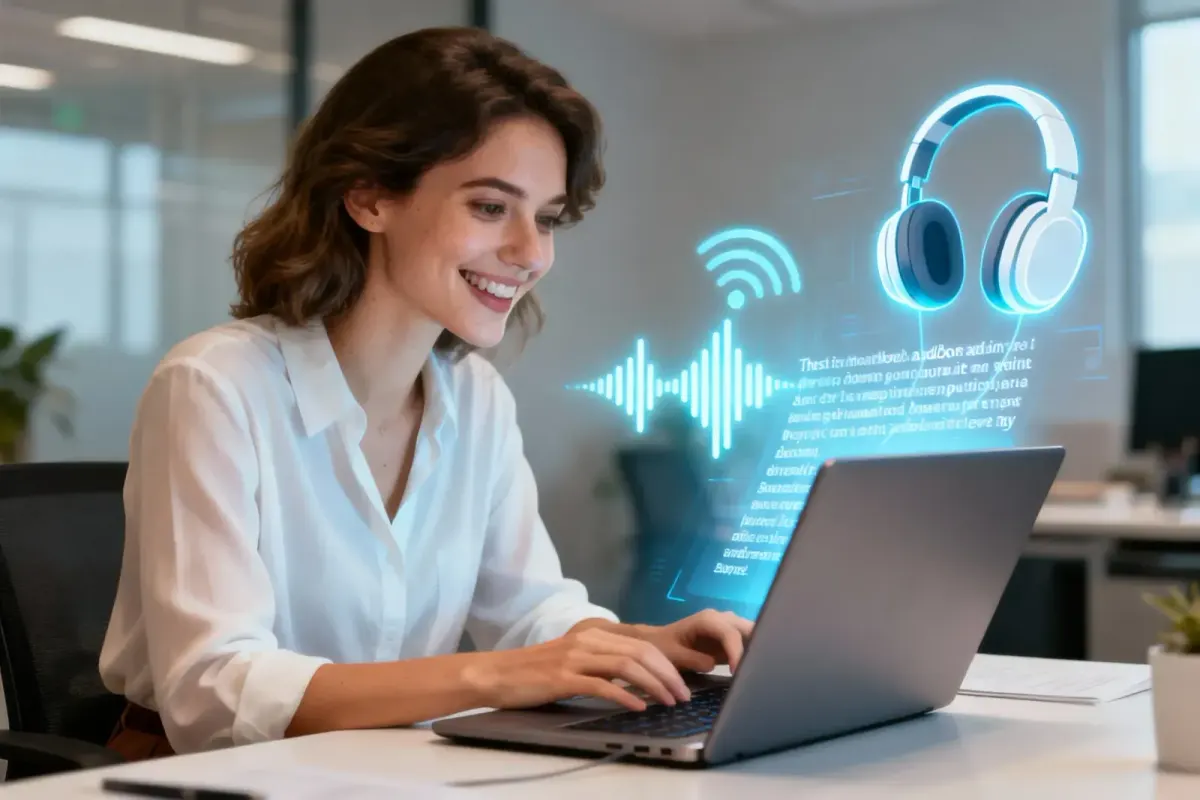
Demo performances. In the studio you cast from standard and premium voice lists.
English · Narration
English · Narration
English · Narration
English · Narration
English · Narration
In depth
An audiobook sample generator voices one chapter of your book so you can hear it before you produce the whole thing. One chapter is enough to answer the questions that matter: does the narrator suit the book, can you tell the characters apart, and do the names sound right?
Mistakes are cheap on one chapter and expensive on thirty. Settle the cast, the direction notes and the speaker of every tricky line on the sample, and the rest of the book generates with those decisions already made. An audiobook sample chapter is also something you can share, which a cast list on its own is not.
Upload the whole manuscript rather than one pasted chapter if you can. Character detection then sees the full cast, including people who only appear later, and the chapter list is ready when you move on. In the studio, generate just the chapter you picked; nothing else is voiced until you ask.
Choose the chapter by its job. For readers, use chapter one, since that's where listeners start. For testing the cast, pick the chapter where the most characters talk, because it shows quickly whether the voices are distinct enough. Listen once without reading along, then fix speakers, swap voices or add a note like [quietly, almost to herself] and regenerate only the lines that changed.
Sample chapter audio for agents is a nice extra, not a standard part of a query. Most literary agents ask for a query letter and sample pages as text, and many won't open attachments they didn't ask for. Read each agent's submission guidelines, and offer the audio as a link only where it fits.
Audio helps most when the conversation is about audio: an audio-rights discussion, a podcast adaptation, or a publisher curious about how the book reads aloud. Always label the file as AI-narrated, so nobody mistakes it for a narrator's audition.
Many writers want to listen to their manuscript before revising, because the ear catches what the eye skips: repeated words, sentences that run out of breath, dialogue nobody would say aloud. When every character has their own voice, you also hear whether they sound different on the page, or only in your head.
If that's your goal, any chapter will do. Generate it, listen on a walk, note the timestamps that made you wince, and revise the text before you voice more of the book. To keep listening as you draft, see text to speech for writers.
Listen to the whole chapter once without the text in front of you, the way a listener would. Then go through a short checklist. Can you tell every speaker apart from a single line? Does the narrator still sound fresh at the end of the chapter, not just the start? Are invented names and places said the way you hear them in your head? Is any direction note overdone?
Fix what you find in the text: correct a speaker, respell a name the way it should sound, soften or remove a note, then regenerate only those lines. The audiobook sample generator keeps every fix, so the full book starts from a chapter you already like.
A first chapter is a ready-made teaser. Put the MP3 in a newsletter, on your website or next to a pre-order link, and watch whether readers ask for the audio edition before you commit to it. Store previews are shorter: ACX's requirements, for example, ask for a retail sample of five minutes or less, so cut a few minutes from the opening if you need one.
When the audiobook sample generator has given you a chapter you like, keep the cast and generate the remaining chapters. The free credits cover the sample; a full novel needs a paid plan, and the audiobook cost calculator shows what your word count needs. If the book isn't finished yet, the manuscript to audiobook guide covers working from a draft.
You can also try the audiobook sample generator without uploading anything in the demo on the home page, or go straight to the AI audiobook generator. Check each store's policy on AI narration before you publish; Audible and ACX don't currently accept it.
To test your cast, one full chapter, long enough to hear the voices over time. For a store or newsletter teaser, a few minutes; ACX, for instance, asks for a retail sample of five minutes or less.
Yes. New accounts get free credits with no card, enough for a short sample chapter. Regenerating lines uses credits again, so settle the text first.
Yes. Swap any character's voice in the cast list and regenerate. The cast you keep carries over to the rest of the book.
You can, since the file is yours, but check each agent's submission guidelines first, as most ask for text only. Say clearly that the audio is AI-narrated.
Chapter one if the sample is for readers, since that's where listeners start. Your most dialogue-heavy chapter if you're testing the cast.
No. It's the same studio; you just generate one chapter first. The voices and direction notes you set on the sample carry into the full book.
Keep exploring
 AudienceManuscript to AudiobookProof-listen your draft, make a sample chapter, then produce the full-cast audiobook and keep the files.
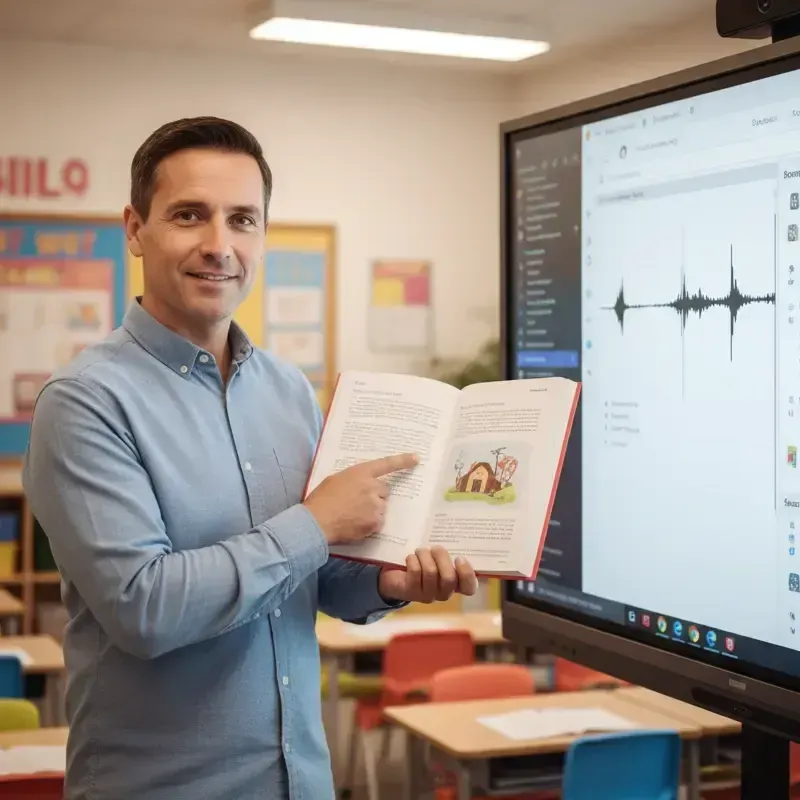 AudienceText to Speech for WritersHear a draft chapter read by a cast and catch clunky rhythm, repeated words and lines with no clear speaker.
 Free toolAudiobook Cost CalculatorTurn a word count into running time, credits and the plan that covers the whole book, and compare it with a narrator's quote.
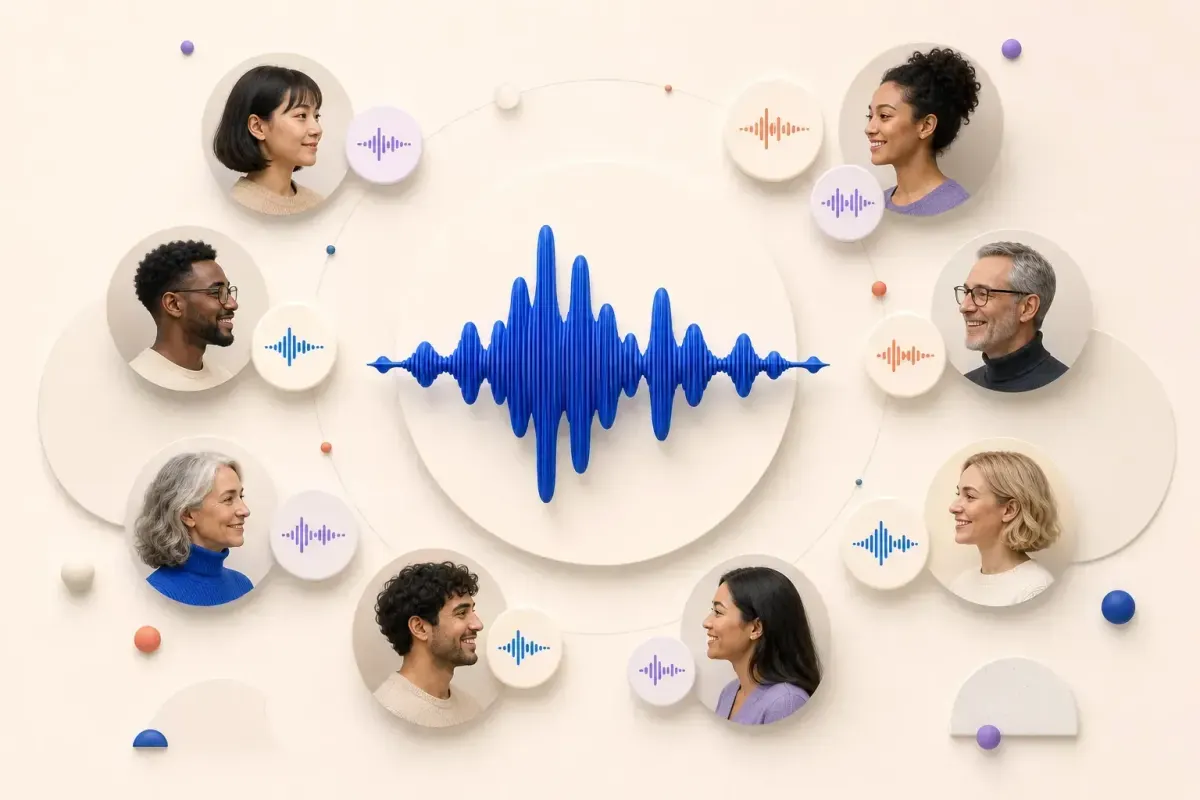 ToolAI Voices for AudiobooksNarrator and character voices for audiobooks, with casting tips by role and genre so the whole book is easy to listen to.Free toolAudiobook Length CalculatorTurn a word or page count into finished audiobook hours and average chapter length, at the narration pace you pick.
 GuideHow to make an audiobook with AIPrepare, cast, direct, proof-listen and export: the whole process, with the decision you face at each step.
Upload your manuscript, cast the voices and let the audiobook sample generator voice a short chapter on free credits.
