Morgana
English · Character
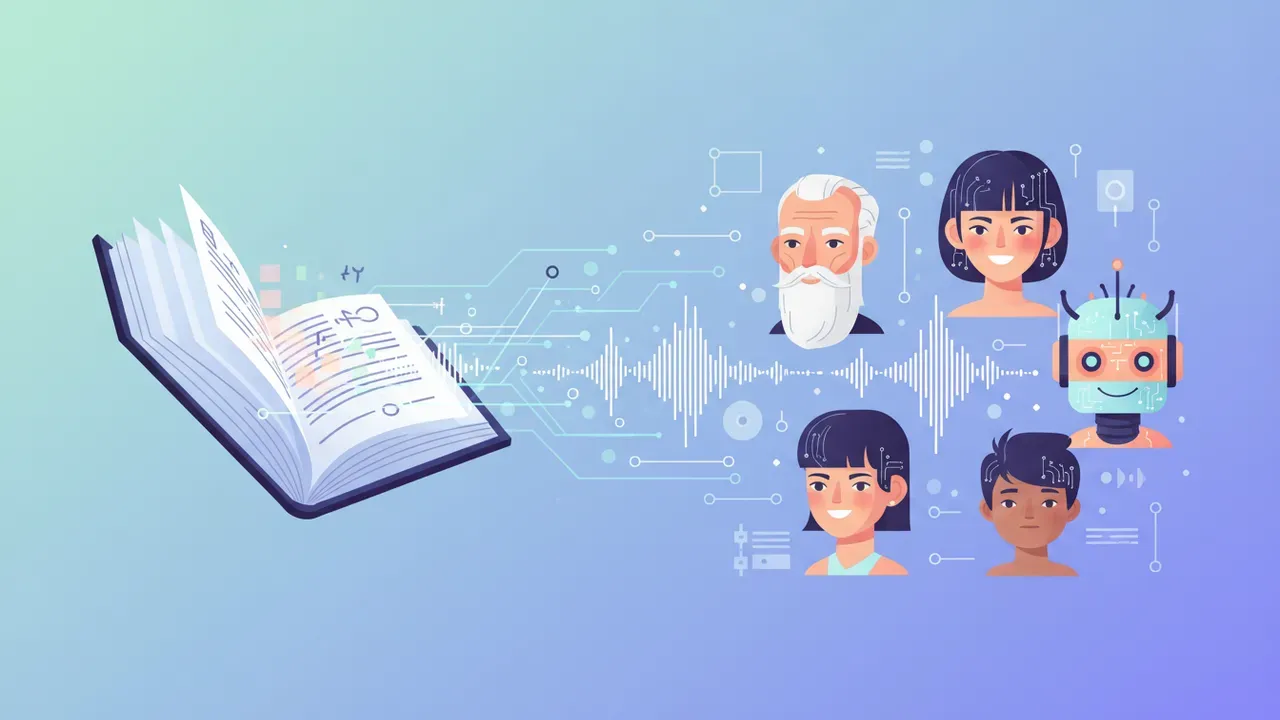
Paste a script with a hero, a villain, a sidekick and a narrator. FullCastBook finds every character, gives each one a distinct AI voice and performs the scene as one audio track for your video, story or episode.
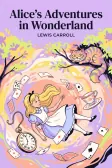
Lewis Carroll
Alice's Adventures in Wonderland
Alice asks the grinning Cheshire Cat for directions — and gets none.
The Cat only grinned when it saw Alice. It looked good-natured, she thought; still it had very long claws and a great many teeth, so she felt it ought to be treated with respect.
Step-by-step guide
No card to sign up, nothing to install.
Hear an example
Generated from the script below with the studio's own voices and settings, one voice per speaker, joined the way an export joins lines. No edits afterwards.
Narrator · Captain Brine · Pip · Biscuit · Morwen · Voices: Gemini 3.8 Flash TTS
Multi-Character Voice Over
What you get, from manuscript to finished audiobook.
Script template
Replace the text in brackets with your own, paste it into the studio, and every speaker gets a voice.
Copy this, replace the brackets with your characters and lines, and paste it into the studio. Decide each character's name once and use it on every line.
Part 1: [EPISODE OR VIDEO TITLE], scene 1

NARRATOR: [Where and when we are, in one sentence.]
[HERO]: [A line that shows who they are.]
[SIDEKICK]: (excited) [Reaction to the hero.]
[HERO]: [Plan or question.]
[MENTOR]: [sigh] [Warning, in a few words.]
NARRATOR: [The thing that interrupts them.]
[VILLAIN]: (smooth, quietly dangerous) [First line of the villain.]
[SIDEKICK]: [gasp] [Panicked line.]
[HERO]: [Brave answer.]
[VILLAIN]: [laugh] [Reply that raises the stakes.]
NARRATOR: [Cliffhanger sentence.]

Part 2: [EPISODE OR VIDEO TITLE], scene 2

NARRATOR: [New place or time.]
[MENTOR]: [whispers] [Line.]
[HERO]: [Line.]
[SIDEKICK]: [Line that lands the joke.]
Each Part heading becomes its own chapter, so the ZIP export has one MP3 per scene. Parentheses and brackets hold delivery notes and sound tags; delete any you don't need.
Use cases
Where authors and storytellers put it to work.

In practice

Demo performances. In the studio you cast from standard and premium voice lists.
English · Character
English · Character
English · Character
English · Narration
English · Narration
English · Narration
English · Narration
English · Narration
English · Narration
English · Narration
In depth
Multi-character voice over means giving each character in a script their own voice: the gruff captain, the excited kid, the calm villain, the narrator holding it together. It is what separates a cartoon or a story video from a single person reading aloud. Traditionally it means hiring several voice actors, or one very versatile one, and editing their takes together.
FullCastBook does the casting and the performance in one pass. Paste the script, and the studio works out which character says each line, lets you choose a voice for every role and returns the scene as one audio track. You direct the lines that matter, retake the ones that miss, and export audio for your edit. If your text is a plain conversation rather than a cast of characters, the simpler starting point is multi-voice text to speech.
Before any audio is made, an AI reads the whole text and assigns each line to a speaker. In a script, the names in front of lines (CAPTAIN:, Pip:) do most of the work. In prose, it follows dialogue tags such as "Pip whispered" and the back-and-forth of the scene, and everything outside the quotation marks goes to the narrator.
The result is a cast list you can check. Skim any stretch where three characters talk without tags, and move a line to the right role if needed; it takes seconds. A character who appears under two names, like "the witch" and "Morwen", is easiest to handle if you settle on one name in the script before you paste it.
Good casting starts with contrast. Listeners tell characters apart by age, pitch and energy long before they notice accent or tone, so make sure any two characters who share a scene differ on at least one of those. An old, gravelly voice next to a young, quick one; a smooth, low voice for the villain against a bright one for the hero.
Then match the voice to who the character is. The voice list describes each one in a word or two, such as firm, breathy, upbeat or mature, and that is a good first filter. Play the short samples, choose two or three candidates for each lead, and test them on the character's most important line, not their first one.
Keep the narrator calmer than everyone else. A narrator who is as lively as the characters makes scenes hard to follow, especially on small phone speakers. And if one voice has to play two minor roles, give them scenes that never overlap.
A voice choice gets a character most of the way; direction does the rest. Before a line, write a short note in brackets about how it should sound: [menacing, slow], [trying not to laugh], [shouting over the wind]. Add sound tags where a real actor would make a noise, such as [laugh], [sigh], [gasp] or [whispers].
Use notes at the turning points rather than on every line: the reveal, the joke, the moment a character breaks. If a line still misses, change the note and regenerate just that line. The AI voice emotion tags guide lists the tags and how to write directions that work.
The studio makes audio, not video. Export the scene as an MP3 and place it under your animation, slideshow or footage in whatever editor you use, then cut pictures to the voices. There is no lip-sync and no video output, so for animation it usually works best to record the voices first and animate to them, as studios do.
There is also no separate file for each line. If you need lines apart, for a game or a tight edit, put each scene or short group of lines under its own heading, such as Part 2: The knock at the door. Each heading becomes a chapter, and the ZIP export gives one MP3 per chapter; trim further in an audio editor. For a series, write down the voice you chose for each character so the cast stays the same from episode to episode.
The voices are stock voices: there is no voice cloning and no designing a new voice from a description, so you can't make a character sound like a specific real person. You own the files you export, and commercial use follows our terms of service. If you voice someone else's script or story, make sure you have the rights to it.
Creating audio uses credits: signing up is free with no card, and you pay with credits, a plan or a one-time top-up, when you create. Credits are counted by the characters voiced, so a two-minute skit costs little, and regenerating a line uses credits again; see pricing. To learn how human narrators separate characters, which helps when you direct AI voices too, read how to do character voices.
Tips
Yes. Multi-character voice over in FullCastBook assigns each line to its character and gives every character a voice of their own, with a separate narrator for any prose. You can reassign lines and change voices before you generate.
Pick voices that differ in age, pitch or energy, then add delivery notes in brackets on key lines, such as [menacing, slow]. Test each lead on their most important line before casting the whole script.
Yes. Note which voice you gave each character and cast the same ones in the next episode. The voices are the same stock voices every time, so the hero sounds the same throughout the series.
Not inside FullCastBook: it makes audio only, with no lip-sync or video output. Export an MP3, put it in your video editor and cut or animate to the voices.
Not per line. You can put each scene or group of lines under its own heading and export a ZIP with one MP3 per chapter, then trim further in an audio editor.
No. There is no voice cloning and no voice design. You choose from about 70 standard Gemini voices and 67 premium ElevenLabs voices, and shape each performance with directions and sound tags.
You own the files you export, and commercial use follows our terms of service. Make sure you have the rights to any script or story you voice.
No, there are no free credits. Signing up is free with no card, and you pay with credits, a plan or a one-time top-up, when you create; a short skit costs little. See pricing.
Keep exploring
 ToolMulti-Voice Text to SpeechPaste a dialogue, a script or a scene and hear every speaker in a different AI voice, then download one MP3.ToolAI Voice Actors for ScriptsCast a radio play, short film or skit with AI voice actors: a voice per character, directed lines, one MP3.
 GenreAI Audio Drama GeneratorTurn a story or a script into a performed drama: a voice per role, directions in brackets, one file per episode.
 AudienceManga & Webtoon Voice OverTurn speech bubbles into a voiced episode: a narrator for the panels and a different AI voice for every character.GuideHow to do character voicesFive levers narrators use, a character bible for consistency, and how it all maps to an AI cast.
 AudienceWeb Novel to AudiobookVoice your serial chapter by chapter, with the same full cast from chapter one to the latest release.
Paste your script, match a voice to each role and export the scene. Free to sign up; pay with credits when you create.