Jessica
English · Explainer
For ESL and EFL teachers
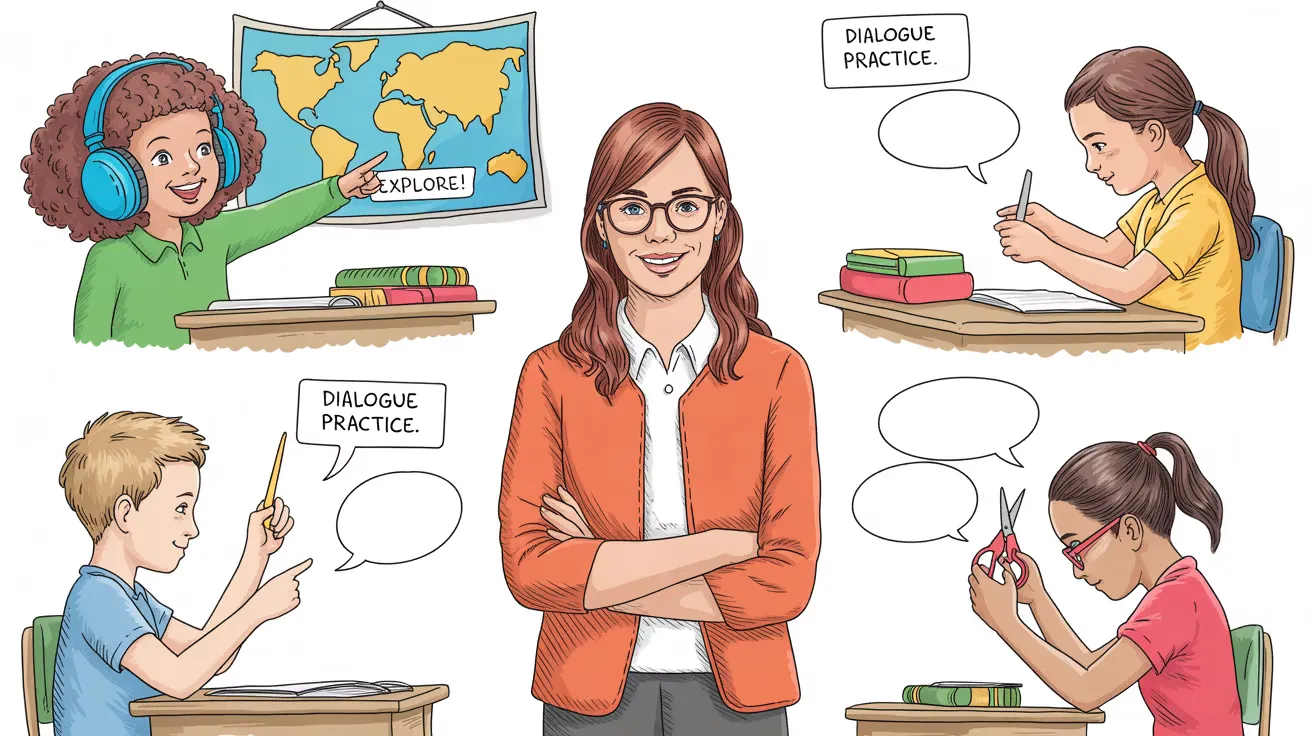
Write the dialogue your class needs, at the level they're at. FullCastBook works out who says each line, gives every speaker a different AI voice and hands back listening audio for your lesson or test.

Lewis Carroll
Alice's Adventures in Wonderland
Alice asks the grinning Cheshire Cat for directions — and gets none.
The Cat only grinned when it saw Alice. It looked good-natured, she thought; still it had very long claws and a great many teeth, so she felt it ought to be treated with respect.
Step-by-step guide
No card to sign up, nothing to install.
Hear an example
Generated from the script below with the studio's own voices and settings, one voice per speaker, joined the way an export joins lines. No edits afterwards.
Teacher · Clerk · Tom · Voices: Gemini 3.8 Flash TTS
ESL Listening Dialogues
What you get, from manuscript to finished audiobook.
Script template
Replace the text in brackets with your own, paste it into the studio, and every speaker gets a voice.
Copy this, replace the placeholders in square brackets, and paste it into the studio. Keep [slowly, clearly] and [hesitant]: those are delivery notes. One name before each line; each heading becomes its own track.
# Task [NUMBER]: [TOPIC] (Level [A2 / B1 / B2])

TEACHER: Listen to the conversation between [NAME A] and [NAME B]. Answer questions [1] to [5].
TEACHER: You will hear the conversation twice.

[NAME A]: [Greeting and the reason for the conversation.]
[NAME B]: [Short reply. Ask what they need.]
[NAME A]: [The request, with the first answer detail: a place, a day or a time.]
[NAME B]: [Question that checks or narrows it down.]
[NAME A]: [Answer. Include a distractor, e.g. "Not Tuesday. Thursday."]
[NAME B]: [slowly, clearly] [The key detail students must catch: a price, a number, a name.]
[NAME A]: Sorry, did you say [DETAIL] or [SIMILAR DETAIL]?
[NAME B]: [DETAIL]. [Repeat it once.]
[NAME A]: [hesitant] [A small change of plan or a follow-up question.]
[NAME B]: [Final answer detail.]
[NAME A]: [Thanks and goodbye.]
[NAME B]: [Goodbye.]

TEACHER: Now listen again.

# Task [NUMBER + 1]: [NEXT TOPIC]

TEACHER: [Instruction for the next task.]
To play the dialogue twice in one file, paste it again under "Now listen again." Spell names letter by letter (S-M-I-T-H) and write times as they should be said.
Use cases
Where authors and storytellers put it to work.


In practice
Demo performances. In the studio you cast from standard and premium voice lists.
English · Explainer
English · Creator
English · Creator
English · Character
English · Character
English · Narration
English · Narration
English · Narration
English · Narration
English · Narration
In depth
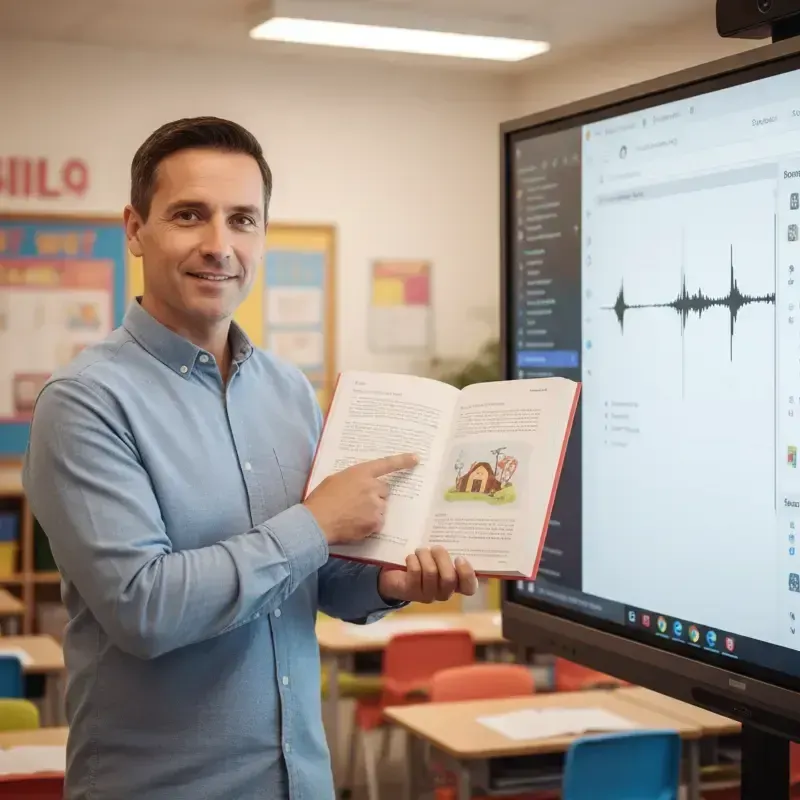
An ESL listening dialogue maker turns a conversation you wrote into audio your students can listen to: a waiter and a customer, two colleagues planning a meeting, a receptionist taking a booking. The point of writing your own is fit. Textbook audio rarely matches the exact vocabulary, level and topic of this week's lesson, and finding a recording that does can take longer than the lesson itself.
FullCastBook reads your script, decides who says each line and gives every speaker a different AI voice. You check the cast, adjust what you like and download the file. It's built on the same studio as our multiple voices text to speech tool, tuned here for the way teachers actually prepare listening material: short dialogues, clear roles, and tasks that need to be split into separate tracks.
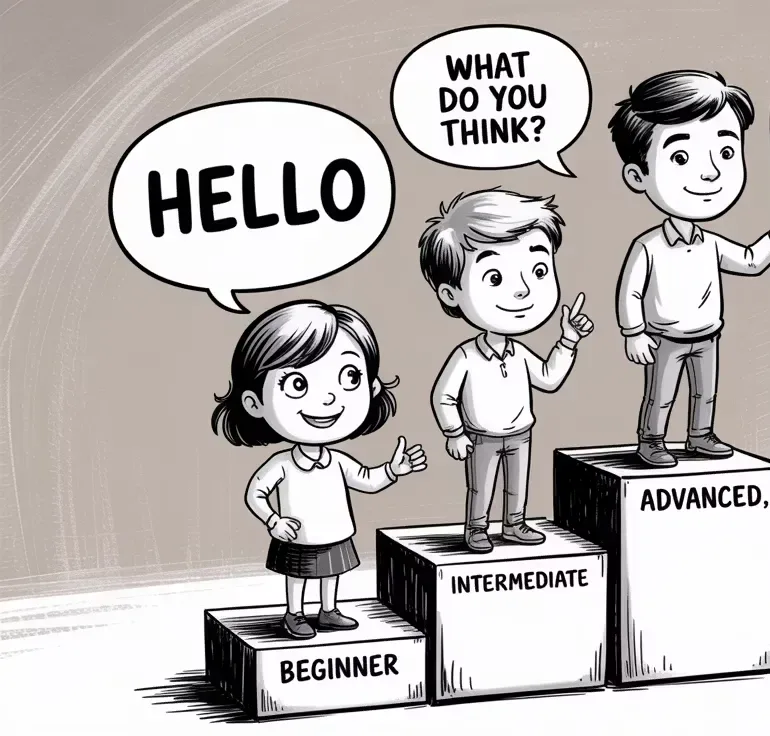
Start from what students should be able to do after listening. At A1 and A2, that usually means picking out a time, a price, a place or a choice, so keep sentences short, use high-frequency words, and make each speaker's turn one or two sentences long. At B1 and B2, real listening is messier: people hesitate, correct themselves, interrupt and change plans. Write some of that in on purpose, because it's exactly what students find hard outside the classroom.
Then read the script aloud once, as a listener would hear it. Written dialogues often carry too much information per line. If one turn holds both the train time and the platform, split it. Write numbers the way they should be spoken ("ten fifteen" or "quarter past ten", not "10:15"), and spell out anything students need to write down letter by letter, such as "That's S-M-I-T-H." The audio follows the text, so the text has to say precisely what you want heard.
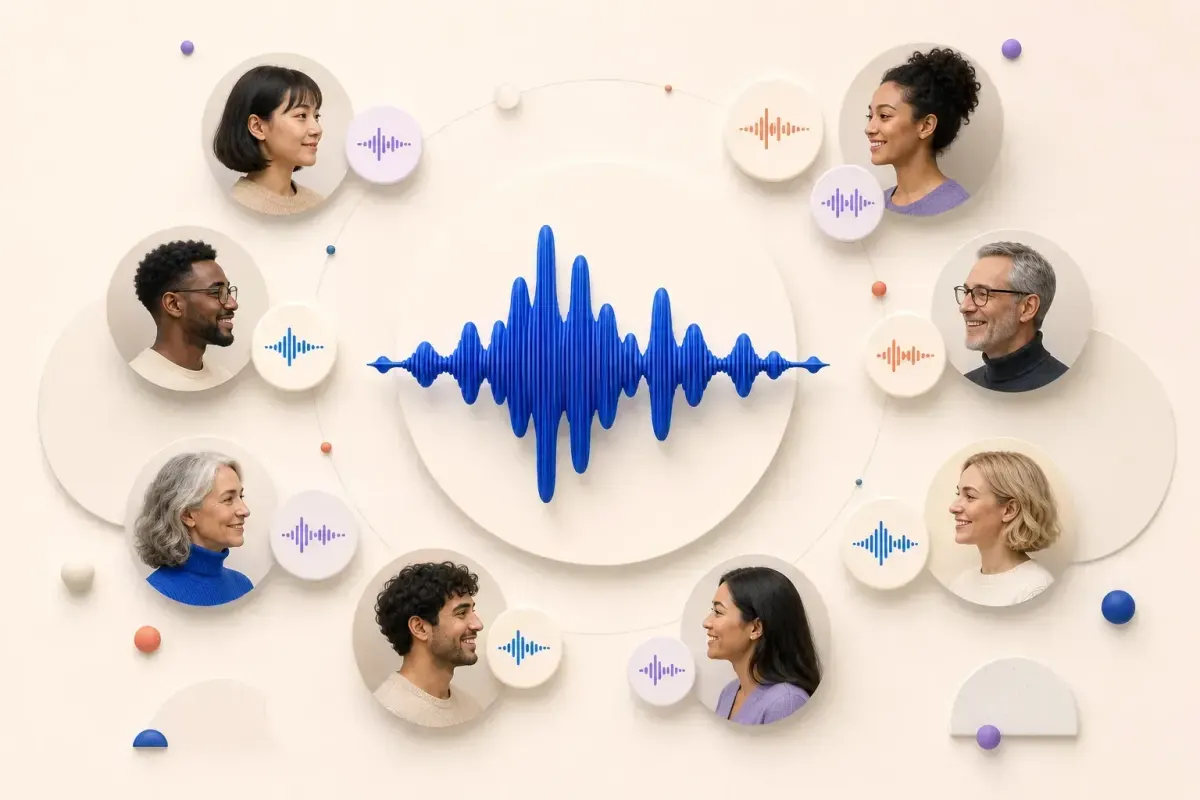
A lot of listening questions depend on knowing who is talking: "What does the man want?", "Why can't the woman come on Friday?", "Who suggests taking the bus?". If both speakers sound alike, students lose the thread and the question tests something other than listening. So choose voices that differ clearly: a man and a woman, an older and a younger voice, a calm one and an energetic one. Keep the instructions in a third voice that's neutral and steady, so nobody mistakes the teacher for a character.
Voice samples are free to hear before you generate, so audition two or three for each role. Voices differ in tone, age and accent, and it's worth picking by ear. If your exam board expects a particular accent, listen to the samples first and choose the closest match rather than assuming a voice will sound a certain way. And as TESOL's guidance on AI listening activities reminds teachers, always listen to the final audio yourself before it reaches a class or a test.
A test track usually has three parts: the instruction, the dialogue, and the repeat. Write the instruction as a TEACHER line ("Listen to the conversation and answer questions one to five."), then the dialogue, then a closing line such as "Now listen again." If the dialogue should play twice, paste it twice in the script, or replay the file in class. FullCastBook doesn't add timed silences for students to write their answers, so pause the player or add a gap in an audio editor if your format needs one.
Good test dialogues contain deliberate distractors: a speaker who says "four" and is then asked "four or fourteen?", a plan that changes from Tuesday to Thursday, a price that gets a discount. Mark the key line with a note like [slowly, clearly] if it's a beginners' test, or leave it at natural speed for higher levels. For a paper with several tasks, put each task under its own heading, so every task becomes a chapter, and export a ZIP with one MP3 per chapter. Name the headings "Task 1", "Task 2" and the files arrive in order.
Gemini voices are multilingual, and each line is generated separately, so the same workflow works if you teach Spanish, French or Chinese, and lines in two languages can sit in one script. That makes it easy to write instructions in the students' first language and keep the dialogue in the target language, or to build a dialogue where a speaker switches language mid-conversation. Listen to every line in a language you're less sure of, since English works best today.
When a class is ready for something longer than a dialogue, the same studio voices whole stories with a narrator and a cast. See language learning audiobooks for graded readers, or classroom read aloud for picture books and class novels with character voices.
Signing up is free and needs no card. Generating audio uses credits, counted by the characters voiced, so a two-minute dialogue costs little; regenerating a line uses credits again. Compare the plans to see what fits a term's worth of material. Export one MP3, or a ZIP with one MP3 per chapter for a multi-task test.
As between you and us, you own the audio you export, and you can use it under our terms of service: in class, on your learning platform or in materials you sell. If you voice a dialogue copied from a published coursebook, check that you have permission first; writing your own avoids the question entirely, and the script you pasted doubles as the transcript and answer key.
Tips
Write the dialogue with a name before each line, paste it into FullCastBook, and each speaker is detected and given a different voice. Check the cast, pick voices that are easy to tell apart, and download the MP3.
Yes. Write the instructions, the dialogue and a "now listen again" line in one script, and it comes back as one track. Listen to the whole file yourself before using it in a test.
You choose voices by ear. Each voice has its own tone and accent, and samples are free to hear, so if your exam needs a particular accent, audition the voices and pick the closest match before you generate.
Add a delivery note such as [slowly, clearly] to the lines that matter, and write shorter turns. Most media players can also lower the playback speed when you play the file in class.
Yes. Put each task under its own heading so it becomes a chapter, then export a ZIP with one MP3 per chapter. There are no per-line files; split a track in an audio editor if you need that.
Yes. The voices read many languages and every line is generated separately, so you can mix languages in one script. English works best today, so listen carefully to lines in other languages.
Signing up is free with no card, and you can hear voice samples for free. Generating audio uses credits; a short dialogue costs little. See pricing.
You own the audio you export, and use follows our terms of service, including in materials you sell. Make sure you have the rights to the text; your own dialogues are the safe choice.
Keep exploring
 ToolMulti-Voice Text to SpeechPaste a dialogue, a script or a scene and hear every speaker in a different AI voice, then download one MP3.
 AudienceLanguage Learning AudiobooksTurn graded readers you wrote, public-domain stories and class dialogues into audio with a voice per speaker.
 ToolBilingual Dialogue AudioWrite a dialogue that switches between two languages and hear each speaker in their own AI voice, then download one MP3.AudienceClassroom Read-Aloud AudioChapter-sized read-aloud files from texts you can use, with distinct voices so students follow the dialogue.AudienceeLearning Scenario Voice-OverGive the customer, the employee and the coach in a training scenario their own AI voices, with one audio file per branch.
 GuideAI voice emotion tagsBracket notes and sound tags that work in long-form narration, which voices follow them, and when to stop.
Paste a listening dialogue, give each role a voice and download it for class. Free to sign up; creating uses credits.