Jessica
English · Explainer
Paste a Q&A or upload a transcript. FullCastBook works out which lines are questions and which are answers, gives the interviewer and every guest a different AI voice, and returns the whole interview as one audio file.


Lewis Carroll
Alice's Adventures in Wonderland
Alice asks the grinning Cheshire Cat for directions — and gets none.
The Cat only grinned when it saw Alice. It looked good-natured, she thought; still it had very long claws and a great many teeth, so she felt it ought to be treated with respect.
Step-by-step guide
No card to sign up, nothing to install.
Hear an example
Generated from the script below with the studio's own voices and settings, one voice per speaker, joined the way an export joins lines. No edits afterwards.
Interviewer · Ruth · Voices: Gemini 3.8 Flash TTS
A made-up interview written for this demo, voiced with AI voices.
Interview Transcript to Audio
What you get, from manuscript to finished audiobook.
Script template
Replace the text in brackets with your own, paste it into the studio, and every speaker gets a voice.
A name or role before every turn, one turn per paragraph. Unlabelled text, such as the intro, goes to the narrator. Replace the brackets with your interview.
NARRATOR: This interview with [GUEST NAME], [GUEST ROLE], was recorded on [DATE] and is read here by AI voices.
INTERVIEWER: [GUEST NAME], thanks for doing this. Let's start at the beginning. [OPENING QUESTION]
[GUEST NAME]: [laugh] [Short, warm opening answer.]
INTERVIEWER: [Follow-up that picks up a detail from the answer.]
[GUEST NAME]: [Longer answer. Split it into two paragraphs if it runs past four sentences.]
[GUEST NAME]: [Second paragraph of the same answer.]
INTERVIEWER: [Question about the hardest moment.]
[GUEST NAME]: (pauses, thinking) [Considered answer.]
INTERVIEWER: [Question about a specific example, number or name. Spell names the way they sound.]
[GUEST NAME]: [Answer.]
NARRATOR: [Optional section break, e.g. "Part two: what comes next."]
INTERVIEWER: [Forward-looking question.]
[GUEST NAME]: [Answer.]
INTERVIEWER: Last question. [ADVICE QUESTION]
[GUEST NAME]: [Short, quotable closing answer.]
INTERVIEWER: [GUEST NAME], thank you.
[GUEST NAME]: (warmly) Thank you for having me.
For a panel, add one label per guest, such as [GUEST 2 NAME]:. Delete timestamps, [inaudible] and [crosstalk] from real transcripts before pasting.
Use cases
Where authors and storytellers put it to work.
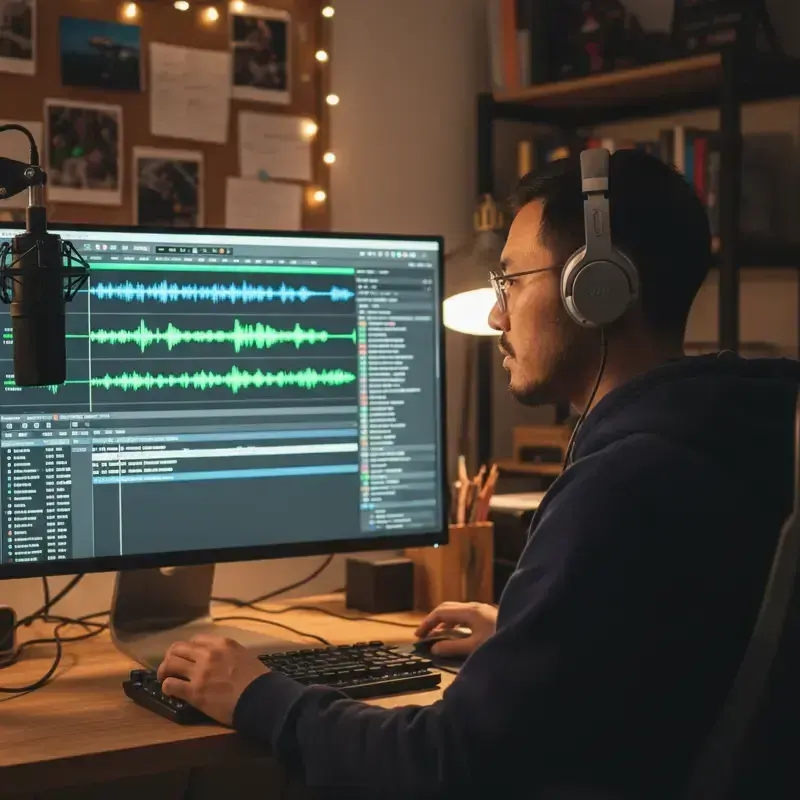
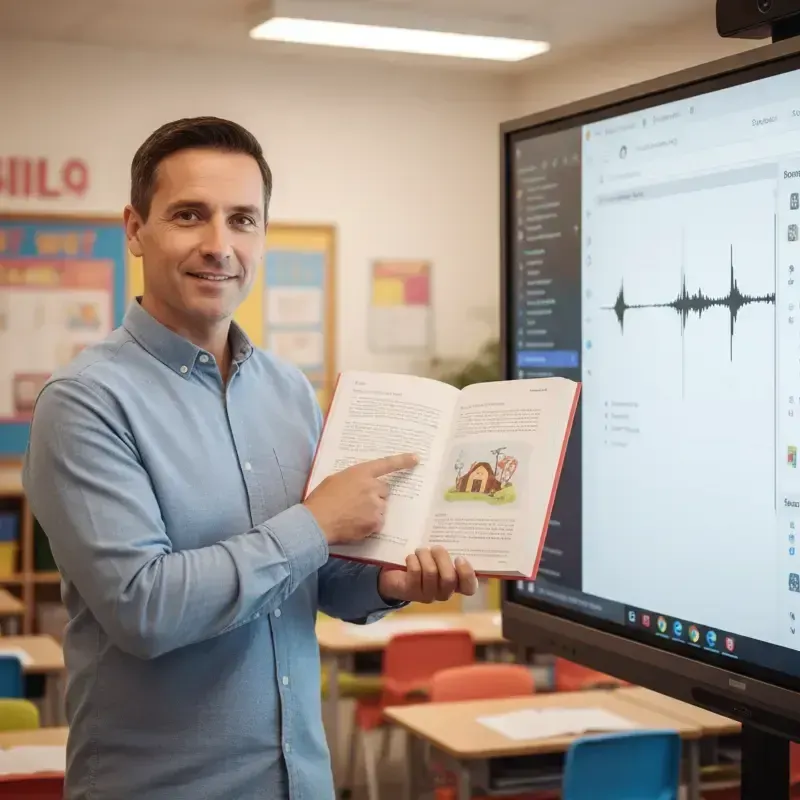
In practice
Demo performances. In the studio you cast from standard and premium voice lists.
English · Explainer
English · Narration
English · Narration
English · Narration
English · Narration
English · Narration
English · Narration
English · Narration
English · Narration
English · Narration
In depth
Turning an interview transcript to audio gives a written conversation back its voices. Maybe the Q&A was done over email, the recording is too noisy to publish, the interview ran in print and you want an audio edition, or the transcript is all you were allowed to keep. In each case you have the words and need a listenable version with one voice asking and another answering.
FullCastBook reads the transcript, assigns every turn to the interviewer or a guest, and voices each with a different AI voice. You check the speakers, choose the voices and download the conversation as one file. It runs on the same engine as our multiple voices text to speech tool, set up here for interviews rather than scripts or stories.
Transcription tools leave things a listener doesn't need. Remove timestamps like 00:12:31, the "Speaker 1" and "Speaker 2" labels (replace them with names or roles), and the filler words you would cut in an edit: most "um", "you know" and false starts. Keep a few if you want the conversation to sound unscripted.
Watch the square brackets. Transcripts often contain [inaudible], [crosstalk] or [laughter], and in the studio square brackets are read as delivery notes and sound tags. Delete the ones you don't want heard, and turn the useful ones into tags the voices understand, such as [laugh] for [laughter]. Gaps marked [inaudible] are best fixed or cut in the text, since a voice can't guess what was said.
Then decide how faithful the audio should be. A verbatim re-voicing keeps every answer as given, which suits research and archives. An edited version trims tangents, merges repeated points and reorders a question or two, which suits an episode. Either way, keep the guest's meaning intact, and if you edit their answers, say so in the intro or the show notes.
The clearest format is a name or role before each turn: "INTERVIEWER:" and "RUTH OKAFOR:", or a short first name. Use the same label every time. Single-letter labels like "Q:" and "A:" are best renamed, because a short, real name leaves less room for doubt and makes the speaker list easy to read. Magazine-style Q&As with the interviewer's question in bold and the answer below usually work too; check the result in the studio.
Panels and group interviews work the same way: every guest with their own label becomes a speaker with their own voice. If there's an introduction, a short bio or a scene-setting paragraph without a label, it goes to the narrator, which makes a natural opening for an episode.
Contrast keeps listeners oriented. If the interviewer and guest are similar in age and pitch, a long answer can make people lose track of who is speaking. Pair a clear, even voice for the interviewer with a voice that suits the guest, such as an older, warmer voice for a retired craftsman or a quick, bright one for a young founder. If the original recording exists, listen to a minute of it first so the voice you pick fits the guest's age and manner.
These are AI voices, not the speakers' real voices: FullCastBook has no voice cloning. That matters for honesty. Tell listeners the interview is re-voiced with AI, credit the real people by name, and get the interviewee's agreement before you publish their words as audio, especially if the original interview was given for print.
Written answers are tidier than speech, so a direct read can sound like an essay. A few bracketed notes help: [laugh] where the guest laughed, [pauses, thinking] before a difficult answer, [warmly] for a thank-you. Mark the moments that matter rather than every line. If an answer still sounds wrong, change the note and regenerate that line. See AI voice emotion tags for notes that work well.
Long answers read better in shorter paragraphs, which give the voice natural places to breathe. Names, places and technical terms are worth one check before export; if one is mispronounced, spell it the way it sounds, as the pronunciation guide explains.
A short Q&A downloads as one MP3. For a long interview, put each topic in its own chapter and export an M4B with chapter marks, or a ZIP with one MP3 per chapter. There are no per-line files and no video; the result is audio you can publish as a podcast episode, attach to an article or edit further. For a scripted show rather than a transcript, see two-host podcast script to audio.
Signing up is free and needs no card. Generating and exporting use credits, counted by the characters voiced, so a long interview costs more than a short one, and regenerating a line uses credits again. Compare the plans before you voice a full hour.
Tips
FAQ
Something not covered here? Email us at support@fullcastbook.com
Paste or upload the transcript with a name before each turn, and FullCastBook gives the interviewer and the guest different AI voices and returns one MP3. You can change either voice and reassign any line before you generate.
Yes. Label the questions and answers with names, add a short intro for the narrator if you like, and export the conversation as an MP3. Ask the interviewee before you publish their answers as audio.
No. FullCastBook has no voice cloning; every speaker gets a stock AI voice. Tell listeners the interview has been re-voiced with AI voices.
It works, but renaming them to roles or names, like INTERVIEWER and the guest's name, gives a clearer speaker list. Also remove timestamps and bracketed notes like [crosstalk] before uploading.
Yes. Every labelled speaker becomes a separate voice, so an interviewer and three panelists get four voices. Choose voices that differ clearly so listeners can follow.
You can upload a transcript file of up to 60 MB, which is far longer than most interviews. Split long interviews into chapters by topic and export an M4B or one MP3 per chapter.
Signing up is free with no card, and voice samples are free to hear. Generating and exporting audio use credits; see pricing.
Keep exploring
ToolMulti-Voice Text to SpeechPaste a dialogue, a script or a scene and hear every speaker in a different AI voice, then download one MP3. ToolTwo-Host Podcast Script to AudioPaste a two-host or panel script and hear each host in their own AI voice, then download the episode as an MP3.ToolAI Voice Actors for ScriptsCast a radio play, short film or skit with AI voice actors: a voice per character, directed lines, one MP3.AudienceeLearning Scenario Voice-OverGive the customer, the employee and the coach in a training scenario their own AI voices, with one audio file per branch.
 GuideAI voice emotion tagsBracket notes and sound tags that work in long-form narration, which voices follow them, and when to stop.GuideAudiobook pronunciation guideGet every name right with AI voices: a name list, phonetic respelling, and one-line fixes.
Upload a transcript, choose a voice for the interviewer and each guest, and download the conversation as one MP3. Free to sign up; pay with credits when you create.