Hades
English · Narration
For game masters and actual-play hosts
Write the recap the way you already do. FullCastBook gives the story so far to a narrator and every quoted NPC their own voice, so the session opens with a "previously on" your players will actually listen to.
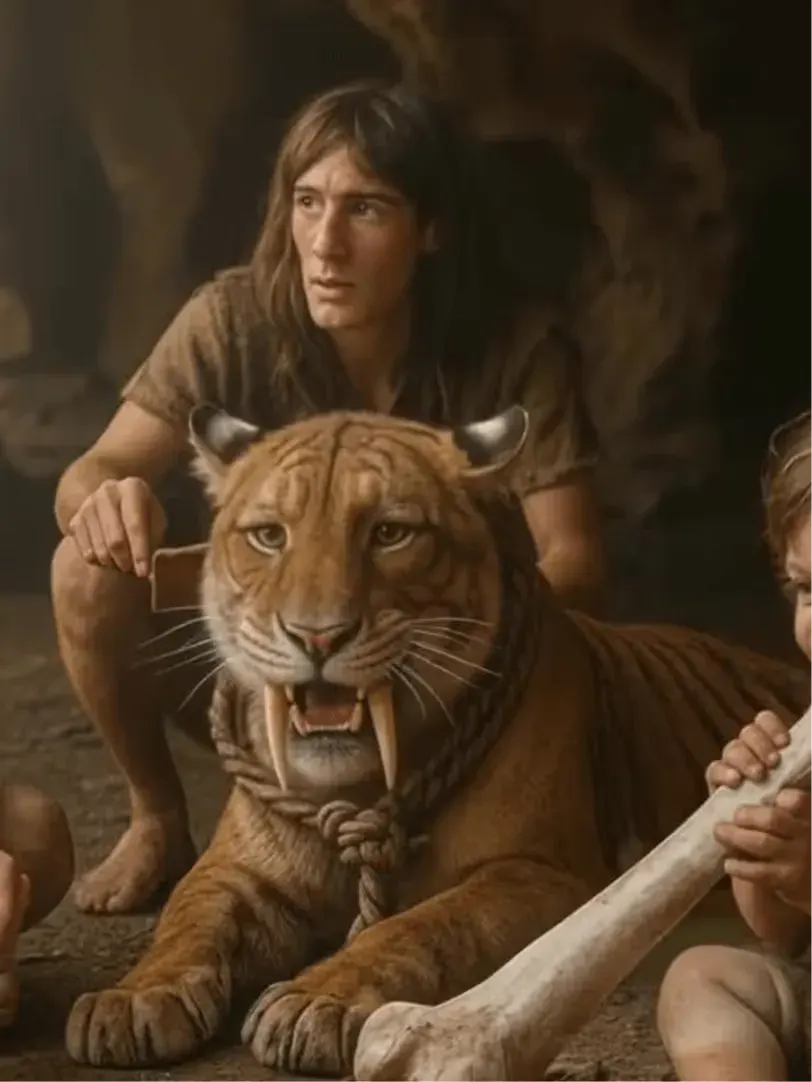

Lewis Carroll
Alice's Adventures in Wonderland
Alice asks the grinning Cheshire Cat for directions — and gets none.
The Cat only grinned when it saw Alice. It looked good-natured, she thought; still it had very long claws and a great many teeth, so she felt it ought to be treated with respect.
Step-by-step guide
From your session notes to a two-minute opening with voices.
D&D Session Recaps
A narrator, NPCs in their own voices and a cast that lasts the campaign.
Use cases
Home games, actual-play shows and long campaigns.

Demo performances of narrator and villain archetypes. In the studio you cast from the standard and premium voice lists.
English · Narration
English · Narration
English · Character
English · Character
English · Narration
English · Narration
English · Character
English · Narration
English · Narration
English · Narration
In depth
Every group forgets. A week, or a month, passes between sessions, and the first twenty minutes go to "wait, who was the guy with the boat?" A DnD session recap fixes that, and read aloud it does something more: it sets the mood before anyone rolls a die. A written summary in the group chat gets skimmed. A spoken one, with the villain's threat in the villain's voice, gets everyone leaning in.
Not every game master does voices, and not every game master wants to perform the recap after a long day of prep. FullCastBook works as a DnD session recap AI narrator: it turns the recap you write into audio, with a narrator for the story so far and a distinct voice for each NPC you quote. You write it once and press play at the table.
Three beats are enough. Previously on: two or three sentences on what the party did, in order. Stakes: who wants what, and what happens if the party fails. Cliffhanger: the exact moment you stopped, so the session starts mid-breath. Quote one or two NPC lines, the ones players will remember, and leave the rest to the narrator.
Here's a short recap written that way: Previously, on The Salt Crown. The party reached Greywater at dusk, three days ahead of the storm and one day behind the thief. [low, unhurried] "You owe me a ship," said Captain Ilsa Marr, "and I collect." In the bell tower, Brother Fen found the ledger torn in half. [whisper, like sharing a secret] "Someone in this town paid for the fire," he said. Tonight the tide turns at midnight, and the drowned bell has started to ring.
In the studio, Captain Marr and Brother Fen each get their own voice, the narrator takes everything outside the quotes, and the bracket notes shape how each line is read. That's about 70 words, roughly half a minute of audio.
If you've read up on how to do character voices for D&D and decided live voices aren't for you, casting does the job instead. Cast for contrast. The narrator should be easy to listen to and a little warm; it carries most of the words. The big bad wants something memorable, slower and lower than everyone else, or unnervingly gentle. Recurring NPCs should differ from each other in age, pitch or accent, so players can tell the harbour master from the smuggler by ear. Walk-on characters can share a handful of supporting voices.
Player characters are a table decision. Some players love hearing their character's best line from last session; others would rather nobody else voices their character. Ask before you quote them, and when in doubt keep player characters in the narration ("Kestrel talked her way past the guard") and save the voices for NPCs. For techniques you can use live as well, see AI voice for storytelling.
Make one project per campaign and add each session's recap as a new chapter. The cast list stays with the project, so Captain Marr sounds the same in session 3 and session 30, and the chapters line up in order as a running campaign archive. When an arc ends and you'd rather start fresh, create a new project and copy the cast from the old one.
Speaker detection keys on names, so spell each NPC the same way every time. If a villain goes by two names, pick one for the recap, or set the speaker by hand on those lines. You can always swap a voice later in the cast list, but re-generating old recaps uses credits again, so it's worth settling the main villain's voice early.
Aim for one to three minutes per DnD session recap. At about 150 words a minute, a 300-word recap runs about two minutes, long enough to set the scene and short enough that nobody reaches for their phone. As a 192 kbps MP3, a two-minute file is under 3 MB by our arithmetic.
At a physical table, play it from a phone or laptop through a speaker as the session starts, then go straight into the cliffhanger. For online games, post the MP3 in your campaign channel before the session, or play it from your computer while sharing your screen with sound, if your voice app supports that.
Actual-play shows use the same tools for cold opens and "last time on" segments, and TTRPG session recap audio works the same for any system, from Pathfinder to Call of Cthulhu. Export each recap as its own MP3 and drop it into your editor next to the table recording; recurring NPC voices from the cast list keep the show consistent across seasons. For a fully dramatized episode rather than a recap, see the AI audio drama generator, and for short scenes, multi-voice text to speech.
Your homebrew world, your NPCs and your recap text are yours, and the audio files you export are yours to use under our terms. Published adventures are different: their read-aloud text and named characters belong to the publisher. Summarising what happened at your table in your own words is a recap; reading the module's boxed text into a public podcast is much closer to copying it.
Publishers set their own rules for fan content. Wizards of the Coast's Fan Content Policy, for example (last updated November 2017, checked October 2026), asks that fan content stay free to access, allows sponsorships, ads and donations, and requires a notice that the content is unofficial. Check the policy of whichever publisher's game you run before you post. This is general information, not legal advice. When you're ready to try it, the examples on the home page show what a cast sounds like, and pricing lists the plans.
Use three beats: what the party did, what's at stake now, and the exact moment you stopped. Keep it to a few hundred words, and quote one or two NPC lines so the recap has voices in it.
Yes. Quote the NPC's lines in your recap and FullCastBook gives each NPC a distinct voice you choose from standard and premium voices, with a narrator for everything else. It doesn't clone voices, so you cast from the voice lists.
Yes. Add each recap as a new chapter in your campaign's project and the cast stays the same. For a new arc, start a project that copies the cast from the old one.
One to three minutes is the sweet spot. At about 150 words a minute, that's roughly 150 to 450 words.
Yes, the exported files are yours to use under our terms. If your recap quotes a published adventure, follow that publisher's fan content policy; Wizards of the Coast's, for example, asks for free access and an unofficial-content notice.
Ask your players. Some enjoy hearing their character's best line again; others want to be the only voice of their character. Keeping player characters in the narration is the safe default.
Keep exploring
 AudienceAI Voice for StorytellingA narrator plus a voice for every character, for story channels, fiction podcasts, classrooms and game nights.
 GenreAI Audio Drama GeneratorTurn a story or a script into a performed drama: a voice per role, directions in brackets, one file per episode.GuideHow to do character voicesFive levers narrators use, a character bible for consistency, and how it all maps to an AI cast.ToolMulti-Voice Text to SpeechPaste a dialogue, a script or a scene and hear every speaker in a different AI voice, then download one MP3.
Paste your DnD session recap, cast your NPCs and export an MP3 for the table. Free to start.
