Avery
English · Character
For actors, drama students and teachers
Upload your script and FullCastBook gives every other character a voice, scene by scene. Listen on the bus, run your cues at home and arrive at rehearsal knowing when you speak.

Lewis Carroll
Alice's Adventures in Wonderland
Alice asks the grinning Cheshire Cat for directions — and gets none.
The Cat only grinned when it saw Alice. It looked good-natured, she thought; still it had very long claws and a great many teeth, so she felt it ought to be treated with respect.
Step-by-step guide
No card to sign up, nothing to install.
Hear an example
Generated from the script below with the studio's own voices and settings, one voice per speaker, joined the way an export joins lines. No edits afterwards.
Narrator · King Oswald · Ada · Fizz · Voices: Gemini 3.8 Flash TTS
Play Rehearsal Audio
What you get, from manuscript to finished audiobook.
Script template
Replace the text in brackets with your own, paste it into the studio, and every speaker gets a voice.
Copy this, fill in your scene and paste it into the studio. Character names in capitals, stage directions on narrator lines, one scene per Part heading.
Part 1: Act [NUMBER], Scene [NUMBER], full run

NARRATOR: [Place]. [What the audience sees in one sentence]. Enter [CHARACTER A].
CHARACTER A: [Line.]
[YOUR CHARACTER]: [Your line.]
CHARACTER A: (angry) [Line that cues your next speech.]
[YOUR CHARACTER]: [Your line.]
NARRATOR: Enter [CHARACTER B].
CHARACTER B: [whispers] [Line.]
[YOUR CHARACTER]: [Your line.]
CHARACTER A: [Line.]
NARRATOR: Exit [CHARACTER B].

Part 2: Act [NUMBER], Scene [NUMBER], cues only

NARRATOR: [Place]. Enter [CHARACTER A].
CHARACTER A: [Line.]
NARRATOR: Your line.
CHARACTER A: (angry) [Line that cues your next speech.]
NARRATOR: Your line.
NARRATOR: Enter [CHARACTER B].
CHARACTER B: [whispers] [Line.]
NARRATOR: Your line.
CHARACTER A: [Line.]
Each Part heading becomes its own chapter, so the ZIP export has one MP3 per scene. Delete the cues-only part if you only want the full run.
Use cases
Where authors and storytellers put it to work.

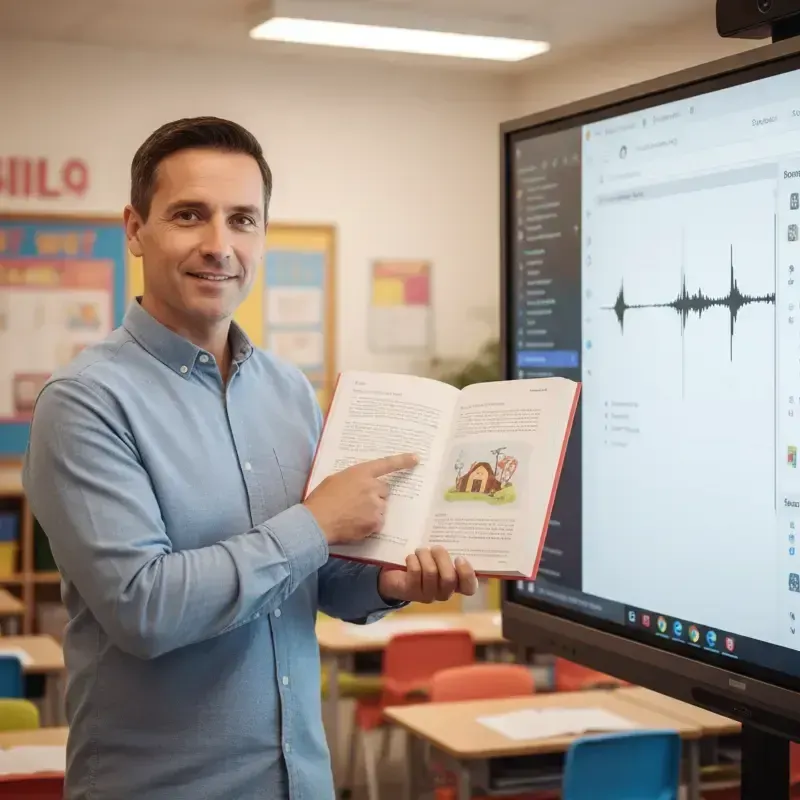

In practice
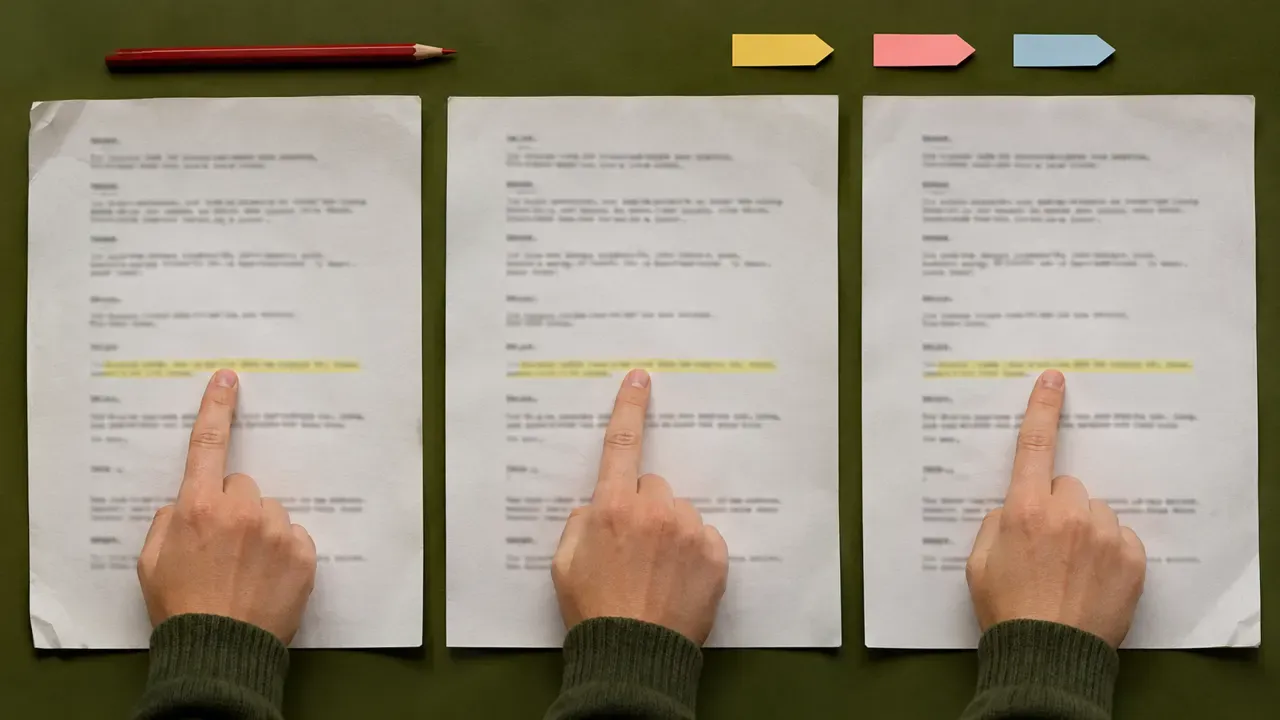

Demo performances. In the studio you cast from standard and premium voice lists.
English · Character
English · Character
English · Character
English · Narration
English · Narration
English · Narration
English · Narration
English · Narration
English · Narration
English · Narration
In depth
Play rehearsal audio is a recording of your scenes with the other characters' lines spoken aloud, so you can learn your cues without a scene partner. Actors have always made these by hand, recording every other part in their own voice, or begging a friend to read them. It works, but it is slow, and everyone in the recording sounds like you.
FullCastBook does the reading for you. Upload the script, and the studio assigns every line to its character, gives each character a different AI voice and reads the stage directions with a narrator if you want them. You get a track per scene that sounds like a cast, not a single reader, and you can listen to it wherever you learn lines best.
A full-run track keeps your own lines in. It is the one to start with: listen to the scene a few times as a whole and you learn its rhythm, where the laughs and the pauses fall, and how your lines answer the ones before them.
A cues-only track is for testing yourself. Make a copy of the scene and replace each of your lines with a short prompt for the narrator, such as "Your line." When you hear the prompt, pause the player and say the line aloud, then check it against the script. There is no automatic mute for one character and the studio doesn't listen for your voice, so this copy is how you build the gaps.
Most actors use both. Learn the scene with the full run, then switch to cues only for the last few days before you're off book. Because each scene is its own file, you can do that scene by scene instead of for the whole play at once.
The studio reads stage-play formats well: a character name in capitals followed by a colon or a full stop, then the line. Upload a PDF, DOCX or TXT of the script, or paste only the scenes you're in. A PDF needs real text, not a scan; if you can't select the words in your PDF reader, the studio can't read them either.
To get one file per scene, start each scene with a heading on its own line, such as Part 3: Act One, Scene Two, or use a Markdown file with a heading for each scene. Each heading becomes a separate chapter, and the ZIP export gives you one MP3 per chapter.
Decide what to do with stage directions. Entrances and exits are useful cues, so a short narrator line like "Enter Fizz, out of breath" helps. Long descriptions of the set slow the track down; cut them before you generate. Directions inside a speech, like (beat) or (to the audience), can stay in parentheses as notes for the voice or be deleted.
Pick voices that match the people you will actually rehearse with, at least roughly: the right age, a similar energy, a low or bright voice. Cues are easier to recognise when the voice in your ear resembles the actor who will give them on stage.
Give characters who share scenes clearly different voices, and keep the narrator calmer than all of them so stage directions never sound like dialogue. If a scene partner is loud, angry or whispering on a particular line, write that in brackets before the line, such as [furious, shouting] or [whispers]. A cue that arrives with the right energy is a better cue. More on writing these notes is in AI voice emotion tags.
Line learning is where school productions lose the most rehearsal time. A per-scene track lets each student hear the scenes they appear in at home, so time in the room goes on blocking, timing and character, not on prompting. Older students can make their own; for younger casts, the teacher can make one set and share the files.
Check your rights first. If the play is under copyright, your performance licence may say what recordings you can make and who can hear them, so read it before you create or share any audio. Your own writing, devised work and public-domain plays are the simplest cases; for classic plays read in class, see Shakespeare audiobooks and classroom read aloud.
Be clear about the limits. The studio makes audio files; it is not a live scene partner. It doesn't listen for your lines, wait for you, or mute one character at the press of a button, and it doesn't make video or one file per line. Music cues and sound effects aren't added either.
Creating audio uses credits: signing up is free with no card, and you pay with credits, a plan or a one-time top-up, when you create. Credits are counted by the characters voiced, so a single scene costs far less than a whole play, and regenerating a line uses credits again; see pricing. Export one MP3, a ZIP with one MP3 per scene, or an M4B with chapter markers. For dialogue that isn't a play, the general tool is multi-voice text to speech.
Tips
Make play rehearsal audio of your scenes: the other characters' lines are read by AI voices, so you can hear your cues and answer them anywhere. Start with the full scene, then use a cues-only copy to test yourself.
Not with a switch. Make a copy of the scene, replace each of your lines with a short narrator prompt such as "Your line.", and pause the player to say it. Keep the full version for learning the scene.
Yes, if you leave them in: stage directions go to a narrator voice, separate from the characters. Keep entrances and exits as cues and cut long set descriptions before you generate.
Yes. Start each scene with a heading such as Part 3: Act One, Scene Two, and export the ZIP, which has one MP3 per chapter. You can also download the whole act as one MP3.
Yes, as long as the PDF contains real text rather than a scan. DOCX, TXT, Markdown and pasted text work too, and names in capitals before each line are picked up as characters.
Check your performance licence first; it may limit what recordings you make and who hears them. Your own scripts and public-domain plays are the simple cases. If in doubt, ask the licensing agent.
No, there are no free credits. Signing up is free with no card, and you pay with credits, a plan or a one-time top-up, when you create; one scene costs far less than a whole play. See pricing.
Keep exploring
 ToolMulti-Voice Text to SpeechPaste a dialogue, a script or a scene and hear every speaker in a different AI voice, then download one MP3.
 AudienceAI Table ReadA screenplay or stage play read by a cast: a voice per character, action read or skipped, files for notes.
 GenreShakespeare AudiobookVoice every role of a public-domain play, keep or cut the stage directions, and make each scene a chapter.
 AudienceClassroom Read-Aloud AudioChapter-sized read-aloud files from texts you can use, with distinct voices so students follow the dialogue.ToolAI Voice Actors for ScriptsCast a radio play, short film or skit with AI voice actors: a voice per character, directed lines, one MP3.
 GuideAI voice emotion tagsBracket notes and sound tags that work in long-form narration, which voices follow them, and when to stop.
Upload your scenes, voice the other parts and download a track per scene. Free to sign up; pay with credits when you create.