Jessica
English · Explainer
Paste a dialogue, a script or a short scene. FullCastBook works out who says each line, gives every speaker a different AI voice and turns the whole conversation into one audio file.
my-story.txt
Text
Reading your file…

Lewis Carroll
Alice's Adventures in Wonderland
Alice asks the grinning Cheshire Cat for directions — and gets none.
The Cat only grinned when it saw Alice. It looked good-natured, she thought; still it had very long claws and a great many teeth, so she felt it ought to be treated with respect.
Step-by-step guide
Free to start: no card, nothing to install.
Multi-Voice Text to Speech
What you get, from manuscript to finished audiobook.
Use cases
Where authors and storytellers put it to work.

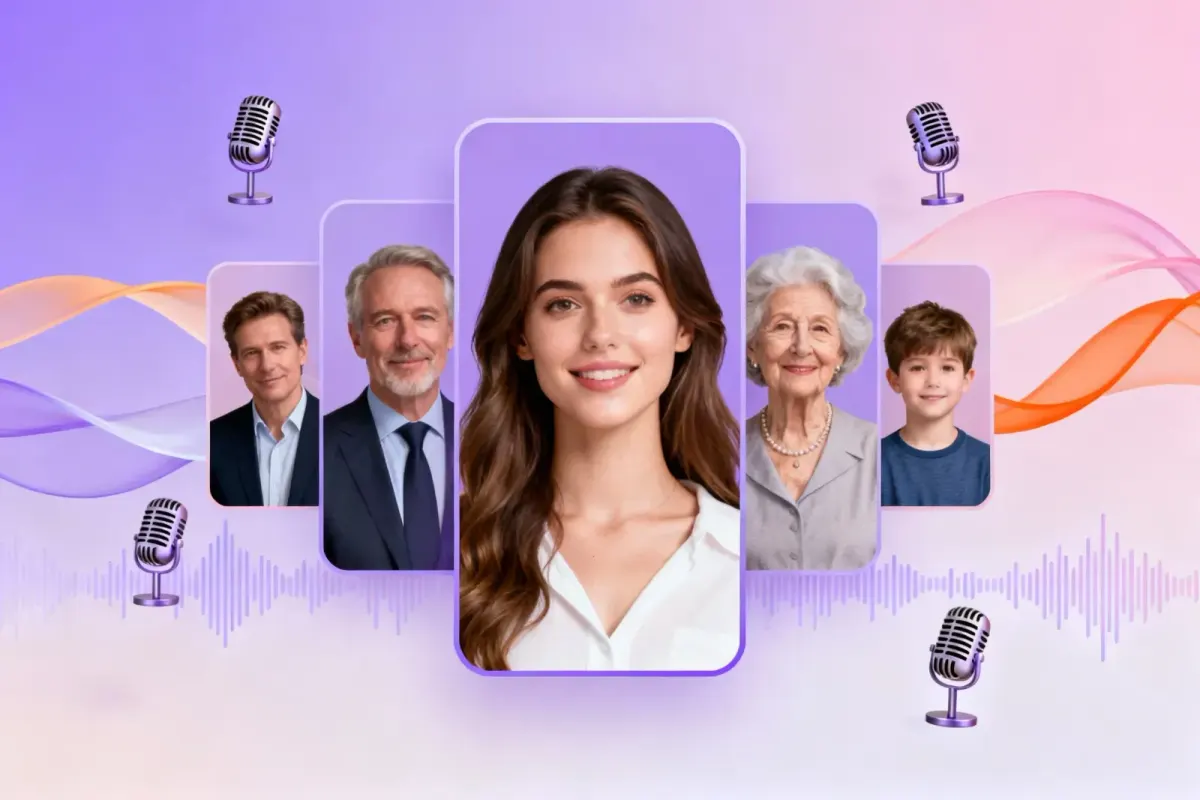

Demo performances. In the studio you cast from standard and premium voice lists.
English · Explainer
English · Creator
English · Creator
English · Character
English · Character
English · Narration
English · Narration
English · Narration
English · Narration
English · Narration
In depth
Multiple voices text to speech reads a conversation the way people hear one: each speaker has their own voice, so you never need "she said" to know who is talking. It suits anything built on back-and-forth, from a scene in a story to a two-person explainer, a script or a language lesson.
Most text-to-speech tools read everything in one voice, and the ones that do more usually make you mark every line by hand. FullCastBook takes the whole text, finds the speakers, gives each one a voice and returns a single audio file. You review the cast, adjust what you like and download.
Multi speaker text to speech only works if every line goes to the right person. Before any audio is made, FullCastBook reads the text and assigns each line to a speaker, using the names in front of lines, dialogue tags such as "asked Maya" and the turn-taking of the conversation. In prose, everything outside the quotation marks goes to the narrator.
You don't need special markup. A script with ALICE: and BOB: in front of each line is the easy case, and plain prose works too. Detection is a first pass, so skim any stretch where three people talk without tags and change a speaker that's wrong. It takes seconds, and the rest of the scene follows your cast.
If you have tried to build multiple voices text to speech yourself, you have met the limits of the APIs. As of October 2026, Google's Gemini TTS handles up to two speakers in a single request and suggests generating each turn separately for more, while ElevenLabs' Text to Dialogue has no speaker limit but recommends keeping each request to about 2,000 characters.
That is fine for a short exchange. A ten-minute scene with four people means splitting the text, generating it piece by piece and stitching the clips back together in the right order. FullCastBook does that bookkeeping for you: each line is voiced by its speaker's voice and the result comes back as one continuous file.
Dialogue text to speech lives or dies on contrast. Two voices of the same age and pitch blur together after a few lines, so choose voices that differ clearly: an older and a younger one, a low and a bright one, two different accents. If the scene has a narrator, keep that voice calmer than the characters.
Format matters less than you might think. A line of description between two quotes is read by the narrator, and stage directions in parentheses can stay as narration or be cut before you generate. Long speeches read best split into paragraphs, so the voice has natural places to breathe.
Real conversations are full of small noises, and conversation text to speech sounds flat without them. Add sound tags such as [laugh], [sigh] and [breathe] where they belong, and put a written direction in brackets before a line, like [whisper, like sharing a secret] or [annoyed, cutting in]. Pauses can be directed the same way: [after a long pause, quietly].
A few well-placed notes do more than many. Mark the turning points: the joke that lands, the moment someone gives in, the line that should be barely audible. If a delivery still misses, adjust the note and regenerate that one line. More on writing these notes is in AI voice emotion tags.
Writers use multiple voices text to speech to hear a scene before committing to a full audiobook. Teachers build listening exercises where each role sounds different, and creators turn a two-person explainer into something closer to a podcast.
When the text grows into a whole book, the same studio makes a multi-voice audiobook with chapters, a narrator and a cast that stays the same from book to book. For spoken stories and read-alouds, see AI voice for storytelling.
Trying multiple voices text to speech costs nothing up front: sign up and you get free credits with no card, enough to hear a scene in several voices. Credits are counted by the characters that get voiced, so a short dialogue costs little, and regenerating a line uses credits again. When you need more, compare the plans.
Export one MP3 of the whole conversation, or, for longer projects, an M4B with chapter markers or a ZIP with one MP3 per chapter. The files are yours. You can hear example performances on the home page, and when you're ready for a book, start in the AI audiobook generator, where you cast from the standard and premium voice lists.
Yes, and more than two. Multiple voices text to speech gives each speaker in your text their own voice and puts the lines in order in one file. The voices take turns, as in a real conversation, rather than talking over each other.
In multiple voices text to speech, every speaker the detection finds gets a place in the cast with a voice of their own. Listeners follow a scene most easily when each voice is clearly different, so give the main speakers your most distinct voices.
No. Names in front of lines help, but plain prose with dialogue tags works as well. You can change the speaker of any line before generating.
Yes. Add sound tags such as [laugh], [sigh] or [breathe], and write delivery notes in brackets, such as [after a long pause, quietly]. If a line still misses, tweak the note and regenerate just that line.
Yes. New accounts get free credits with no card, enough to hear a scene in several voices. Longer projects need a paid plan; see pricing.
You own the files you export, and commercial use follows our terms of service. If you voice someone else's text, make sure you have the rights to it.
Keep exploring
 GuideAI voice emotion tagsBracket notes and sound tags that work in long-form narration, which voices follow them, and when to stop.
 AudienceAI Table ReadA screenplay or stage play read by a cast: a voice per character, action read or skipped, files for notes.GuideGoogle AI Studio audiobookVoice a chapter with Gemini TTS in AI Studio: steps, Google's limits, and what a whole book takes.
 ToolMulti-Voice AudiobookGive the narrator and every speaking character a distinct AI voice, detected straight from your manuscript.
 AudienceAI Voice for StorytellingA narrator plus a voice for every character, for story channels, fiction podcasts, classrooms and game nights.
 GenreAI Audio Drama GeneratorTurn a story or a script into a performed drama: a voice per role, directions in brackets, one file per episode.
Paste a dialogue, cast the voices and download one MP3. Free to start.
