Jessica
English · Explainer
Paste the chat from your text story. FullCastBook works out which contact sends each message, gives every contact a different AI voice, and returns one audio track you can put under your chat animation.
Lewis Carroll
Alice's Adventures in Wonderland
Alice asks the grinning Cheshire Cat for directions — and gets none.
The Cat only grinned when it saw Alice. It looked good-natured, she thought; still it had very long claws and a great many teeth, so she felt it ought to be treated with respect.
Step-by-step guide
No card to sign up, nothing to install.
Hear an example
Generated from the script below with the studio's own voices and settings, one voice per speaker, joined the way an export joins lines. No edits afterwards.
Narrator · Unknown Number · Emma · Voices: Gemini 3.8 Flash TTS
Text Message Story Voice Over
What you get, from manuscript to finished audiobook.
Script template
Replace the text in brackets with your own, paste it into the studio, and every speaker gets a voice.
One message per line, the contact's name in capitals and a colon before it. Lines without a name go to the narrator. Replace the brackets with your story.
NARRATOR: [TIME OF NIGHT]. [CONTACT A] gets a message from [CONTACT B].
[CONTACT B]: [The hook: one short message that raises a question.]
[CONTACT A]: (confused) [Reply that asks what the reader is thinking.]
[CONTACT B]: [Raise the stakes. Keep it under two sentences.]
[CONTACT A]: [Push back, or ask for proof.]
[CONTACT B]: [Detail that makes it worse.]
NARRATOR: [CONTACT A] starts typing. Stops. Starts again.
[CONTACT A]: (whispers) [The message they finally send.]
[CONTACT C]: [A third contact joins, for example a friend or a parent.]
[CONTACT A]: [Reaction to the new contact.]
[CONTACT B]: [sigh] [The reveal.]
[CONTACT A]: [laugh] [The reaction to the reveal.]
NARRATOR: [One line on what happens next, or a cliffhanger.]
[CONTACT B]: [The final message, the one viewers will comment on.]
NARRATOR: Read at [TIME]. No reply.
Keep each message short, one to two sentences, as on a real phone. Spell out slang and swap emoji for tags like [laugh] so every line is heard the way you mean it.
Use cases
Where authors and storytellers put it to work.

In practice



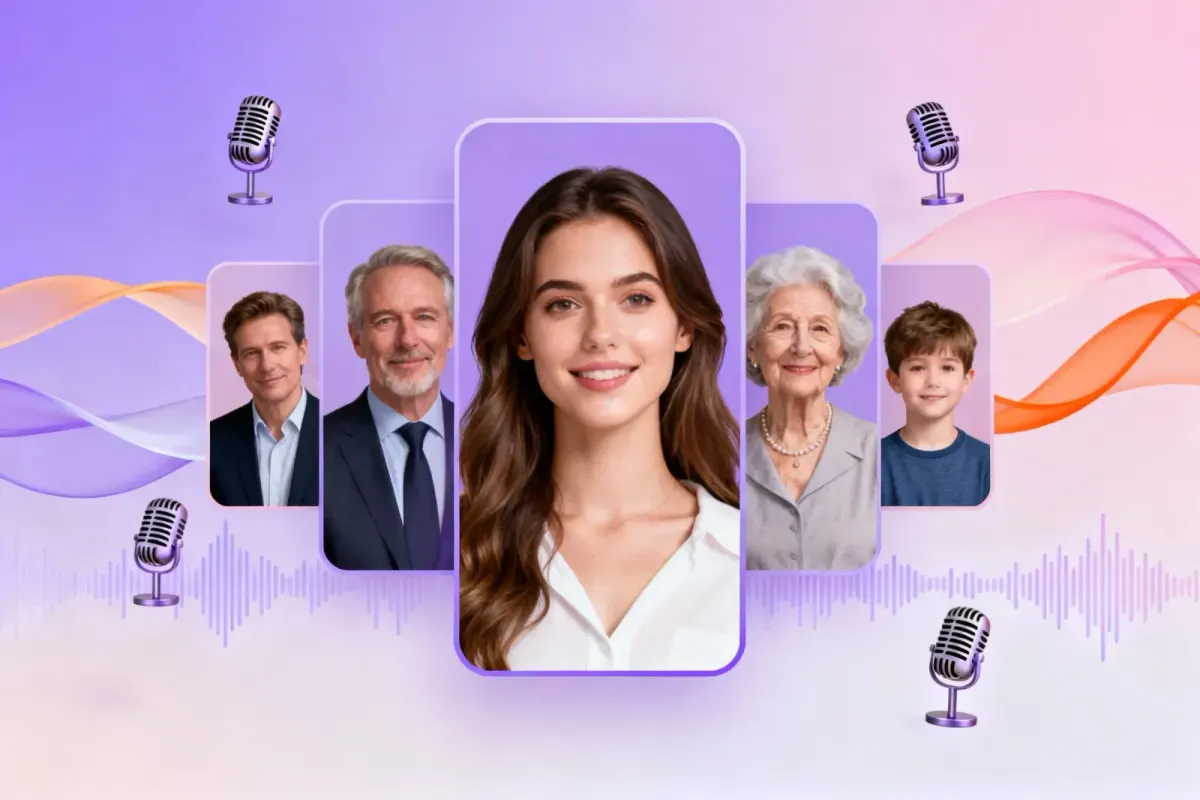
Demo performances. In the studio you cast from standard and premium voice lists.
English · Explainer
English · Creator
English · Creator
English · Character
English · Narration
English · Narration
English · Narration
English · Narration
English · Narration
English · Narration
In depth
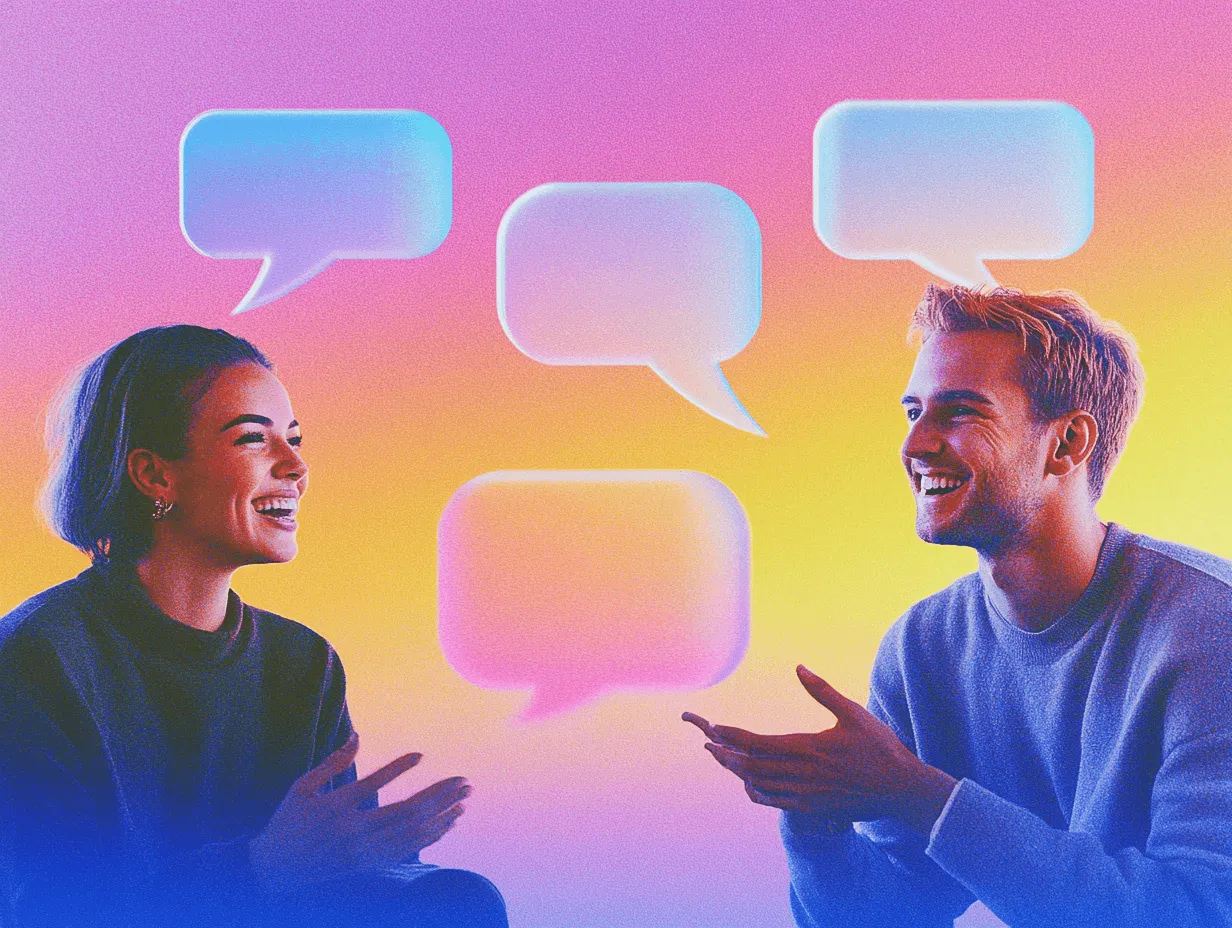
A text message story voice over reads a chat story out loud with a separate voice for each contact. It is the audio behind the scrolling-chat videos on TikTok, Shorts and Reels: the wrong-number thriller, the group chat that goes off the rails, the breakup told entirely in blue and grey bubbles. Viewers can read along, but the voices are what keep them watching.
Doing it by hand means recording every contact yourself or generating each message in a single-voice tool and stitching the clips together. FullCastBook takes the whole conversation at once. It reads the names in front of the messages, gives every contact a voice, sends any line without a name to a narrator and returns one continuous audio track. It works the same way as our multiple voices text to speech tool, tuned here for chats.
The easiest format is a script: one message per line, with the contact's name and a colon before it. "MOM: Call me." "JAKE: Can't, in class." Keep the names short and keep them the same throughout. If one contact appears as "Mom", "mum" and "Mother", the detection may treat them as three people, so pick one spelling and stick to it.
Chat apps add things a listener doesn't need. Remove the delivery receipts, time stamps on every bubble, reactions and "typing..." indicators, or turn the important ones into a narrator line such as "Read at 2:14 AM. No reply." A narrator line here and there sets the scene without slowing the story down.
Group chats need one extra step. Give each member a clear name rather than a nickname that changes mid-story, and if someone is added halfway through, introduce them with a narrator line such as "Dad has joined the chat." Before you generate, skim the speaker list in the studio: every contact should appear once, and any message that landed on the wrong person can be moved in a click.
Text stories are full of shorthand, and a voice will read what is written. "omg" may come out as letters, "brb" as a strange word, and a row of skull emoji as nothing at all or something odd. Spell out what you want heard: "oh my god", "be right back", or replace the emoji with a tag like [laugh] or a word like "dead".
Numbers and times behave better written as words when the delivery matters: "two in the morning" sounds like a person, "2:00" can sound like a clock. Usernames with underscores and digits are hard to say, so give each contact a speakable name. For names the voices keep getting wrong, the pronunciation guide shows how to spell them phonetically.
In a chat video the viewer sees the bubbles, but most people half-listen while the screen scrolls. Contrast does the work: an older, firmer voice for a parent, a bright young voice for a teenager, a slow, breathy one for the mysterious stranger. Two contacts of the same age and energy blur together within a few messages.
Text has no tone, so the reading needs a note where tone matters. A bracket before the message, like [deadpan] or [suddenly scared], tells the voice how to say it, and tags such as [sigh] or [laugh] add the reactions people type as "lol" or "ugh". Mark the turns that matter, such as the reveal and the last message, rather than every line. Our guide to AI voice emotion tags has more examples.
FullCastBook makes the audio, not the video. It doesn't animate chat bubbles, add captions or sync anything to the screen. Most creators build the chat animation in a text story app or their video editor, then drop the MP3 underneath and nudge each bubble to appear as its message is spoken. Leave a short pause between messages in the script, with a narrator beat or a new paragraph, and that alignment gets easier.
There are no per-message files either: the export is one MP3 for the whole story. If you need the parts separately, for example a story told in three episodes, put each part in its own chapter and download a ZIP with one MP3 per chapter, or cut the single file in any audio editor.
Signing up is free and needs no card; generating the voices and exporting use credits, counted by the characters voiced. A short chat story uses few, and regenerating a message uses credits again. See pricing for the plans.
You own the audio you export, and use follows our terms of service. Write your own stories, or get permission for someone else's, and check each platform's rules on AI-generated audio before you post. If your chat story is really a Reddit post, see Reddit story voice over for narrating posts with a voice for each person quoted.
Tips
FAQ
Something not covered here? Email us at support@fullcastbook.com
Paste the chat with each contact's name before their message, and FullCastBook gives every contact a different AI voice and puts the messages in order in one MP3. You can change any contact's voice before you generate.
There isn't one standard voice; most text story videos use a different voice for each contact. Pick voices that contrast in age and energy, such as a firm parent and a bright teenager, so viewers can tell them apart by ear.
No. FullCastBook makes the audio only, with no chat animation, captions or video. Build the chat in your text story app or video editor and put the MP3 underneath.
Not per message. You get one MP3 of the whole story, or one MP3 per chapter if you split the story into chapters and export a ZIP. For single messages, cut the file in an audio editor.
Put a short note in brackets before the message, like [sarcastic] or [whispers, scared], and add tags such as [sigh] or [laugh] where they fit. If a message still sounds wrong, change the note and regenerate just that message.
It reads what is written, so shorthand can come out as letters and emoji may be skipped. Spell out what you want heard, like "oh my god", or swap an emoji for a tag like [laugh].
Signing up is free with no card, and you can hear voice samples before you choose. Generating and exporting audio use credits; see pricing for the plans.
Keep exploring
 ToolMulti-Voice Text to SpeechPaste a dialogue, a script or a scene and hear every speaker in a different AI voice, then download one MP3.
 AudienceReddit Story Voice OverNarrate a Reddit post in the poster's voice and give everyone they quote a voice of their own, in one MP3.
 GuideAI voice emotion tagsBracket notes and sound tags that work in long-form narration, which voices follow them, and when to stop.
 GuideMake an audiobook on YouTubeRights, the AI use setting, timestamps and monetization: what gets YouTube audiobooks removed, then the build.ToolAI Voice Actors for ScriptsCast a radio play, short film or skit with AI voice actors: a voice per character, directed lines, one MP3.
 ToolMulti-Character Voice OverCast a whole script with AI voices: a narrator plus a distinct voice for every character, exported as MP3 for your video or episode.
Paste your chat story, pick a voice per contact and download one MP3 for your video. Free to sign up; pay with credits when you create.