Cordelia
English · Narration
For fiction writers on Substack · Checked October 2026
Substack's built-in read-aloud uses one voice. Give each installment of your serial a narrator and a voice for every character, export an MP3, and post it as the audio for that chapter.
my-doc.txt
Substack
Reading your file…

Lewis Carroll
Alice's Adventures in Wonderland
Alice asks the grinning Cheshire Cat for directions — and gets none.
The Cat only grinned when it saw Alice. It looked good-natured, she thought; still it had very long claws and a great many teeth, so she felt it ought to be treated with respect.
Step-by-step guide
From this week's installment to a voiceover your readers can play.
Substack Text to Speech
A cast, direction and files that stay consistent across a serial.
Checked October 2026
Substack's read-aloud is automatic and free for readers. Here's where a produced episode differs.
| FullCastBook | Substack text to speech | |
|---|---|---|
| Needs no extra work | No | Yes |
| Where listeners hear it | Web post, email player and app, as a voiceover | Substack app |
| Post languages | Many; English works best | English posts |
| Available on every publication | Yes | Most, not all |
| A different voice per character | Yes | One read-aloud voice, chosen in settings |
| Direction notes and sound tags | Yes | Not listed |
Substack features from its Help Center, read in October 2026. A voiceover in a post overrides Substack's text to speech.
Sources: Substack: How do I listen to a Substack post? · Substack: How do I add a voiceover to my Substack post? · Substack: How do I create and publish a podcast on Substack?
Demo performances. In the studio you cast from the standard and premium voice lists.
English · Narration
English · Narration
English · Character
English · Narration
English · Narration
In depth
Substack text to speech already exists, for readers. In the Substack app, a reader taps the play icon at the top of a post and hears it read aloud. According to Substack's Help Center (October 2026), it's available on most but not all publications, only in the app, and only for posts written in English. Writers whose publication has it can pick the read-aloud voice under Settings, in the Basics section.
For essays and news, that's often enough. Fiction is different. A serial lives on its dialogue, and one voice reading every character, in an app some of your readers don't use, is a long way from an audio episode. Getting a serial from Substack to audio with a real cast is what this page is about.
A produced episode is something you make once and attach to the post: a narrator for the prose, a distinct voice for each character, and delivery you've directed. Substack treats it as a voiceover, and a voiceover in a post overrides the automatic text to speech, so readers hear your version. It also plays where the built-in voice doesn't: on the web post, from a player in the email, and in the app.
The trade-off is effort and cost: someone has to make the file. With FullCastBook that's a few minutes per installment once the cast is set, plus credits for the characters voiced. To compare, the examples on the home page show what a cast sounds like.
For Substack text to speech that sounds like a show, set up one project for the serial and make each installment a chapter. Paste the chapter, check who says what, generate, and export that chapter alone as an MP3 from its chapter view. For example, an installment containing "Did you lock the shop?" Wren asked. "Twice," said Jonah. [sigh] "And then I went back to check." becomes Wren in one voice, Jonah in another, and the narrator on the tags in between.
Serialized fiction audio works best when every installment sounds like part of the same show: the same narrator, the same pacing, the same voices for the regulars. For writers whose serial also runs on Royal Road or Patreon, web novel to audiobook covers the same rhythm; for Wattpad stories, see Wattpad to audiobook.
Because each installment is a chapter in the same project, the cast list carries forward. A character introduced in part 3 keeps the voice you gave them in part 30. Spell names the same way every time, since detection keys on names, and give a newcomer their own voice the week they first speak. When a season ends and you start the next one, you can create a new project that copies the cast from the old one.
To attach the audio to the installment itself, Substack's Help Center describes a voiceover: create an article, select the headphones icon in the editor toolbar, turn on the toggle next to "This is my narration of the post", and upload your audio file. Select Insert and the voiceover appears at the top of the post. Each post can have one voiceover, and its position can't be moved.
If your publication runs a podcast, you can instead publish the installment as an episode: Substack supports MP3, WAV and AAC uploads, and every episode gets an AI-generated transcript. Since you already have the text, you can upload your own .txt transcript in its place. Either way, the MP3 exported from FullCastBook is a 192 kbps file that's ready to upload as it is.
Substack fiction audio makes a natural reward for paying readers. Substack describes two ways to do it. Keep the text free and paywall only the voiceover: add a paywall at the end of the post, set the post to Paid subscribers only and keep the free preview selected, and free subscribers get the text while the voiceover plays for paying ones. Or, for a podcast episode, upload a separate free preview file for free listeners.
Another option is to make the produced audio the paid tier and leave Substack's automatic text to speech, where your publication has it, for everyone else. Whichever you choose, say what paid subscribers get in your welcome email and about page so the perk is visible.
Voice fiction you wrote or have the rights to. If you co-write or adapt someone else's work, get their agreement before you publish audio of it. The files you export are yours to use under our terms, including in a paid publication.
On disclosure: the Substack Help Center pages we read in October 2026 don't set a rule specific to AI narration. They do let you add a "How I make this" statement in your publication's settings, and the voiceover toggle is worded "This is my narration of the post". The honest, simple choice is a one-line note at the top of each post, such as "Audio narrated with AI voices." Free credits on sign-up cover a sample installment; regular episodes need a plan, see pricing. For short pieces rather than a serial, see text to audiobook or AI voice for storytelling.
Yes, for readers in the Substack app: tapping the play icon on a post reads it aloud. According to Substack's Help Center (October 2026), it's available on most but not all publications and only for posts written in English.
Yes. Upload an audio file as the post's voiceover, which appears at the top of the post, or publish it as a podcast episode if your publication has a podcast. A voiceover overrides Substack's automatic text to speech.
Not with Substack's built-in read-aloud, which uses the voice set for the publication. With FullCastBook, every speaking character gets a distinct voice and the narrator reads the rest; you then upload the finished MP3.
An MP3 of that installment, exported from its chapter view in FullCastBook. Substack's podcast uploads accept MP3, WAV and AAC, and MP3 keeps the file small.
The Substack Help Center pages we read in October 2026 don't set a rule specific to AI narration, but readers appreciate knowing. Add a one-line note to the post, and consider a "How I make this" statement in your publication settings.
Yes. Substack lets you keep the text free and paywall the voiceover, so free subscribers get a preview and paying subscribers get the audio. Podcast episodes can also have a separate free preview.
Keep exploring
 AudienceWeb Novel to AudiobookVoice your serial chapter by chapter, with the same full cast from chapter one to the latest release.
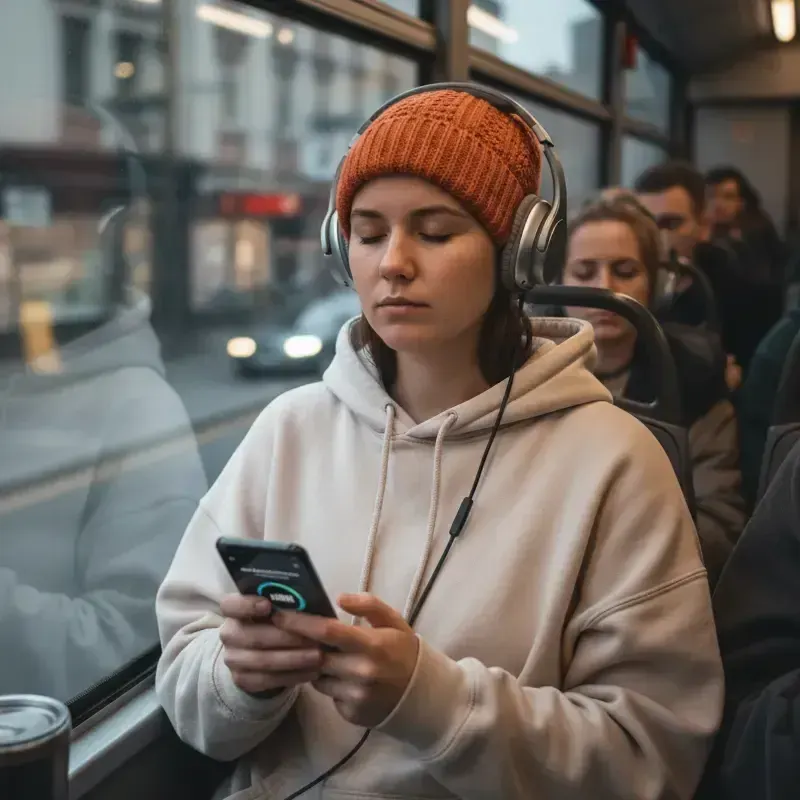 AudienceWattpad to AudiobookTurn your Wattpad story into full-cast audio, part by part, and share it with your readers.
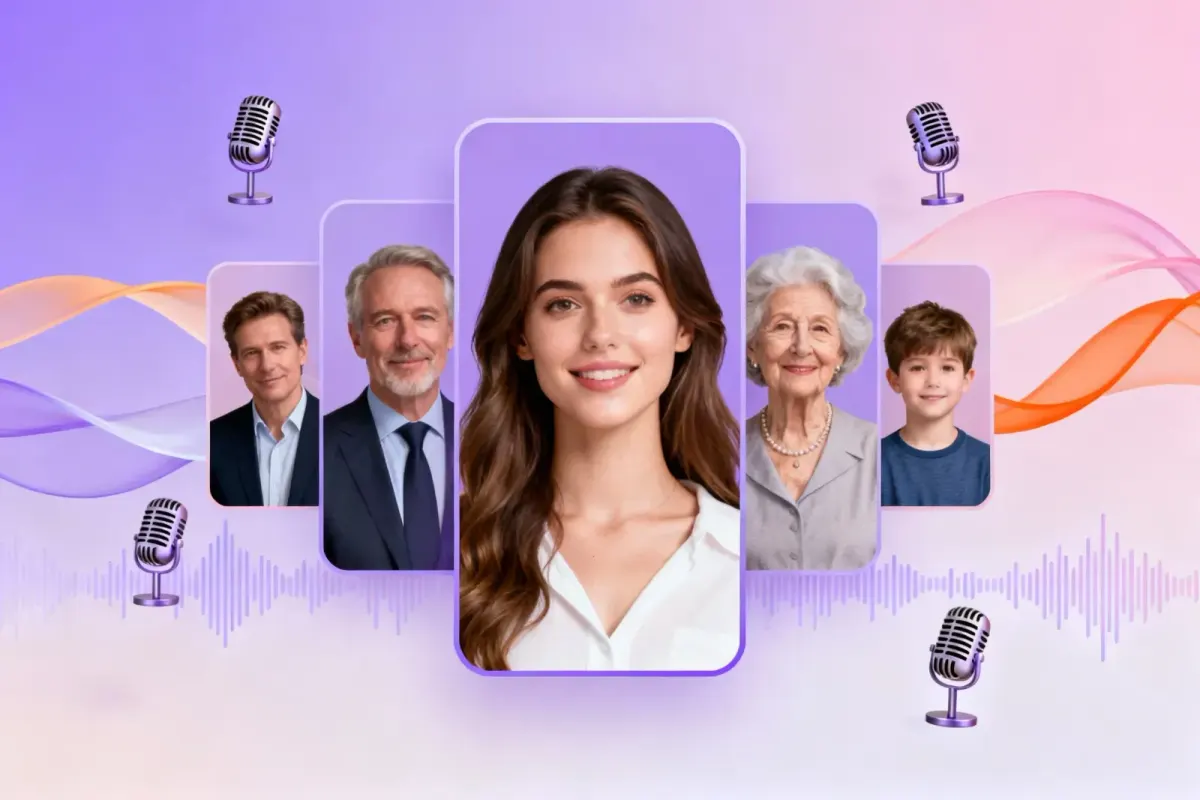 ToolText to AudiobookPaste a story or upload a TXT file: narration and dialogue are split, every character gets a voice, MP3 or M4B out.
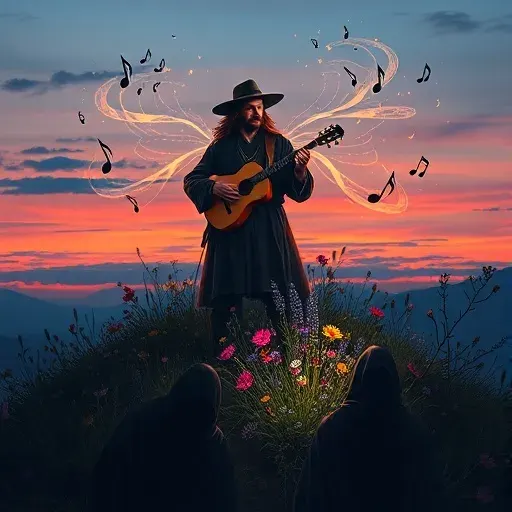 AudienceAI Voice for StorytellingA narrator plus a voice for every character, for story channels, fiction podcasts, classrooms and game nights.
Paste an installment, cast your characters and export an MP3 for your next Substack post. Free to start.
